Four steps, every time
Choose how, choose who, check the details, get a receipt. Bank, Raast and CNIC transfers all follow the same rhythm.
 Sarim Naeem
Every way of sending money in the flagship follows the same four steps: choose how, choose who, check the details and get a receipt you can share.
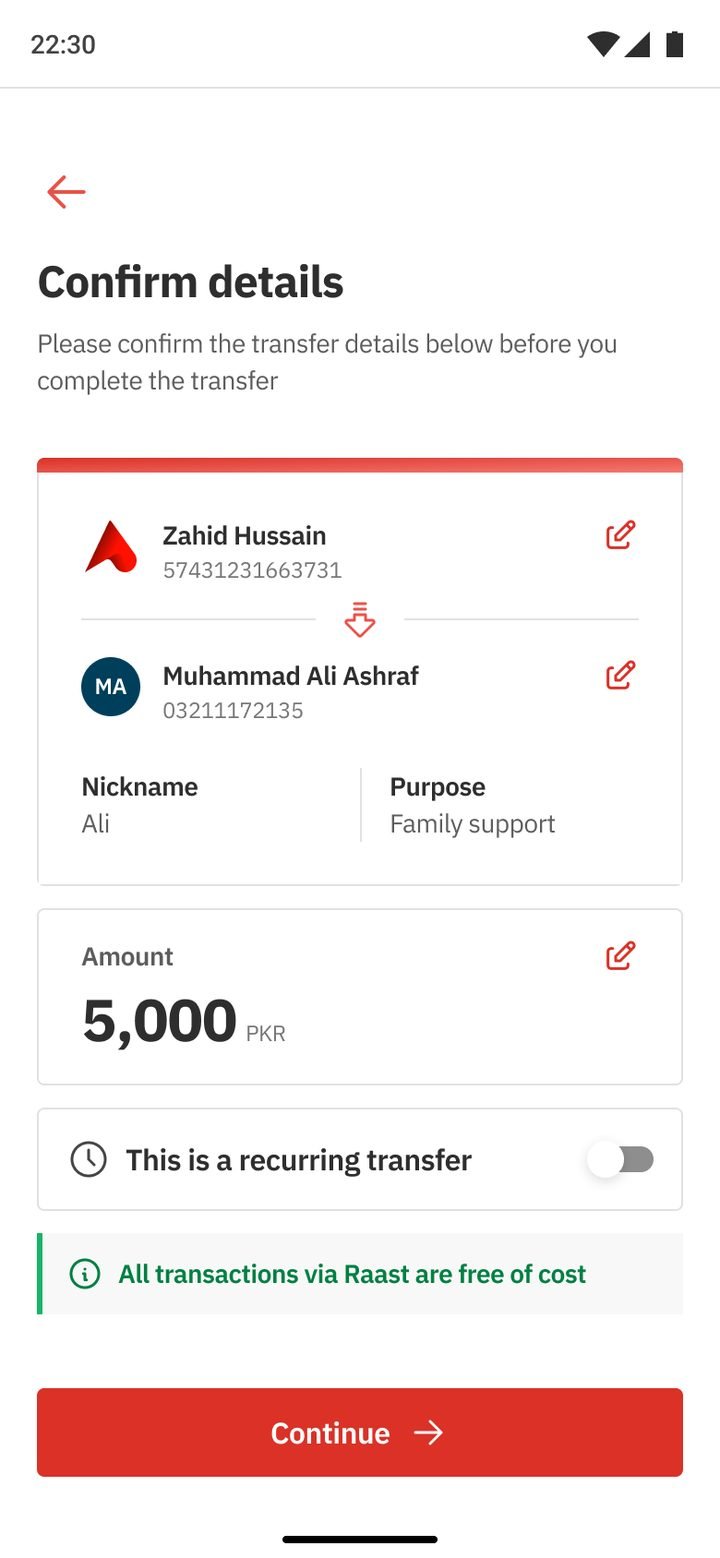
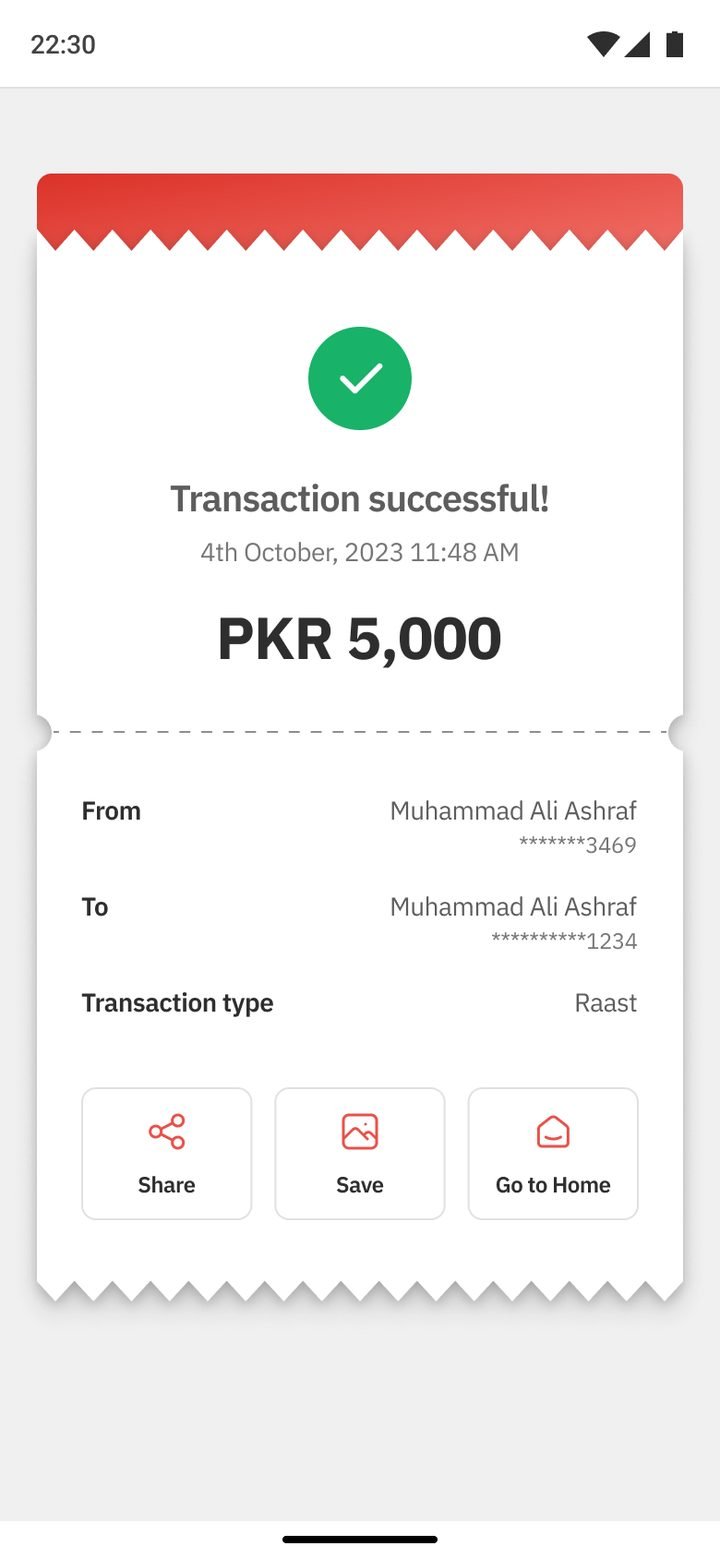
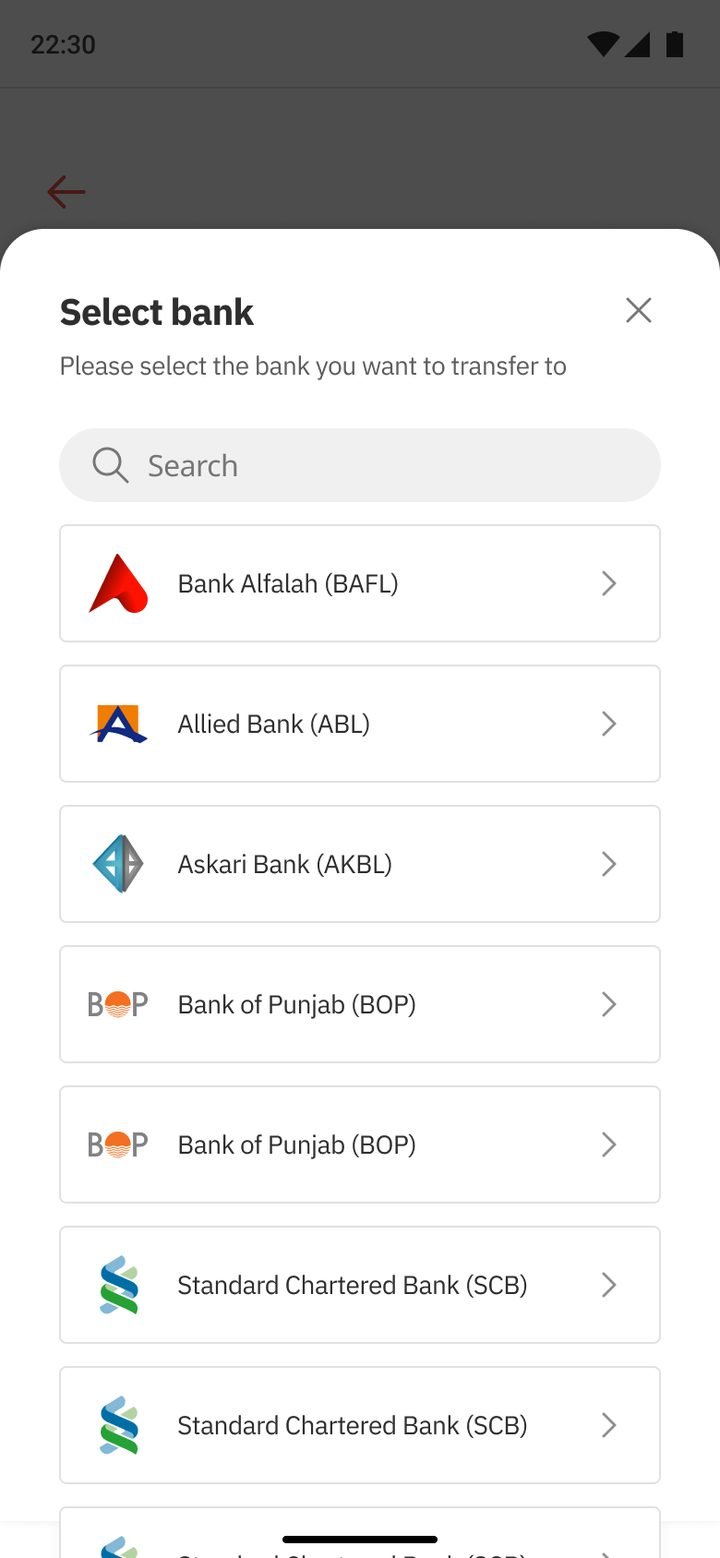
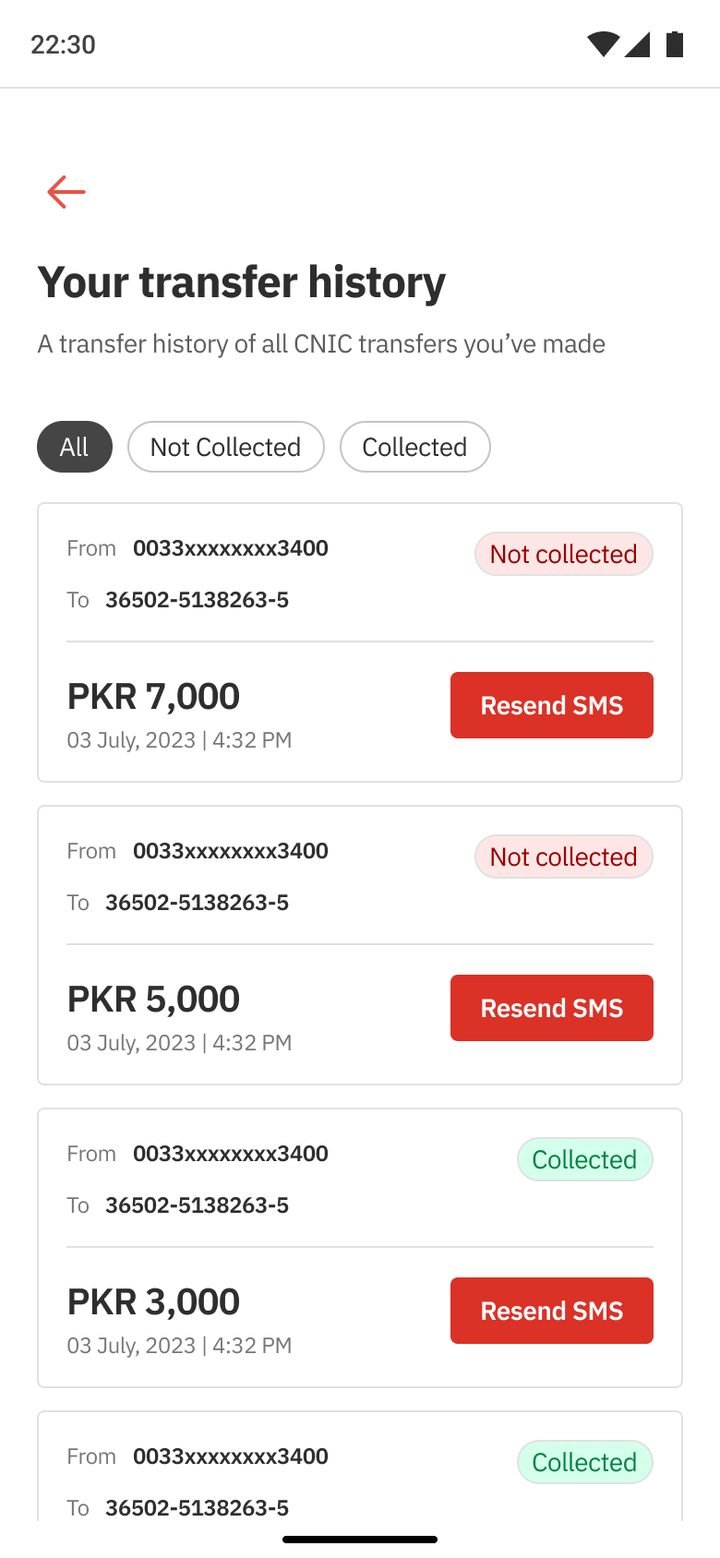
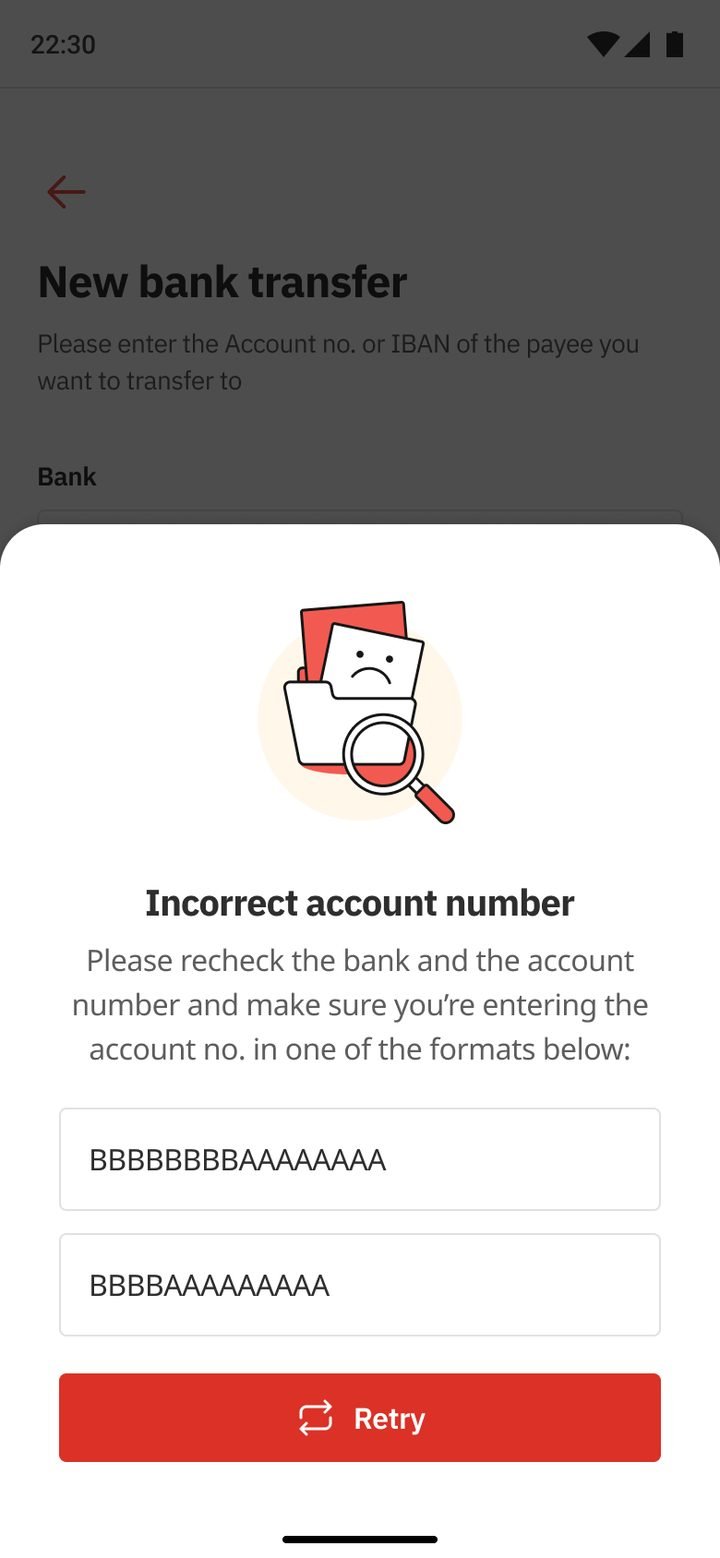
Customers don’t think in rails. They think “send money to Ali”. But a Pakistani bank has to support many ways to send: Bank Alfalah accounts, other banks and wallets, Raast (by Raast ID, IBAN or account number), CNIC transfers and QR. Each one had grown its own screens and quirks.
The goal for the flagship was simple to say and hard to do: one pattern that works for every rail, so learning to send once means knowing how to send everywhere.
Choose how, choose who, check the details, get a receipt. Bank, Raast and CNIC transfers all follow the same rhythm.
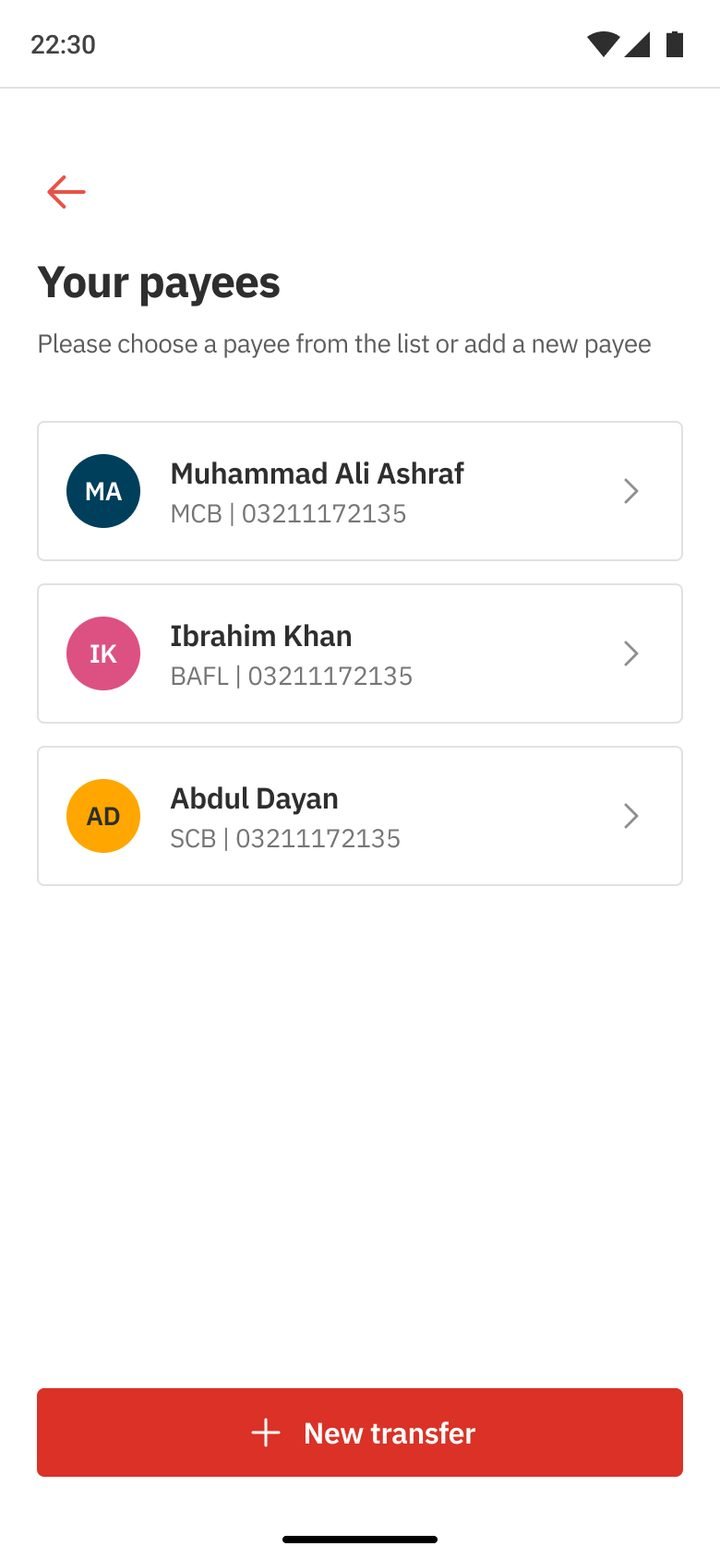
Saved payees show a name, bank and number, with search at the top. Sending to someone you’ve paid before takes a couple of taps.
Raast accepts a Raast ID, IBAN or account number. They’re tabs on one form, not three different flows.
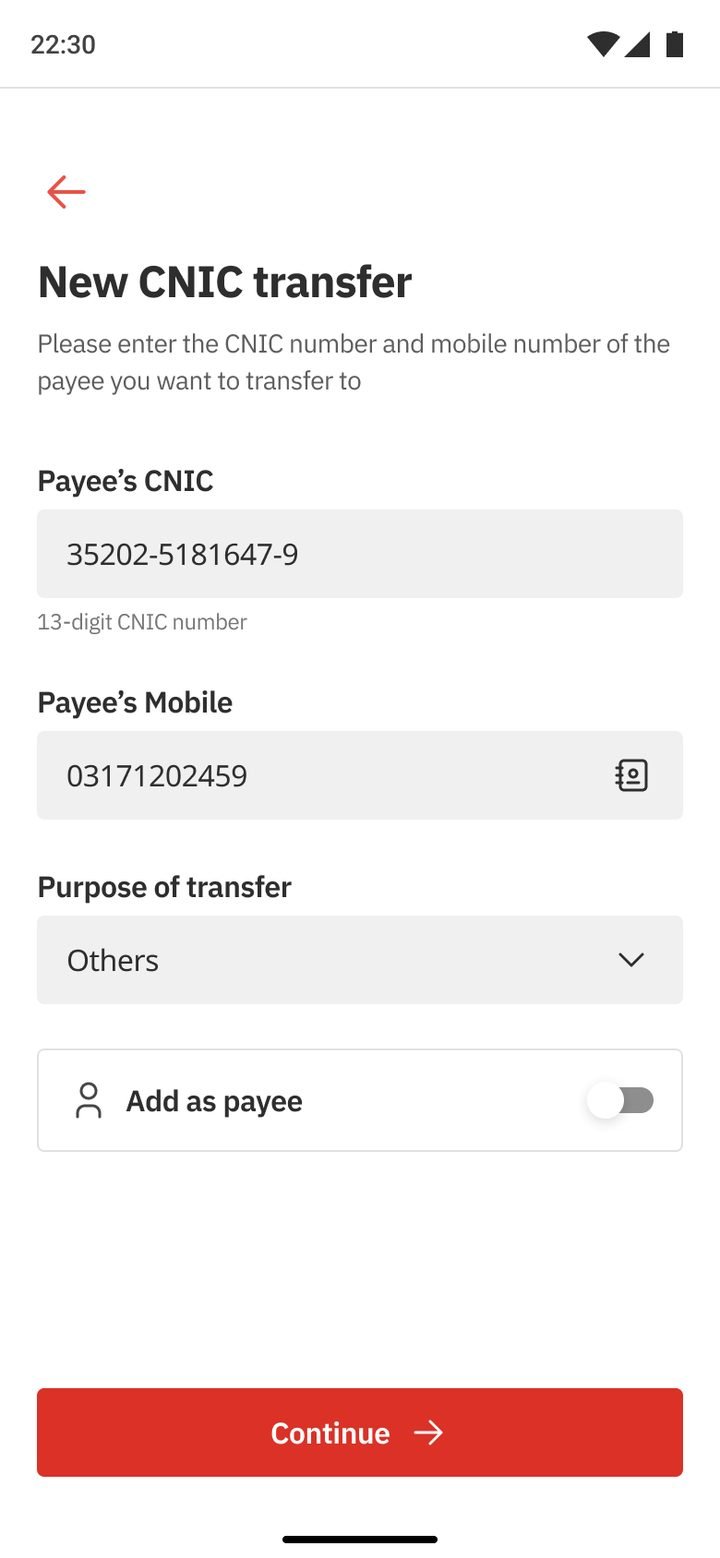
An “Add as payee” toggle with an optional nickname replaced a separate payee-management detour.
The amount screen shows the sending account, its balance and your transfer limit, so problems surface before you hit Continue.
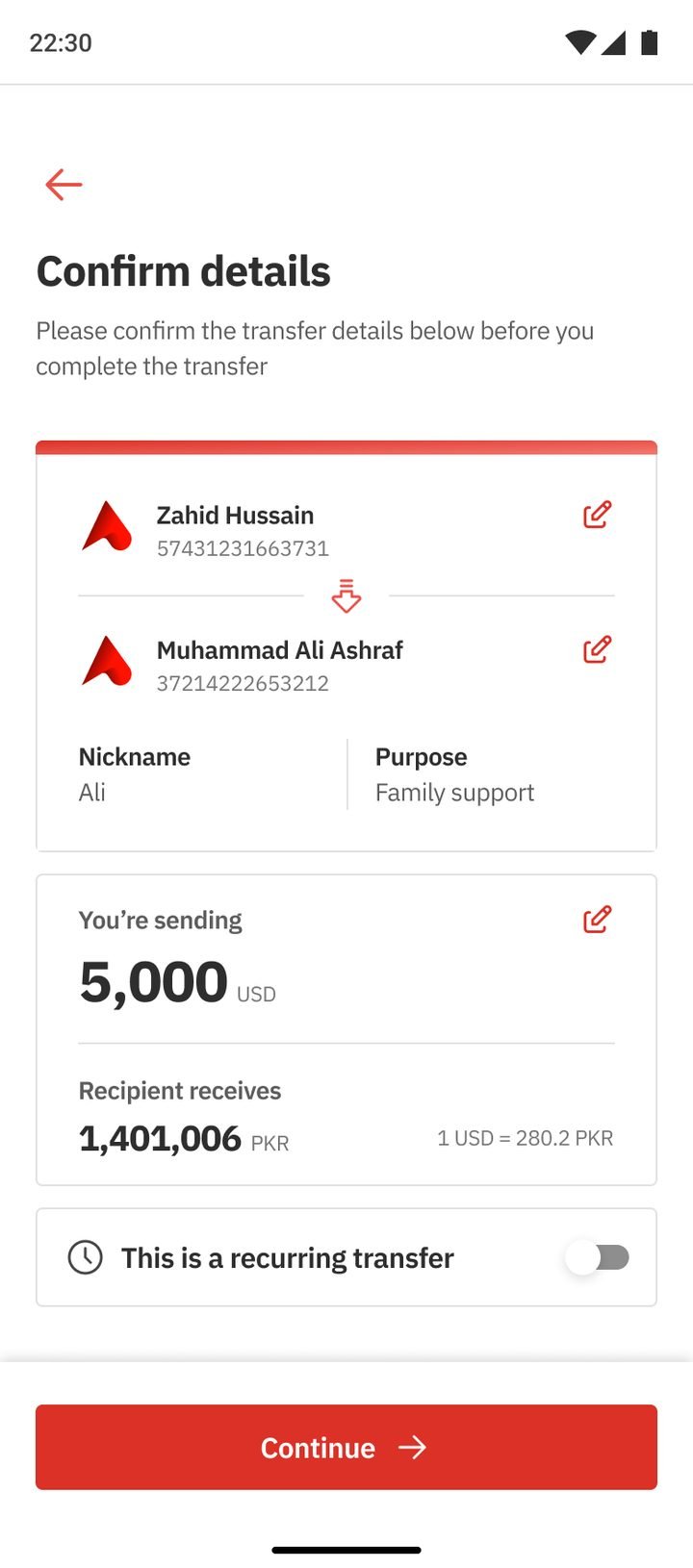
The confirm screen lets you edit any row, set the transfer to repeat (weekly to yearly), and tells you when a Raast transfer is free.
Drag or scroll sideways, and tap any screen to see it larger.
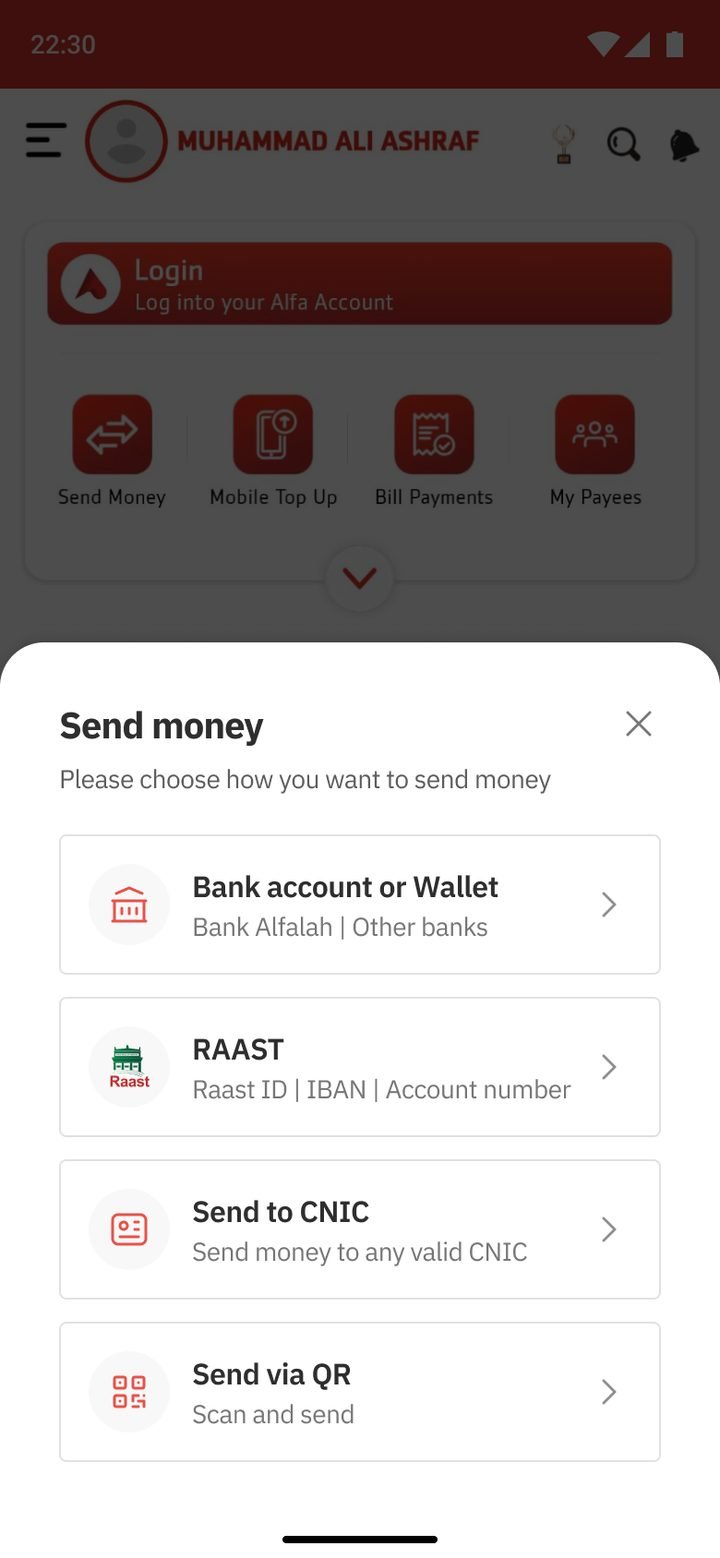
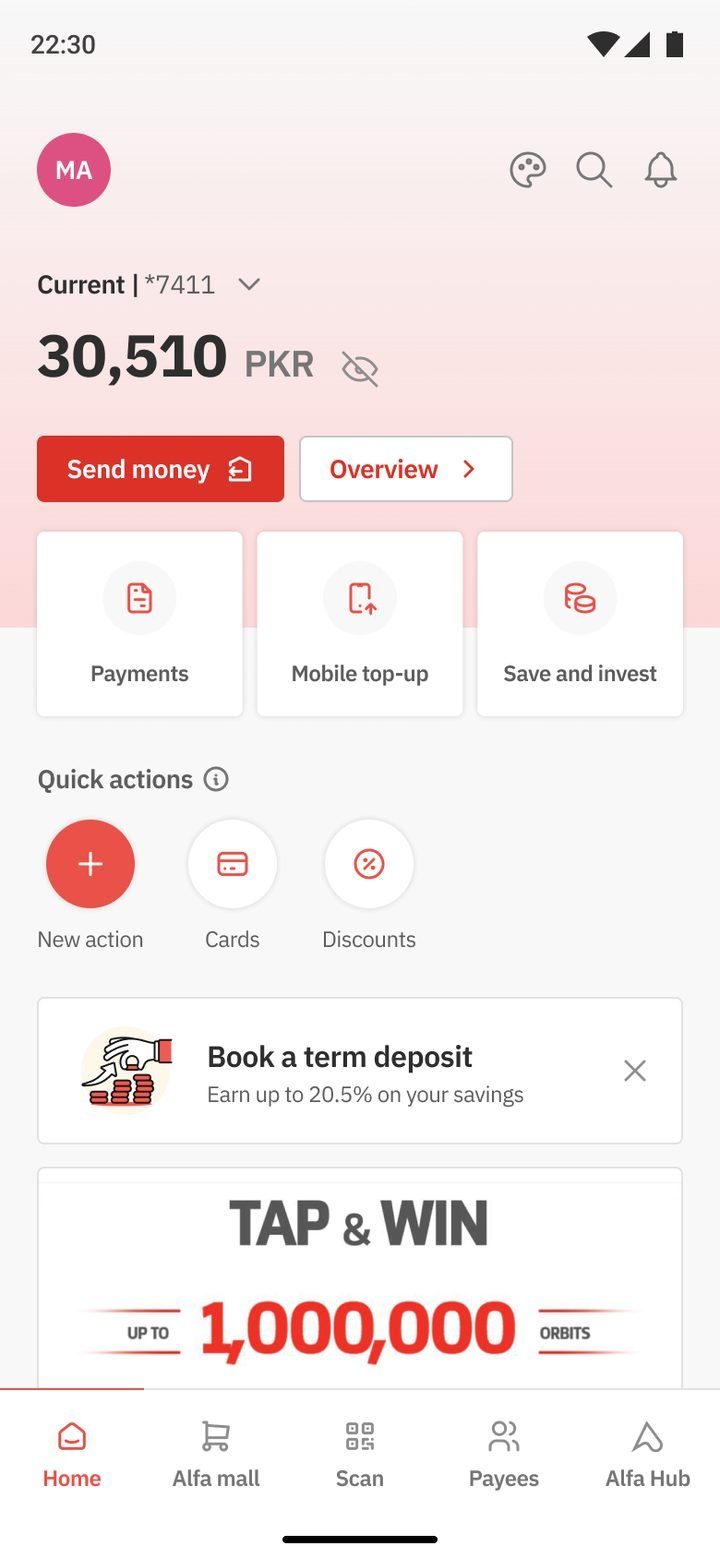
Bank, Raast, CNIC or QR.
Or start a new transfer.
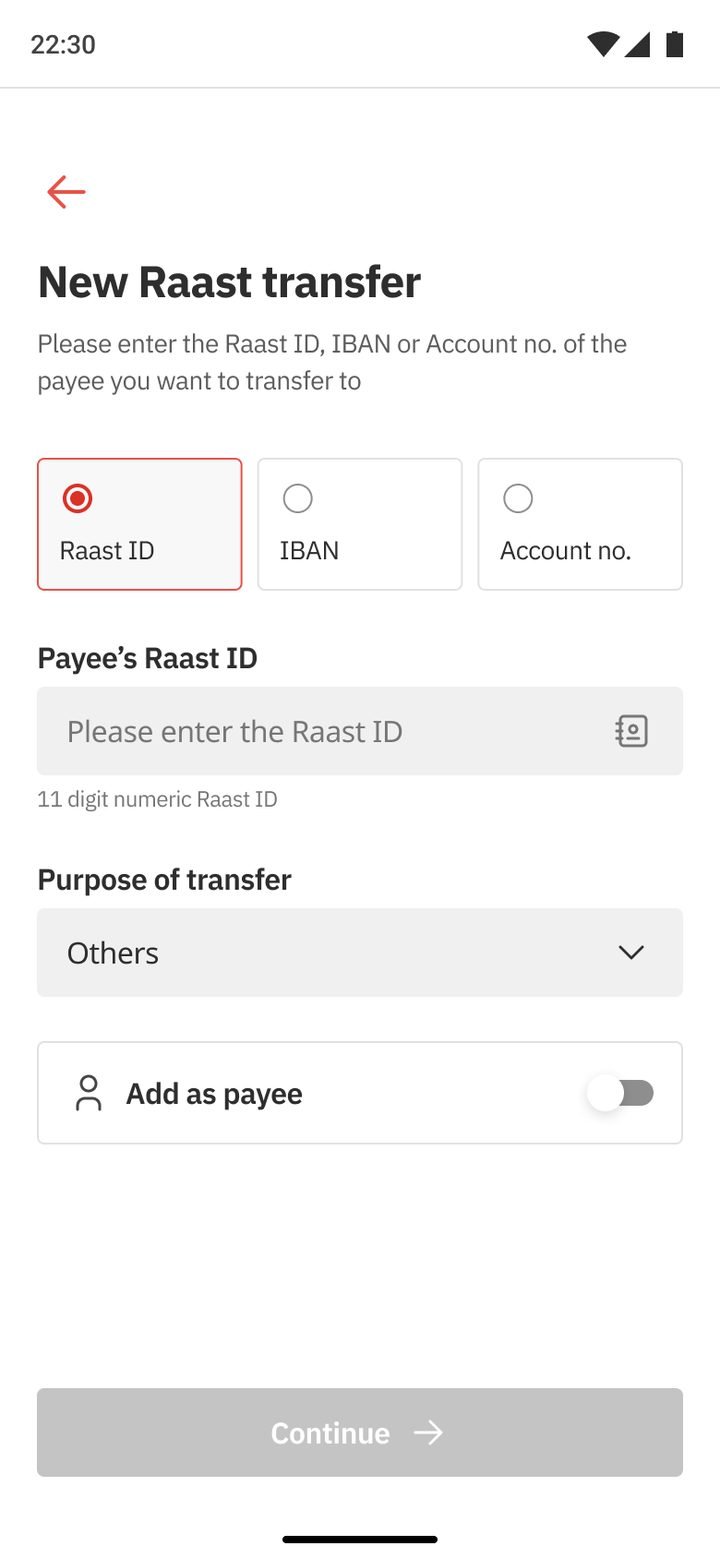
ID, IBAN or account no.
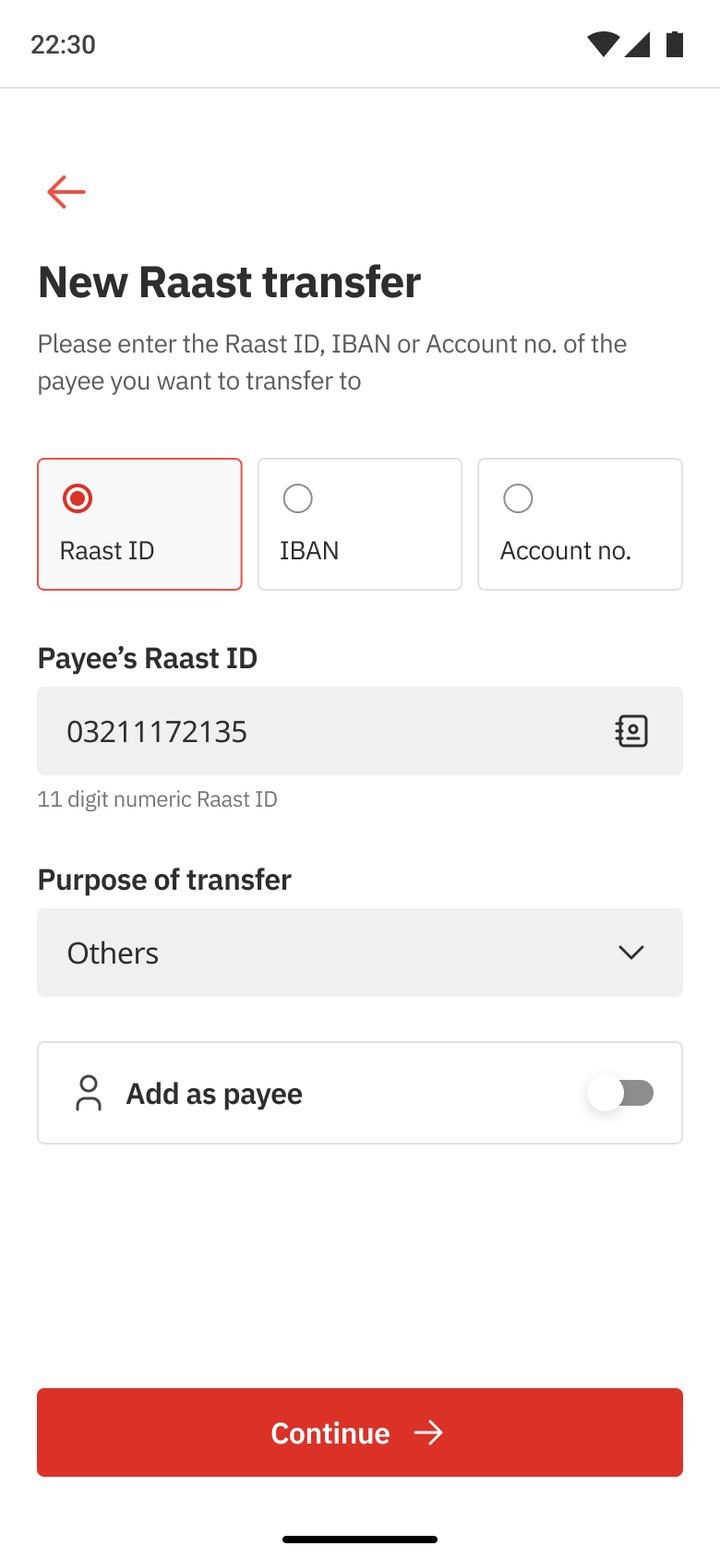
Purpose of transfer.
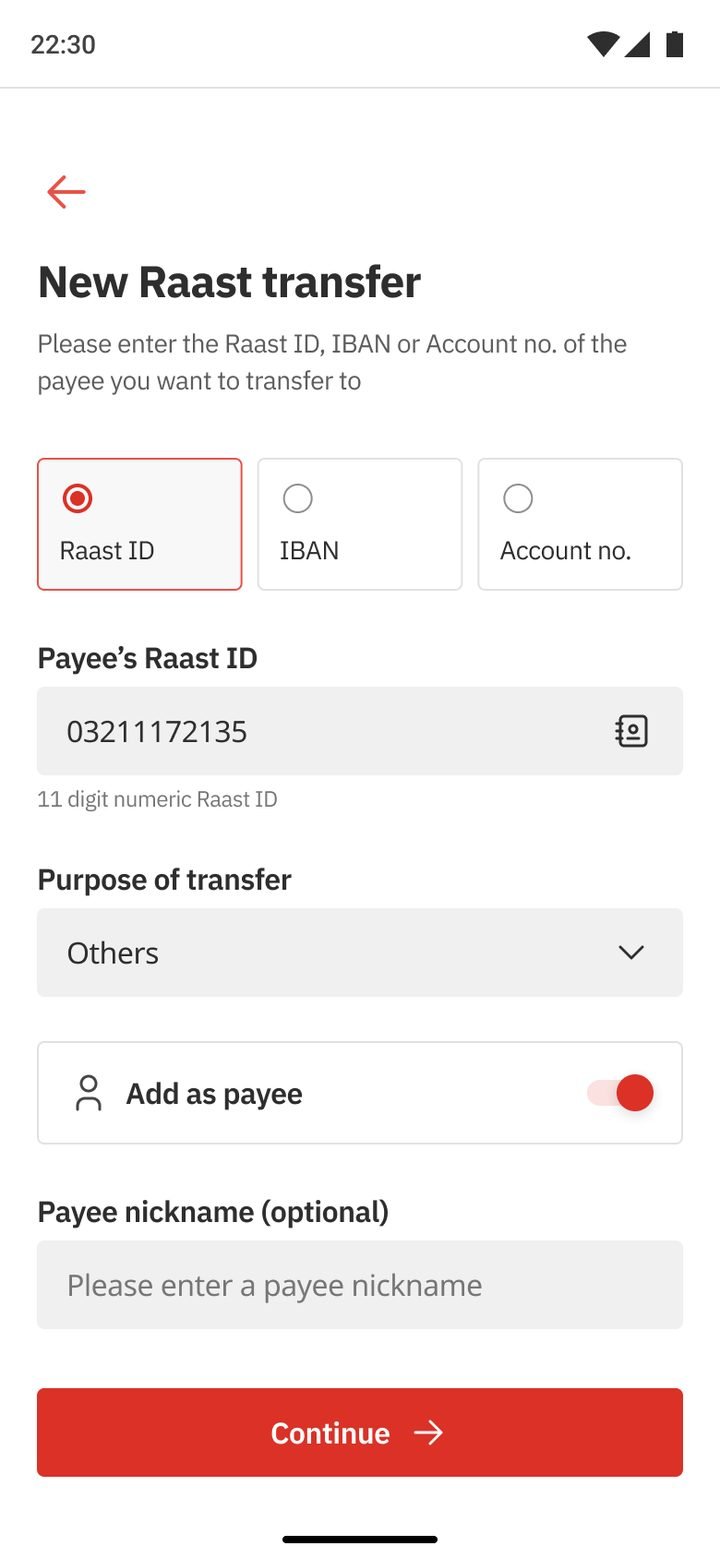
Optional nickname.
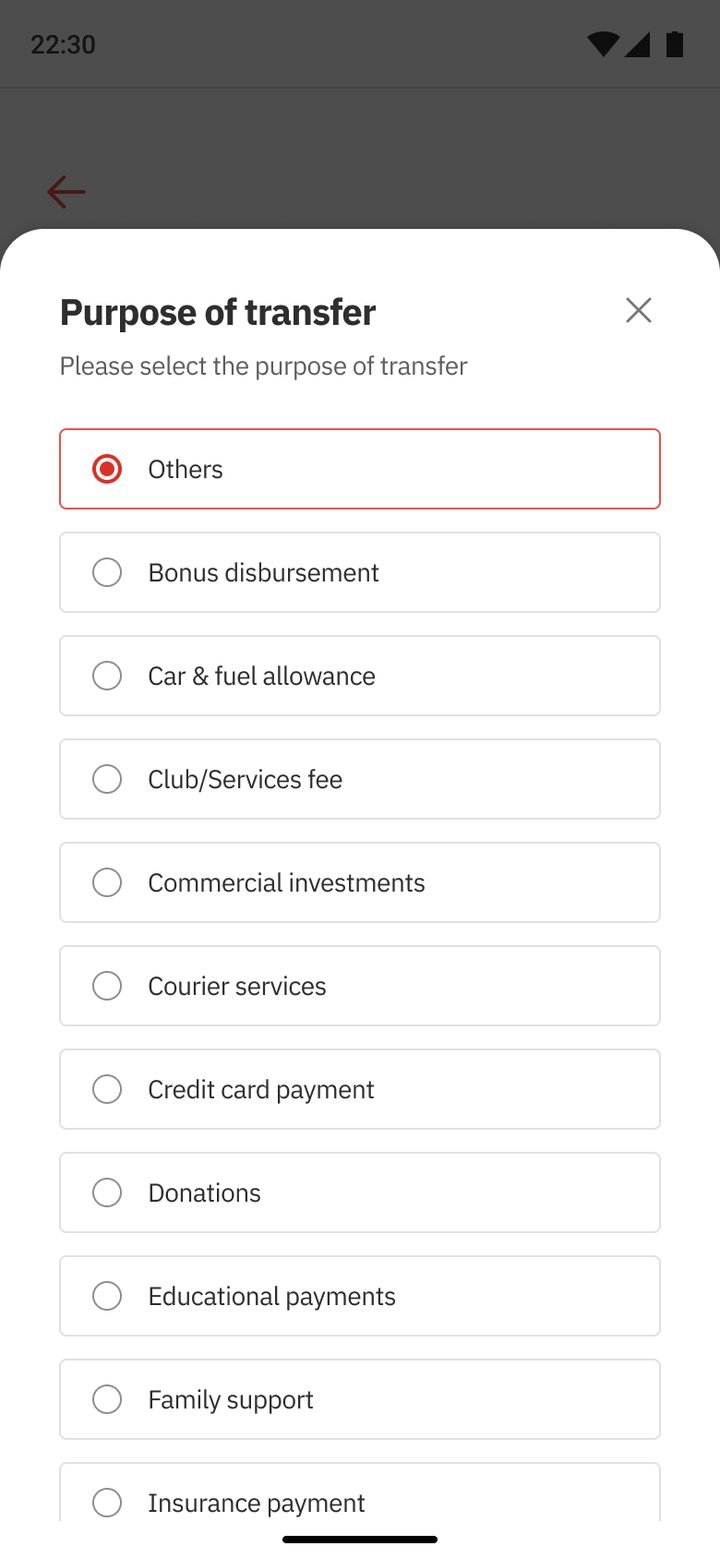
A required, simple list.
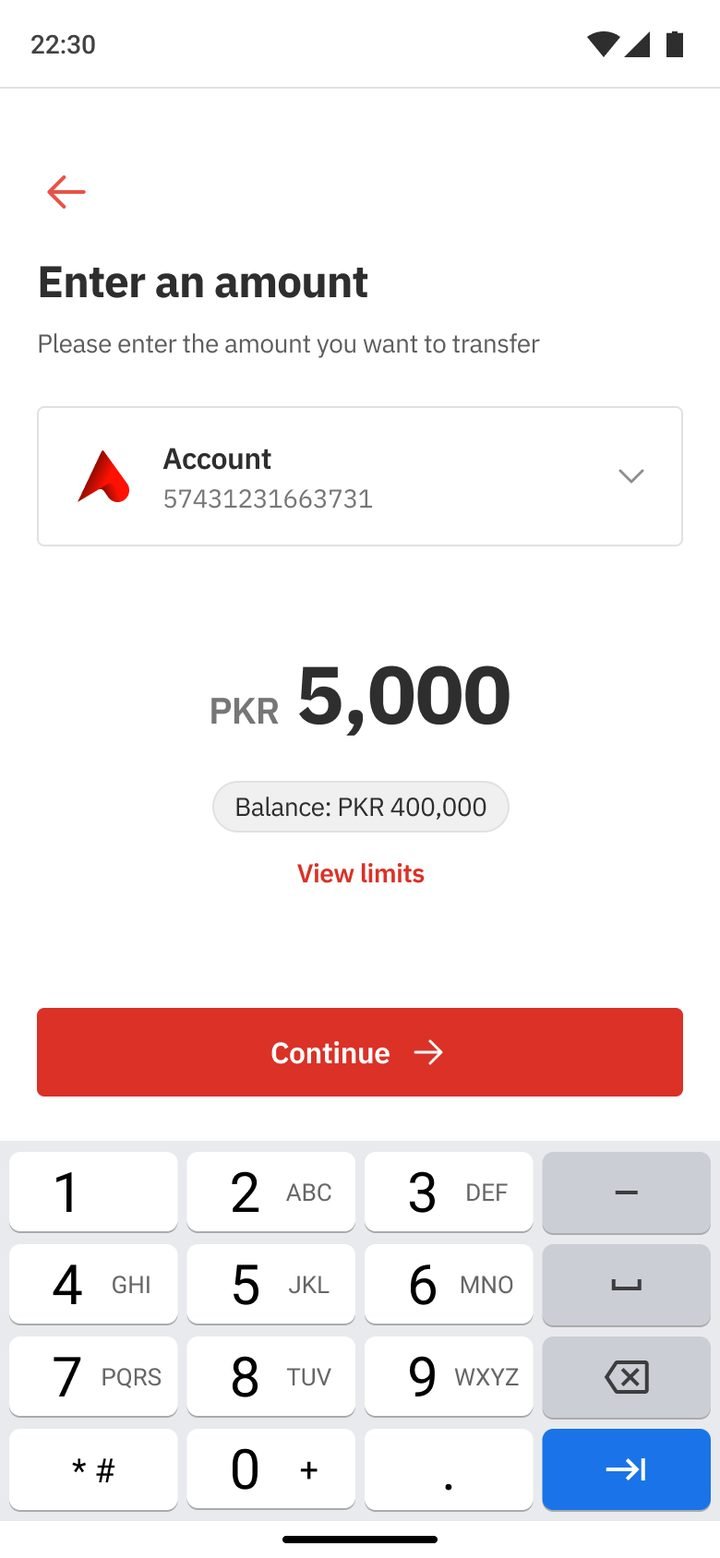
Balance in view.
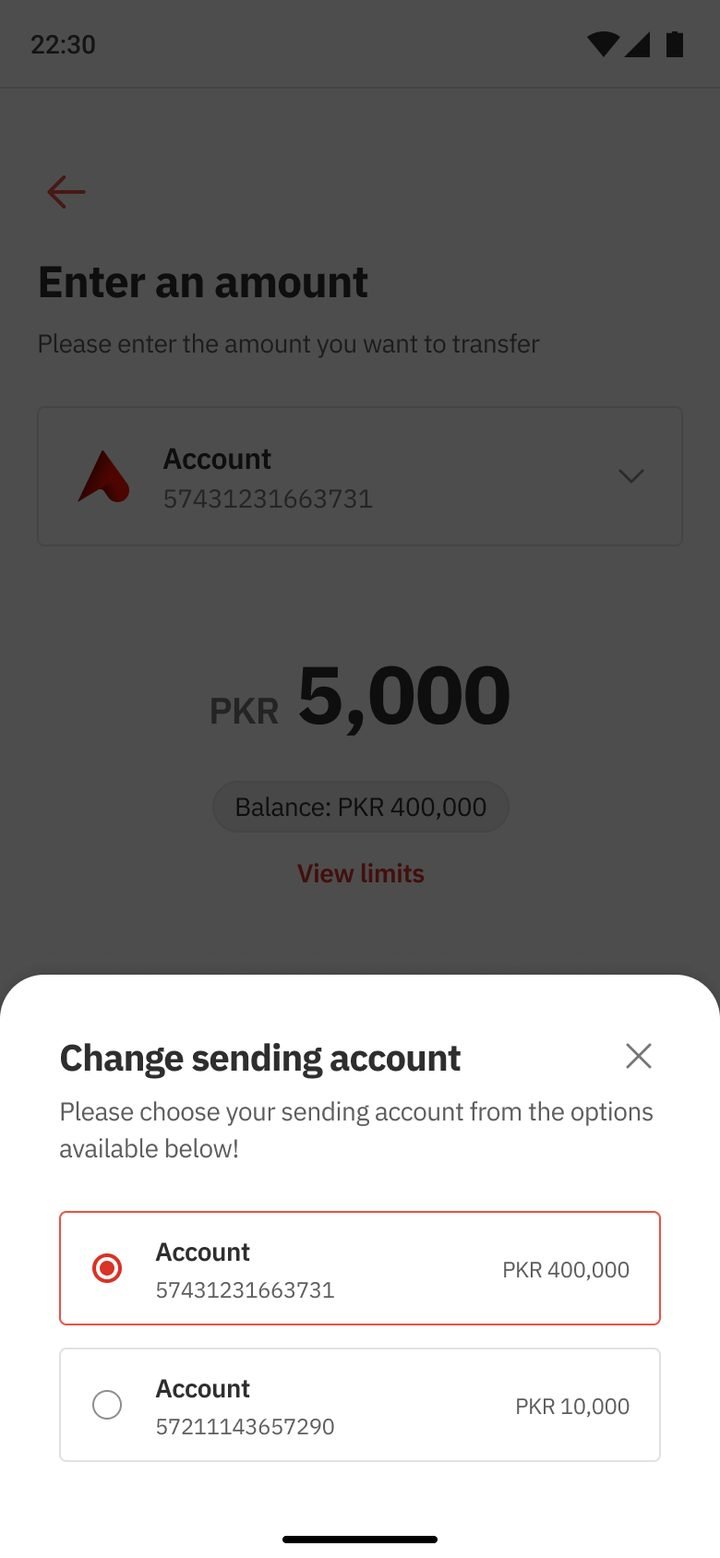
Send from any account.
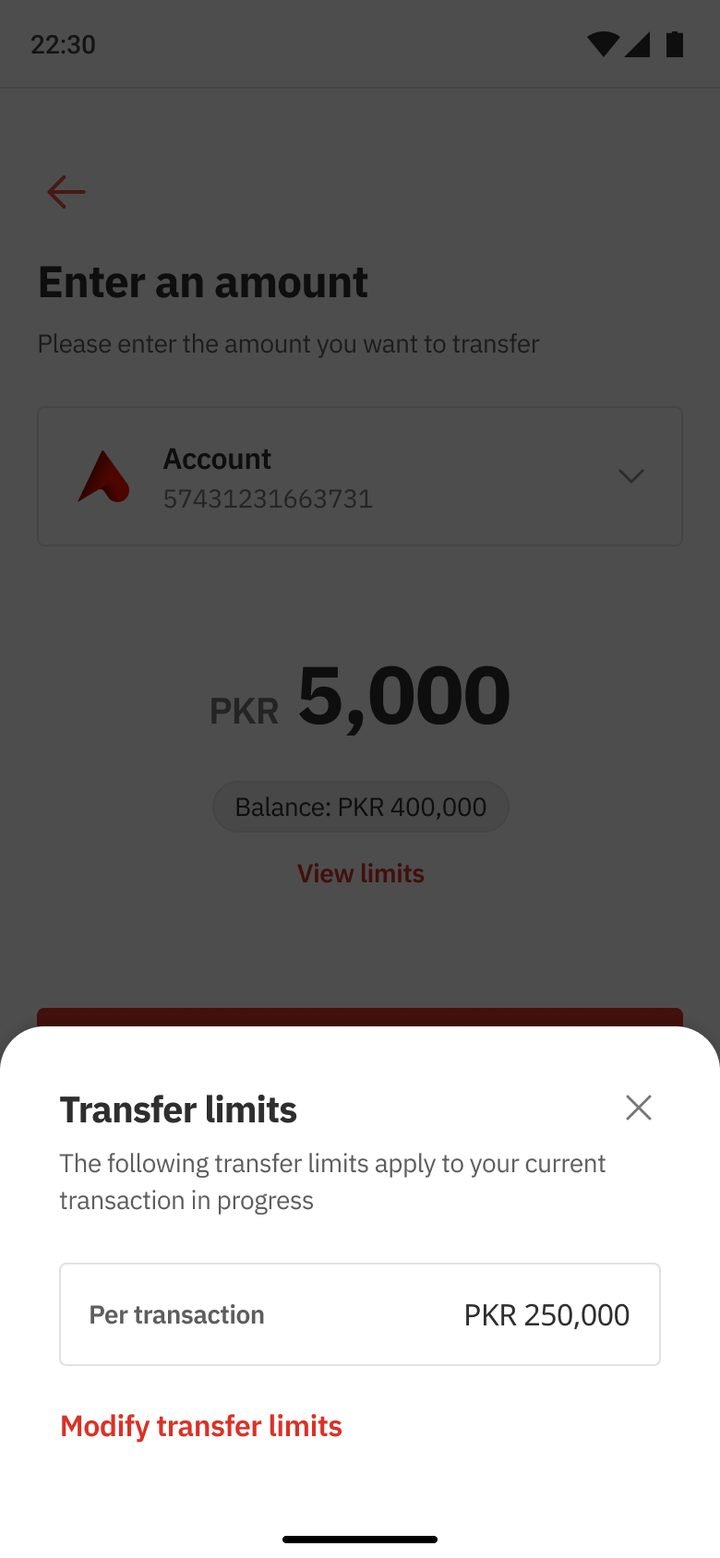
Visible before errors.
Edit any row.
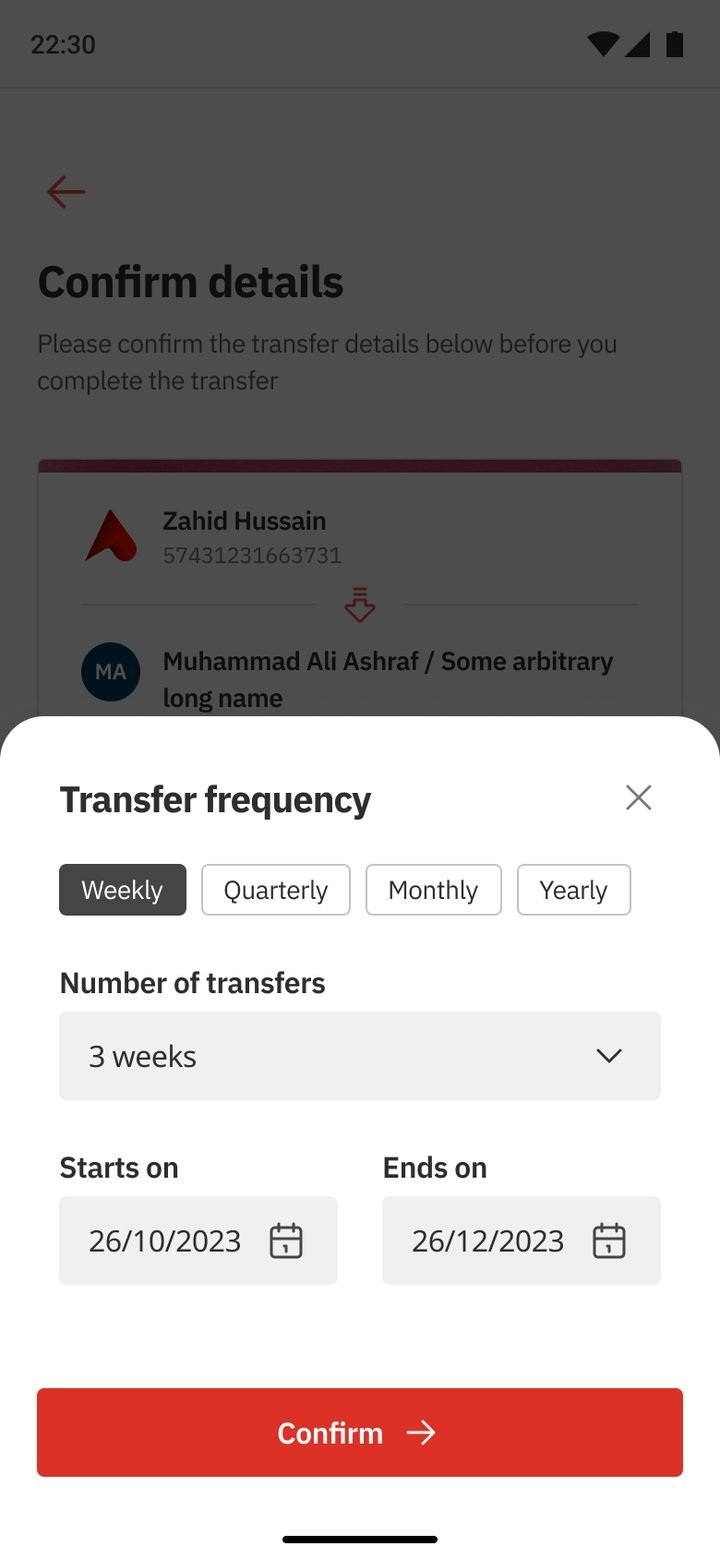
Weekly to yearly.
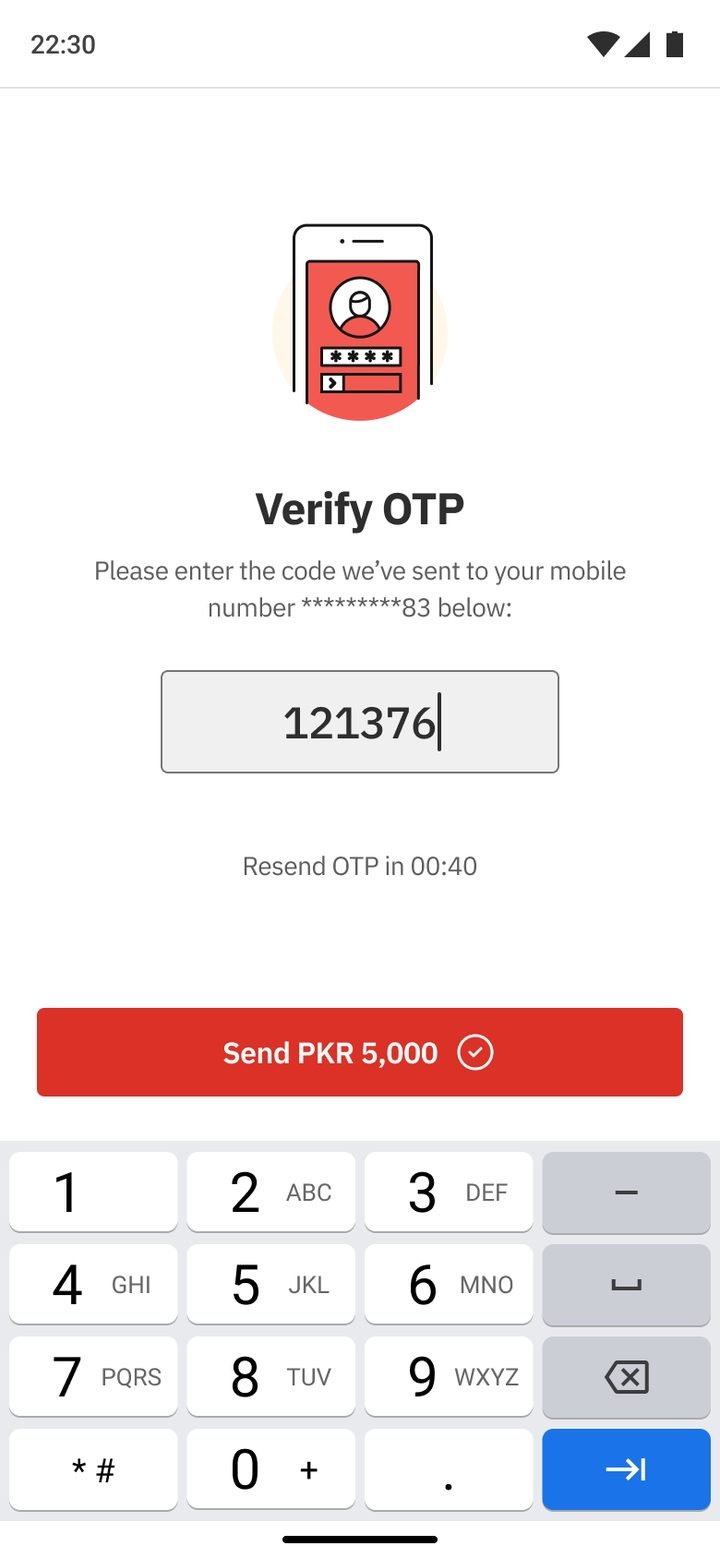
One-time password.
Share, save or go home.
← Drag to follow the flow →