Show, don’t tell
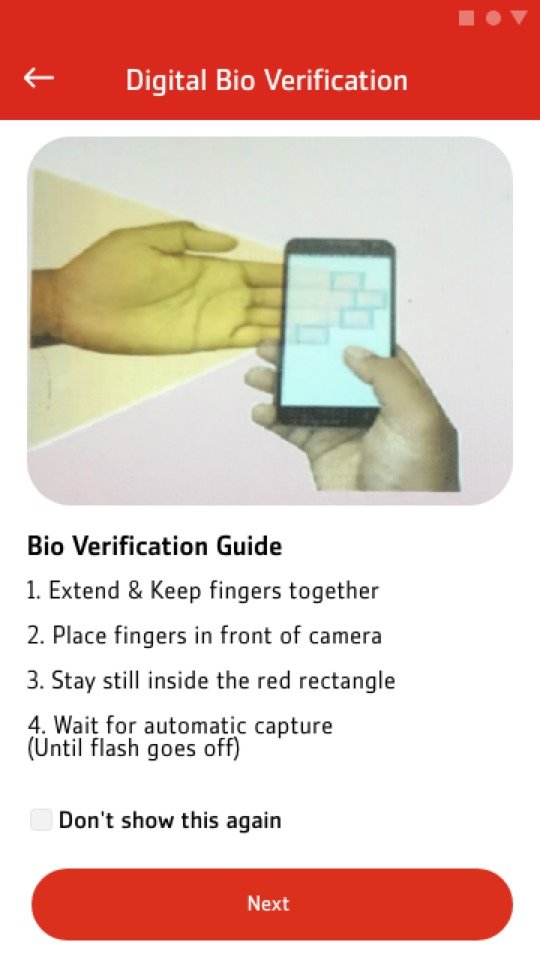
A visual guide explains how to place fingers, with the choice of which hand and finger, before the camera opens.
 Sarim Naeem
Gen 2 brought biometric verification into registration: a fingerprint, a CNIC scan and a PIN. The hard part wasn’t the happy path. It was the failures: a smudged finger, a blurry card, too many attempts.
Biometric verification is invisible until it fails. A customer standing at home with a camera and a fingerprint doesn’t know what “good enough” looks like.
Every failure risked a lost customer or a branch visit, which was exactly what digital onboarding was meant to replace.
A visual guide explains how to place fingers, with the choice of which hand and finger, before the camera opens.
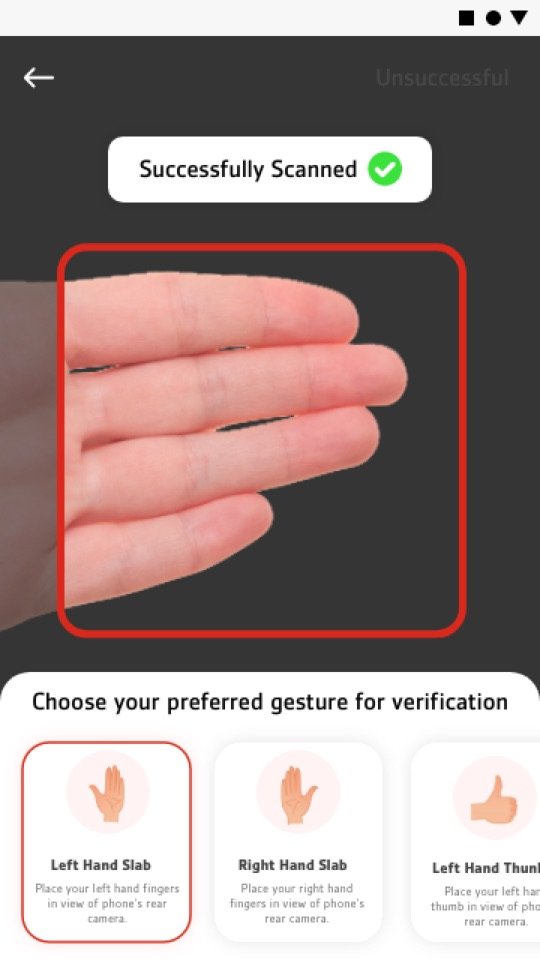
“Successfully scanned” appears the moment the capture works, and the next step unlocks right away.
When a scan fails, the screen says what happened and offers “Retry” or “Try another way”. It never ends in a dead end.
After too many attempts, a countdown explains exactly when the customer can try again, instead of an unexplained lock.
Registration via debit card, credit card, wallet or Orbit, plus new-device registration, all follow the same steps so people learn it once.
Drag or scroll sideways, and tap any screen to see it larger.
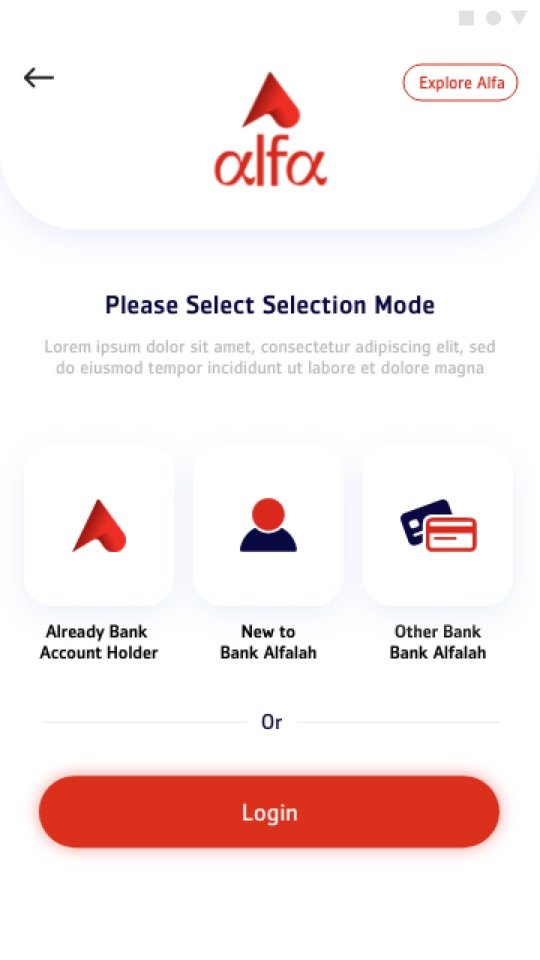
Existing products or new to bank.
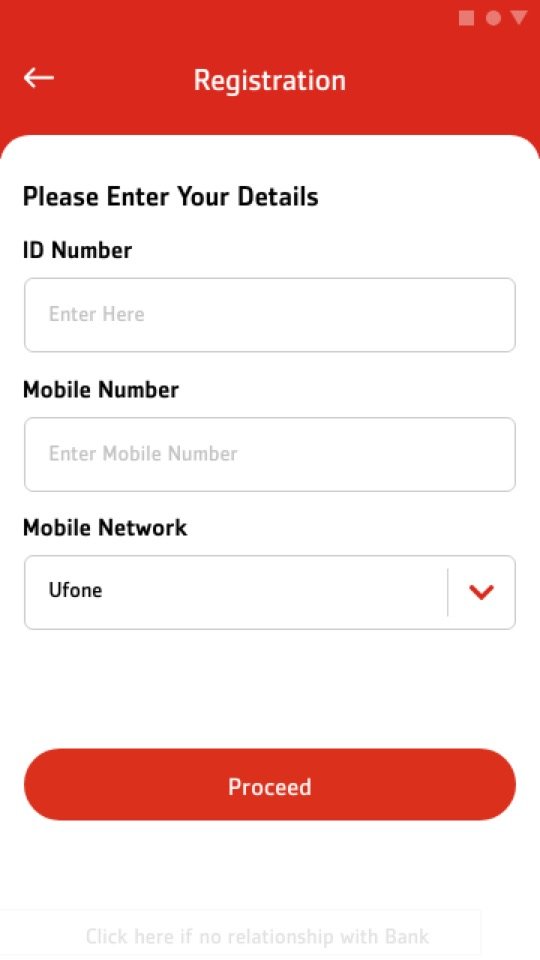
Debit, credit, wallet or Orbit.
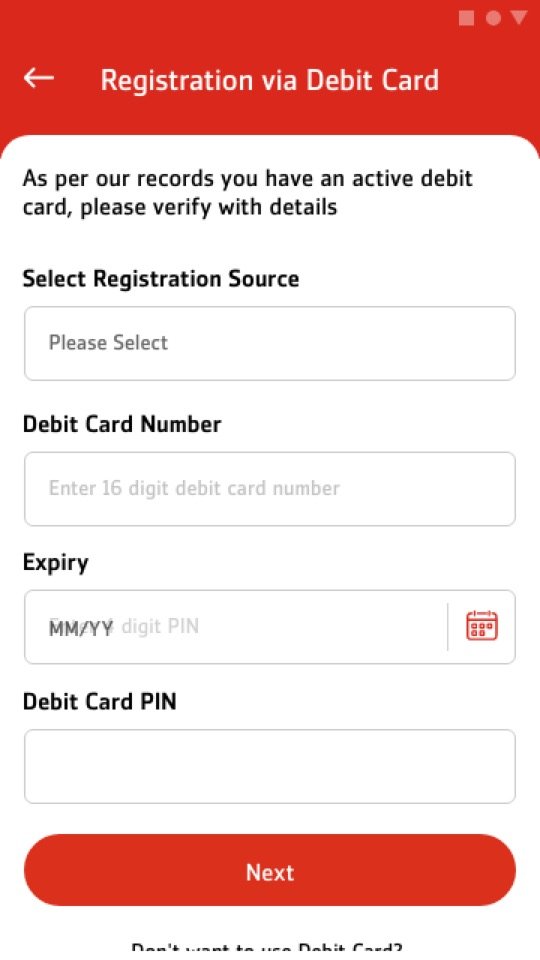
Details the customer already has.
How to scan, before scanning.
Pick your finger, instant feedback.
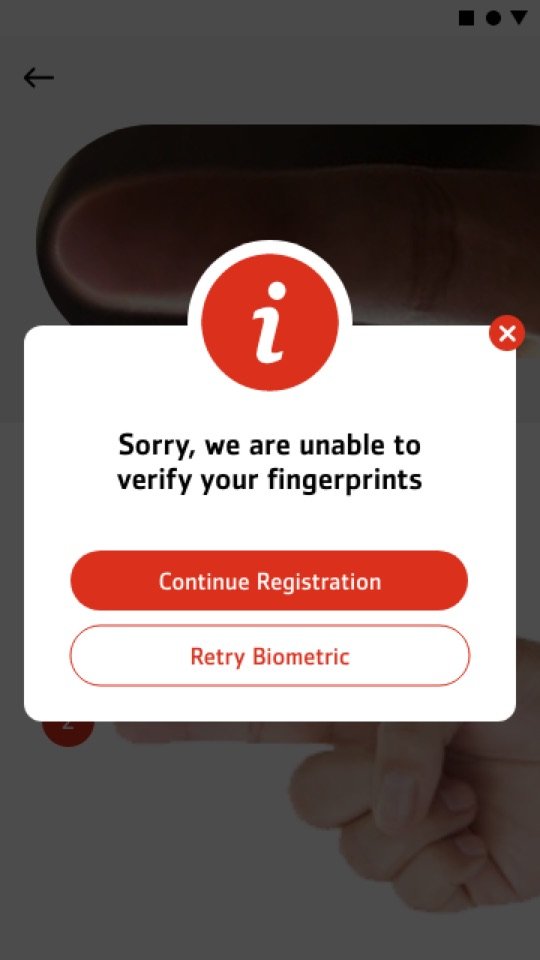
Retry or try another way.
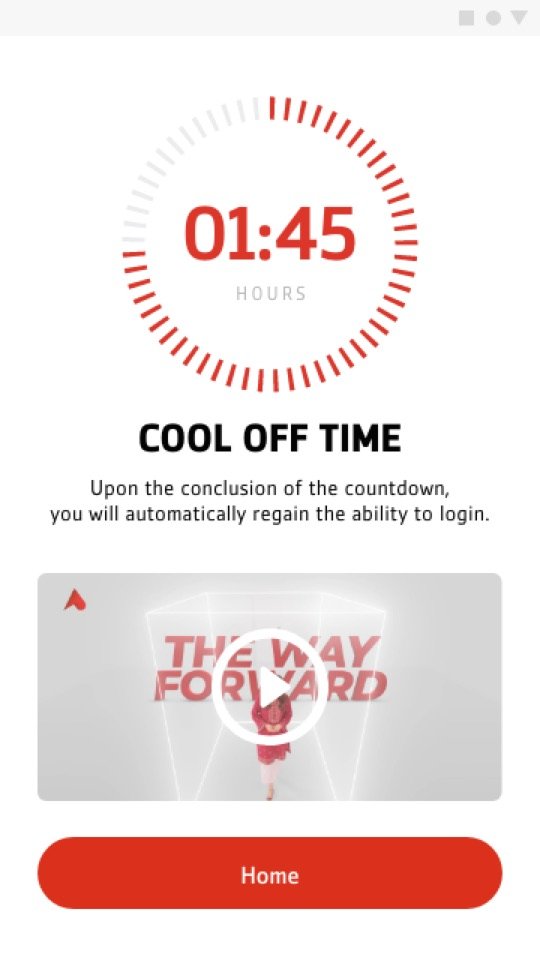
A countdown, not a dead end.
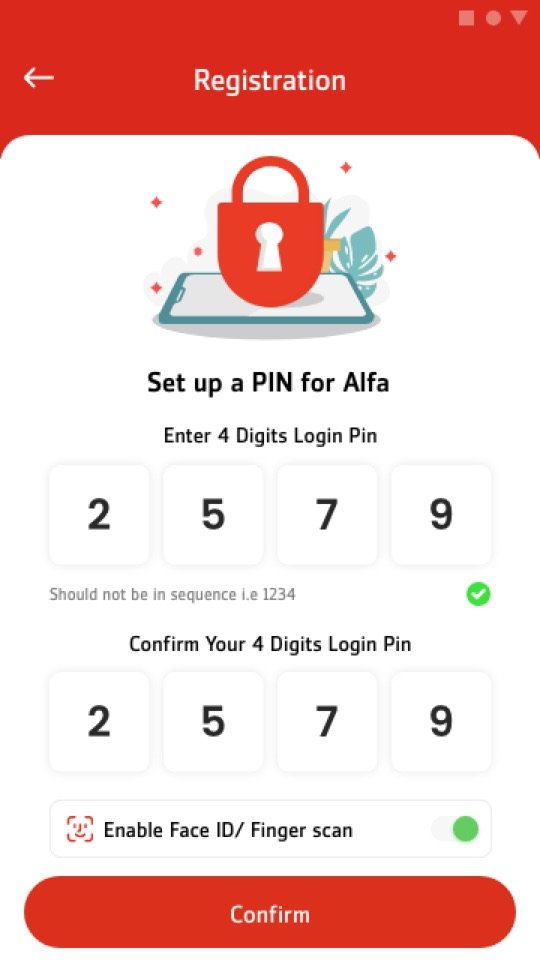
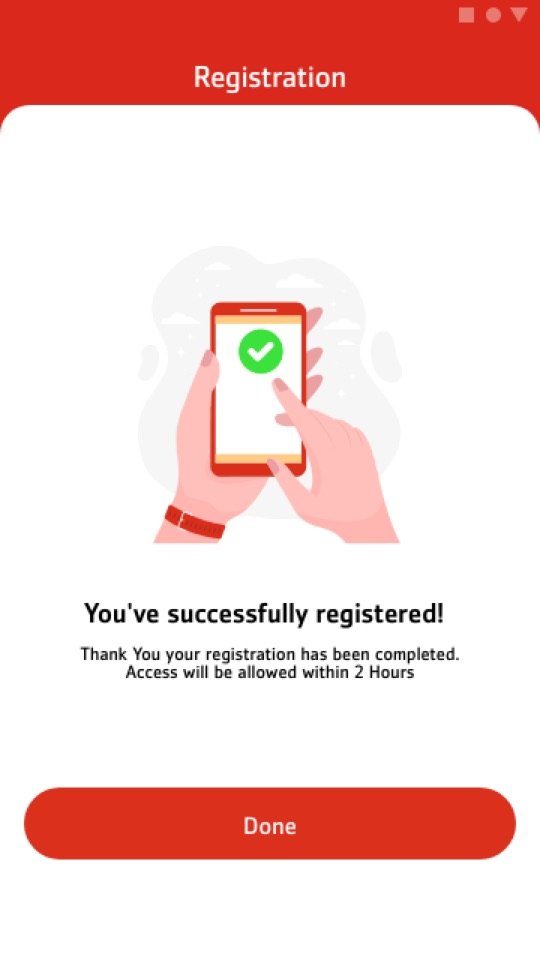
Quick access from now on.
Welcome to Alfa.
← Drag to follow the flow →