Balance first, hidden by default
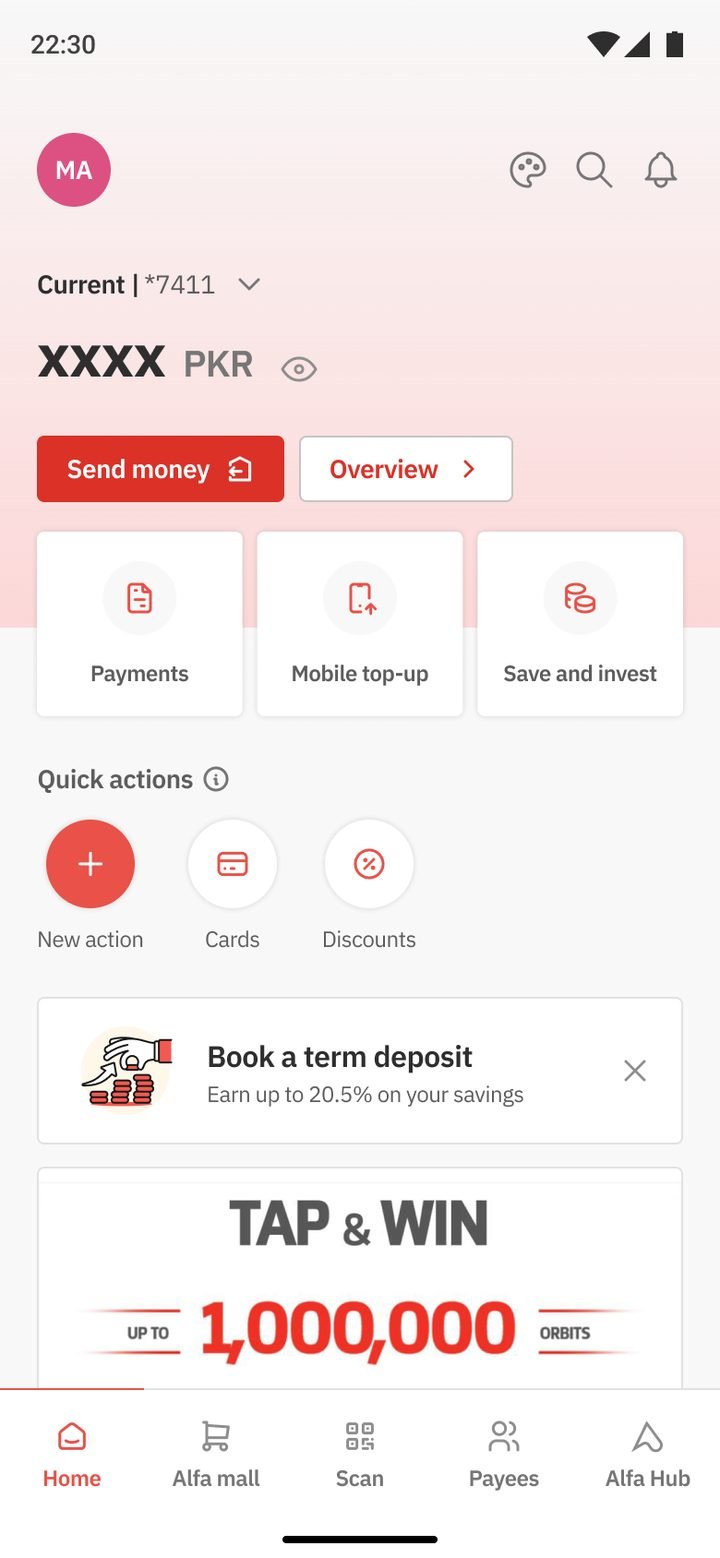
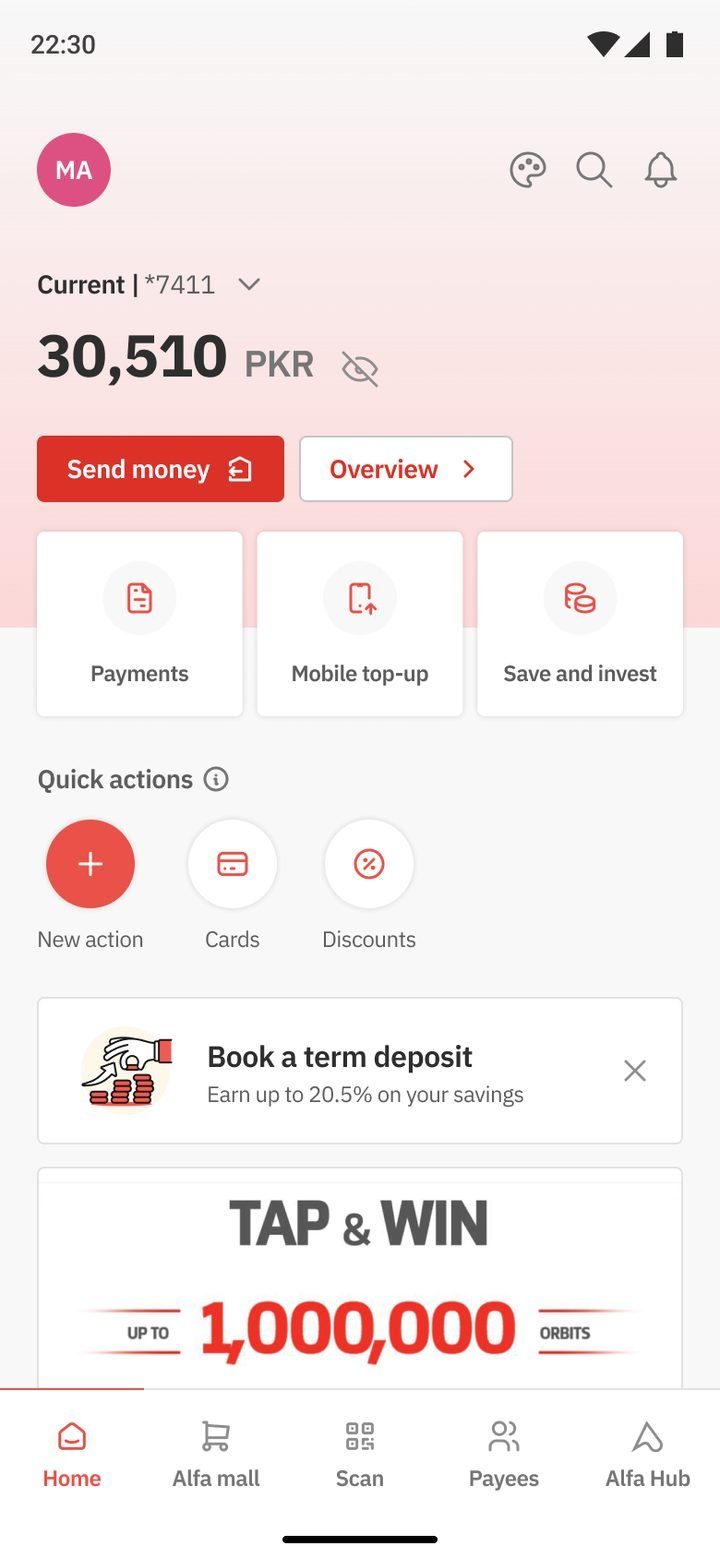
The balance is the first thing on the screen, but it stays masked until you tap the eye. People open banking apps in shops, cabs and offices, and privacy shouldn’t need a setting.
 Sarim Naeem
The flagship home kept Gen 2’s calm and fixed what the audit found. The balance comes first and stays private, daily actions come next, and customers choose their own quick actions.
Gen 2 had already settled the big question: lead with the account and the few things people do every day. The flagship kept that idea and fixed what the external audit flagged. The home offered too many choices with too little order, and brand red was carrying both decoration and action, so the main buttons stopped standing out.
The job was to keep what customers already knew, make the home feel personal, and clean up the hierarchy so the next action is always obvious.
The balance is the first thing on the screen, but it stays masked until you tap the eye. People open banking apps in shops, cabs and offices, and privacy shouldn’t need a setting.
Send money and Overview sit right under the balance. Payments, Mobile top-up and Save & invest come next. It’s the Gen 2 “four daily actions” idea, reshaped for the new system.
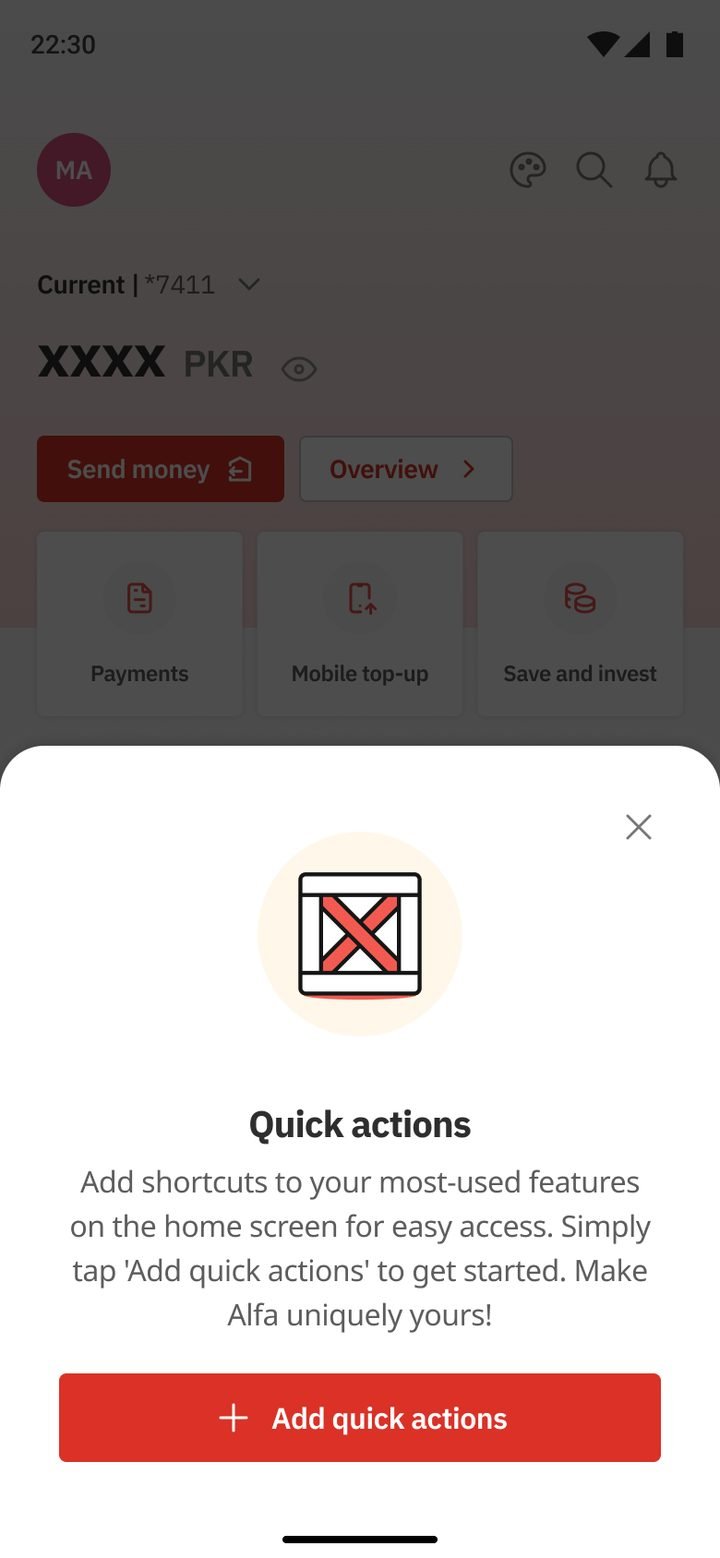
Below the daily actions is a row of shortcuts that each customer adds and orders themselves. The home grows around their habits instead of the bank’s priorities.
11-figure balances, decimals, several accounts and an empty first week each got their own screen, so the layout never breaks for the customers with the most at stake.
Every product lives in one searchable hub, grouped into Cards, Loans, Services and more. It grew out of the grouped categories we introduced in Gen 2.
Conventional, Islamic and Premier customers each get their own theme, and dark mode works across all of them. Gen 1 started the themes; Gen 3 rebuilt them as design tokens.
Most of the thinking on this screen was already proven in earlier generations. The flagship gave it a new system and a cleaner hierarchy.
Drag or scroll sideways, and tap any screen to see it larger.
Masked until you tap.
One tap to reveal.
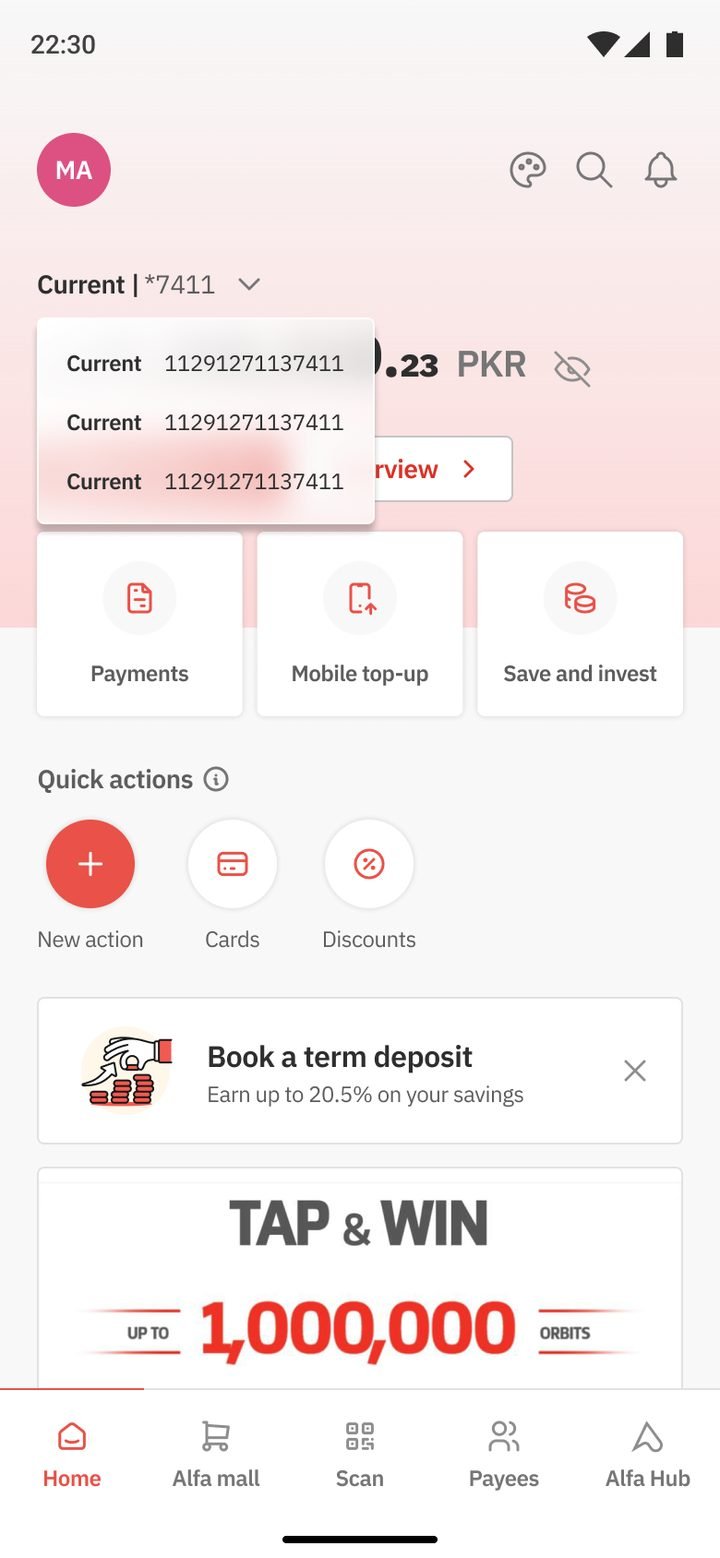
Every account, one dropdown.
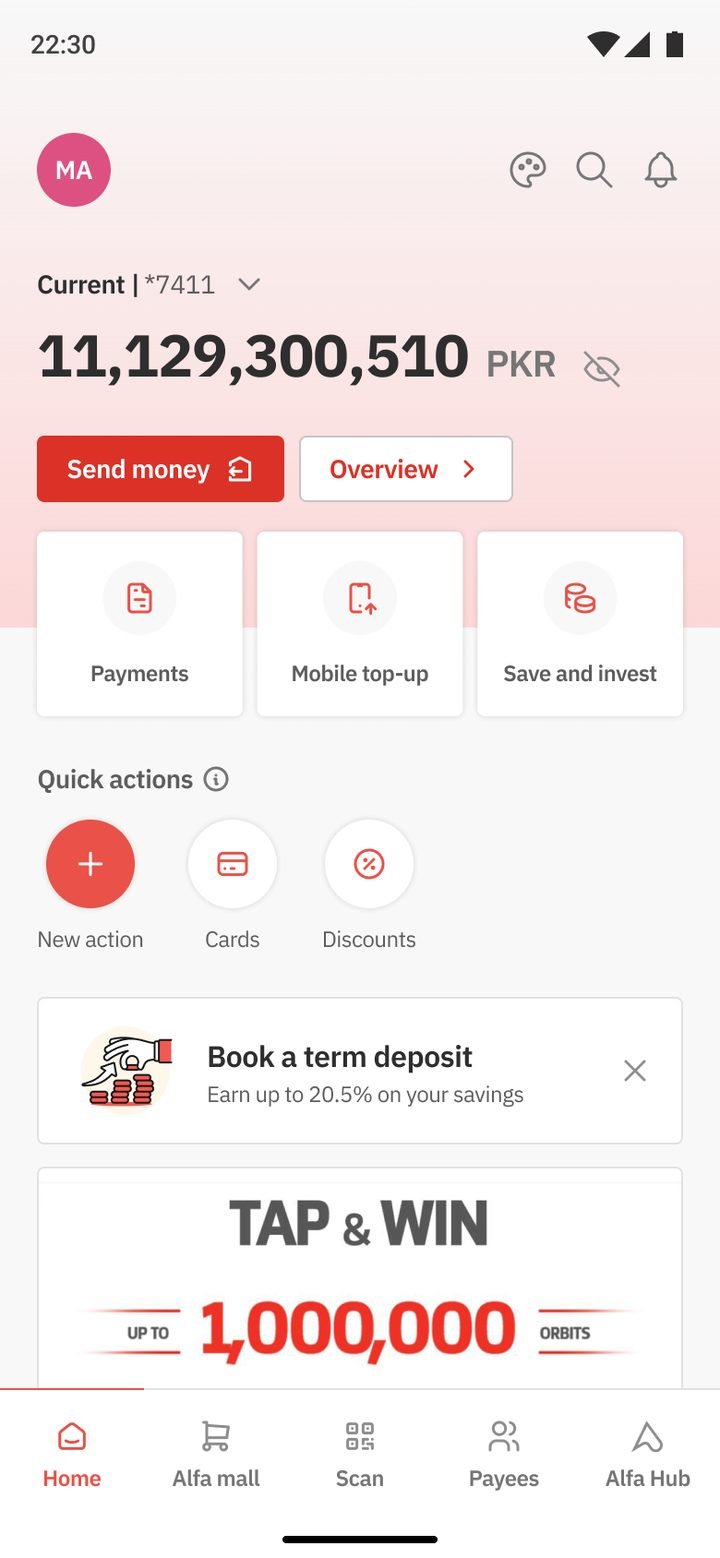
Big numbers still fit.
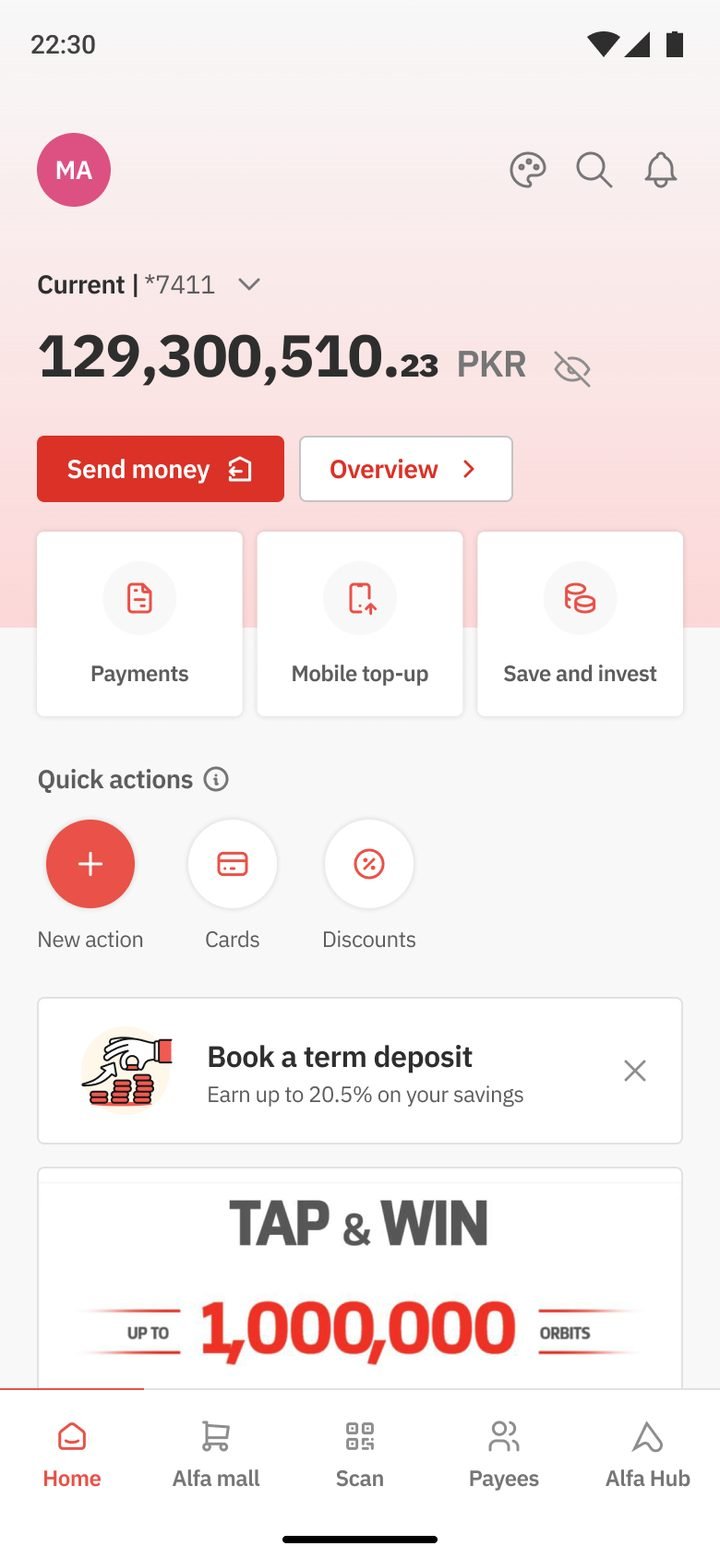
Exact amounts, readable.
Empty state invites setup.
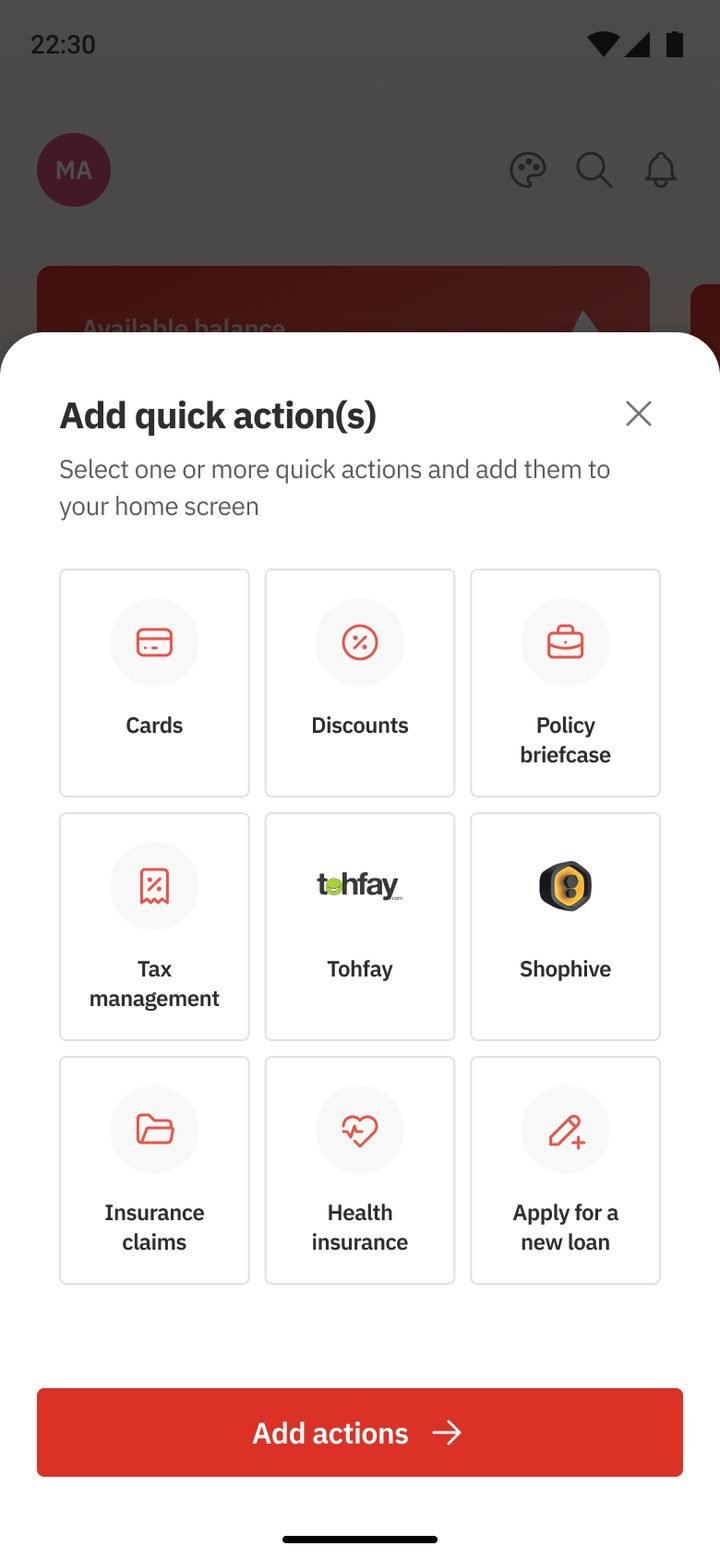
Choose what’s “quick”.
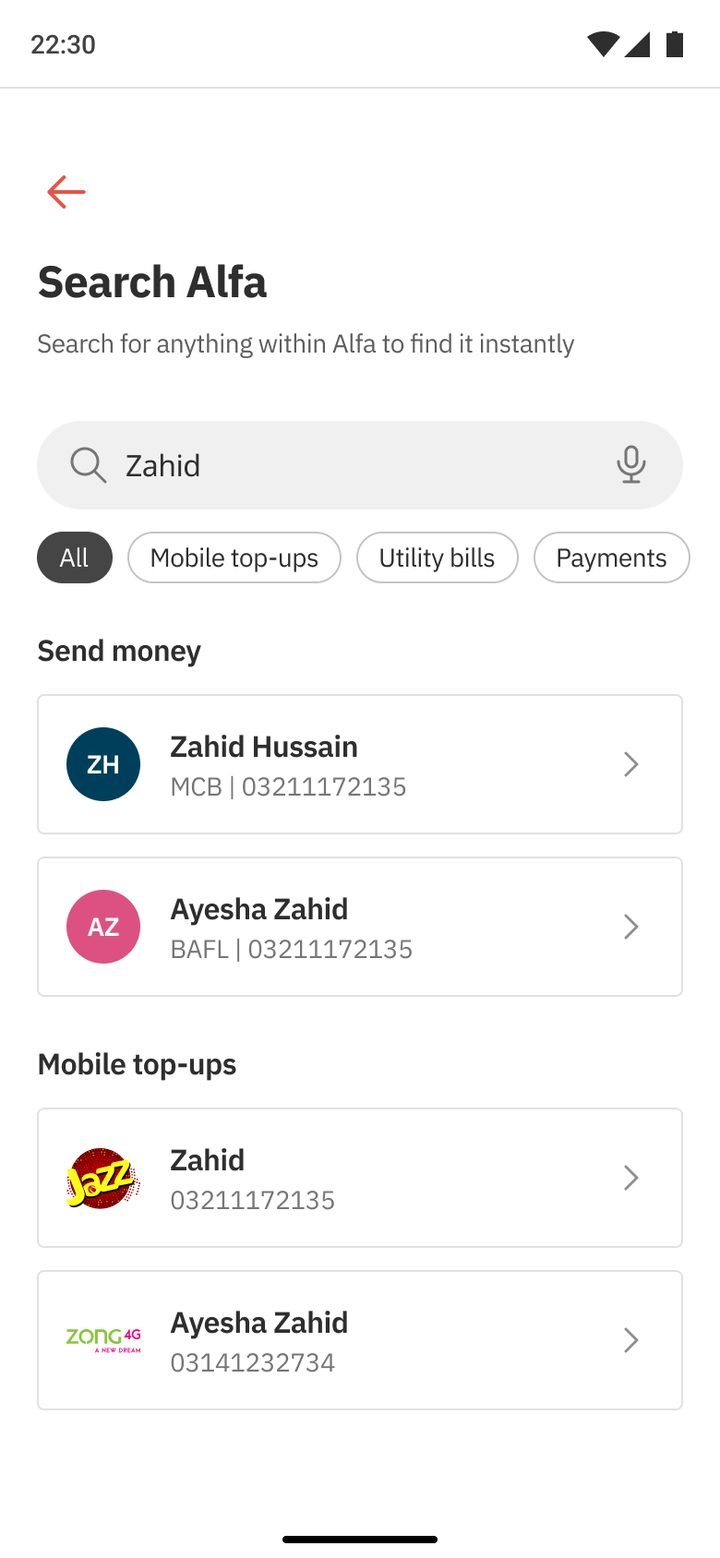
People, top-ups, bills.
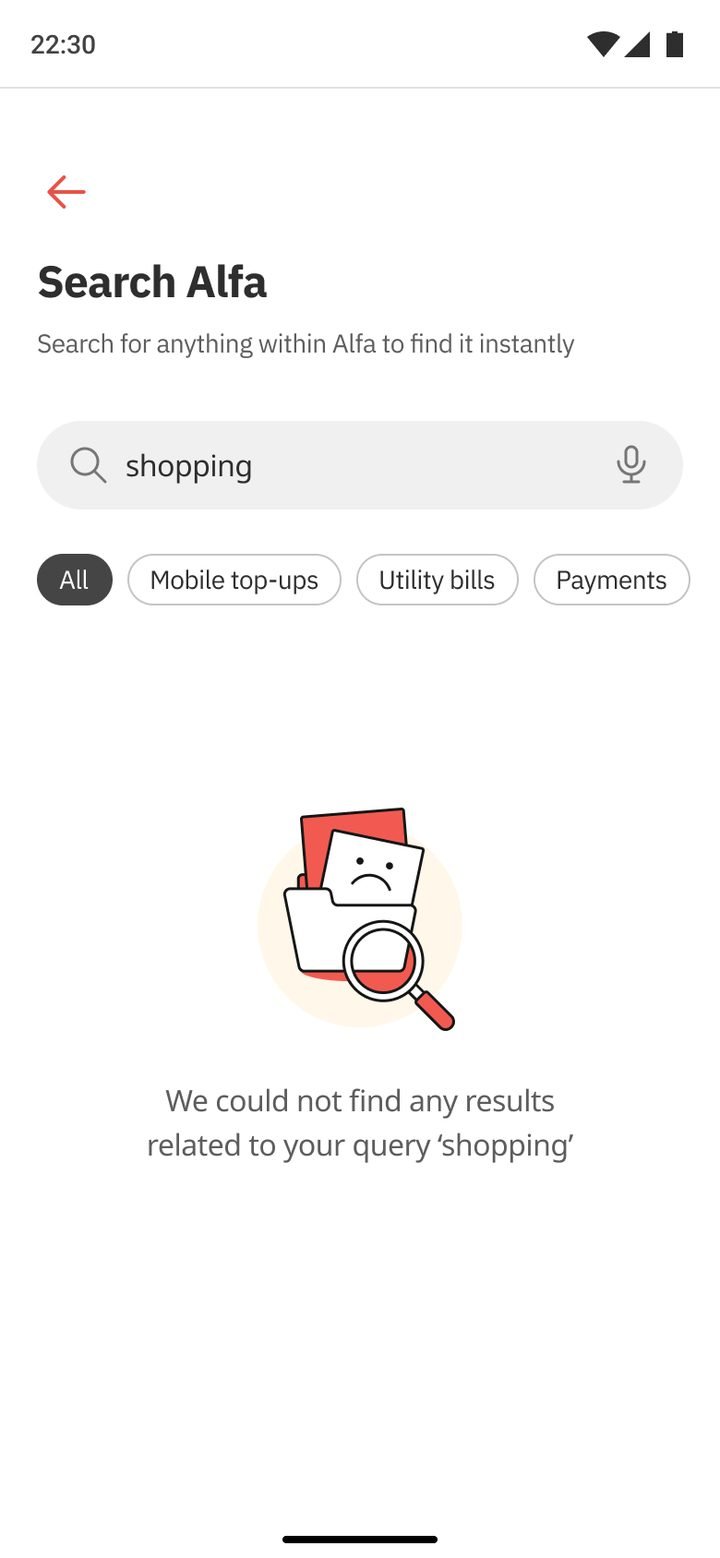
A helpful dead end.
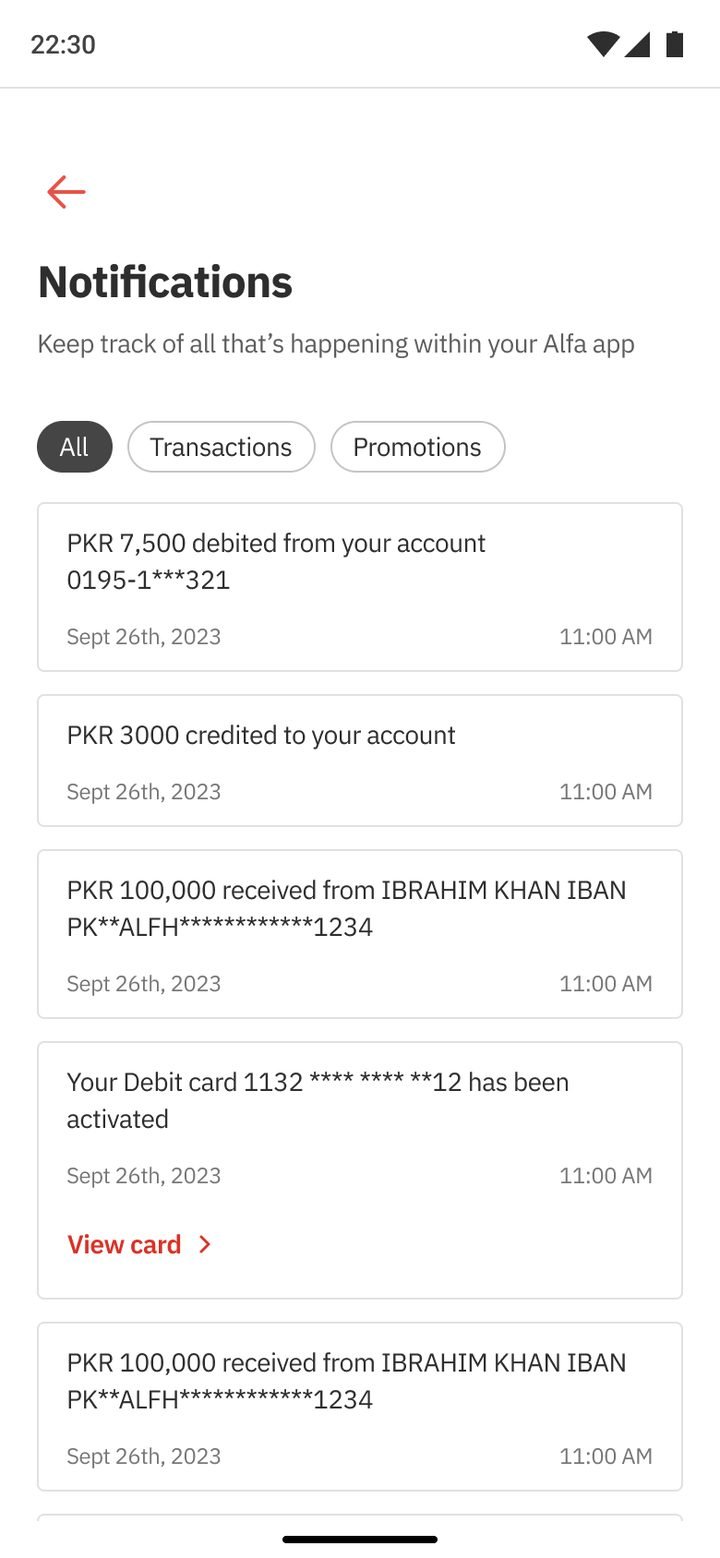
Transactions and promotions.
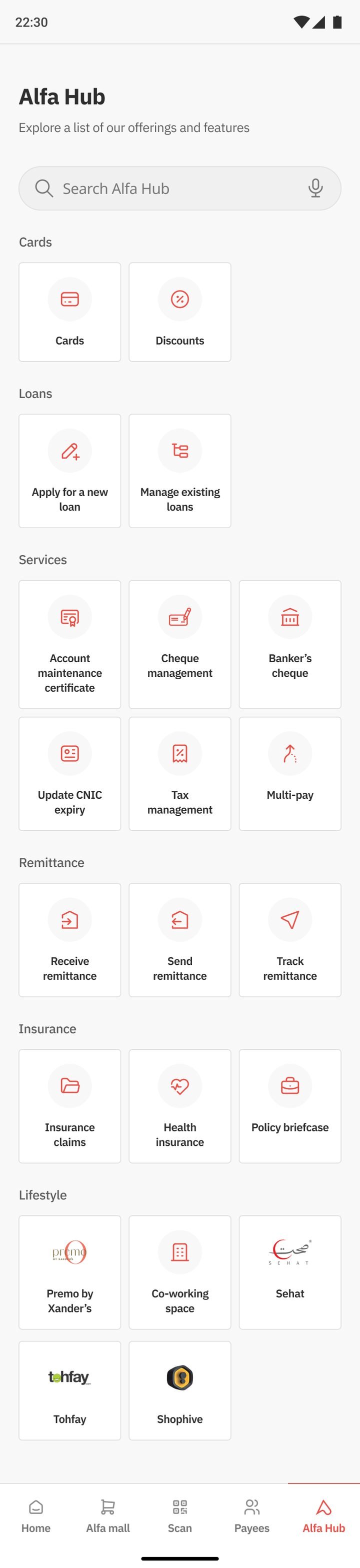
Every product, grouped.
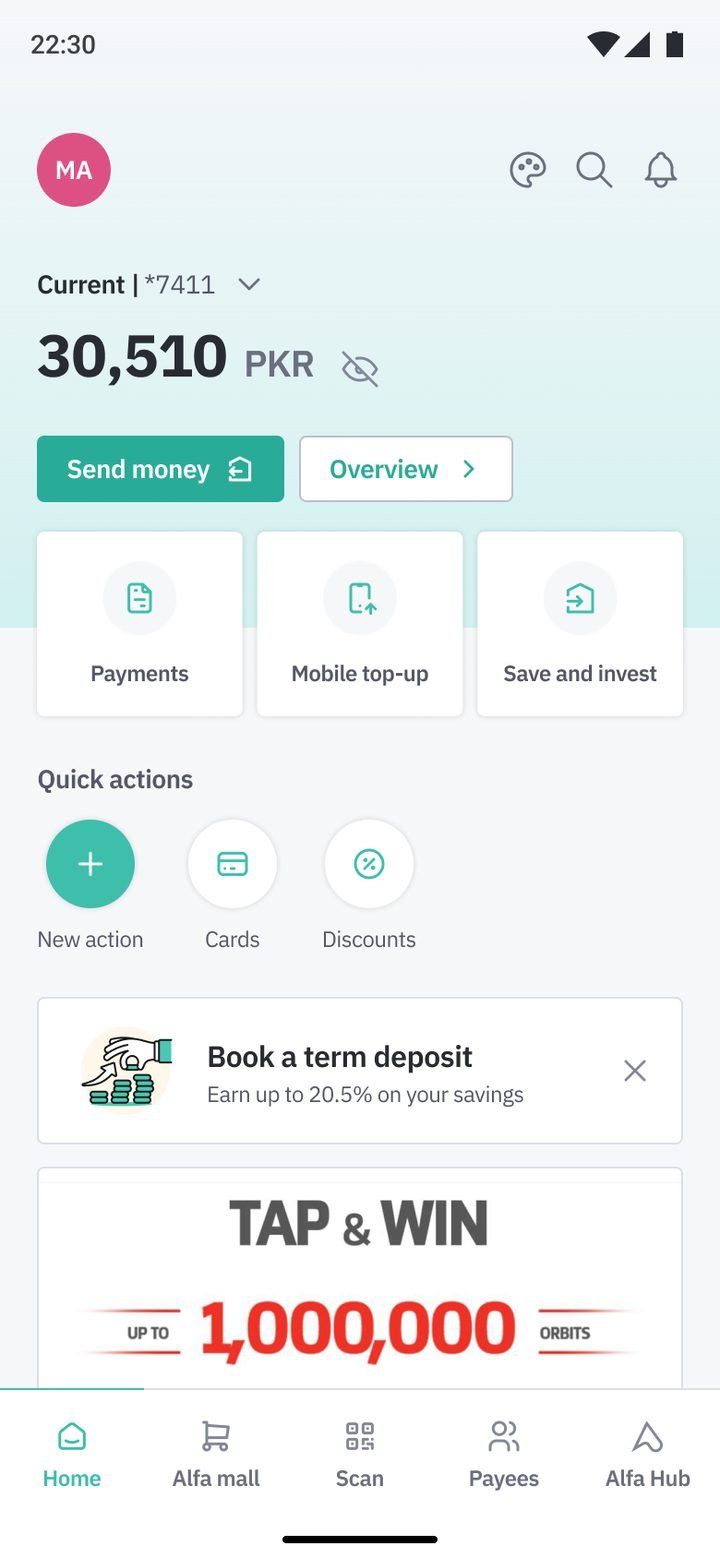
Same layout, own identity.
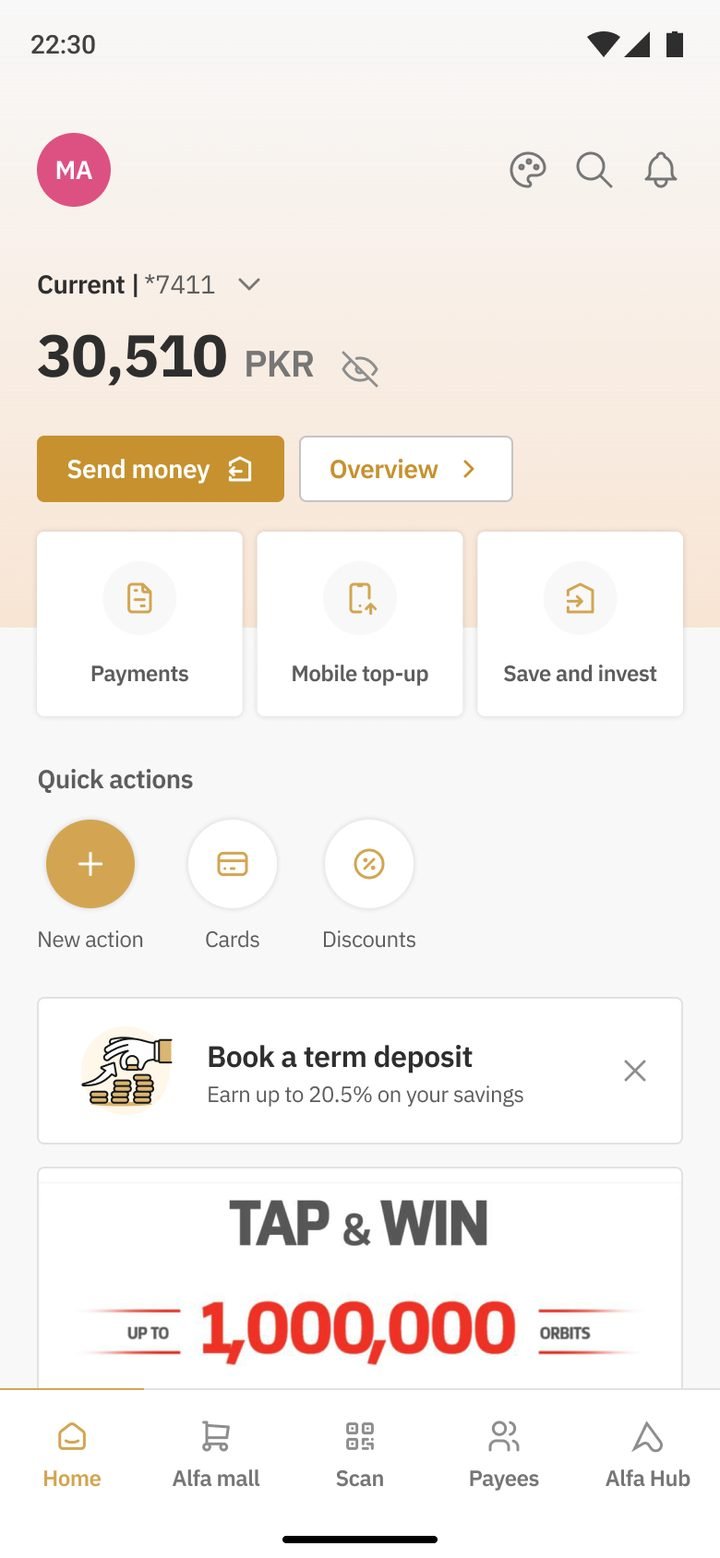
A premium tier.
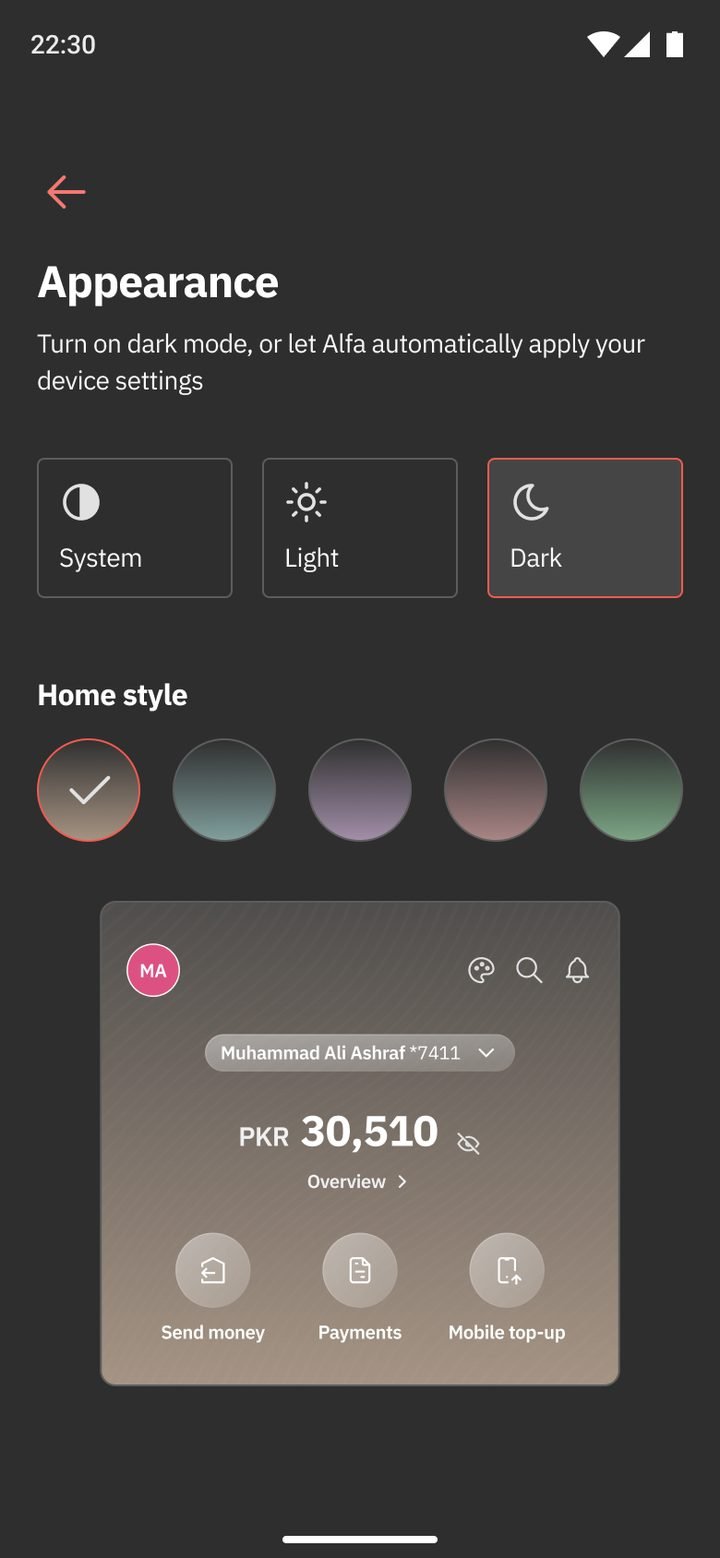
System, light or dark.
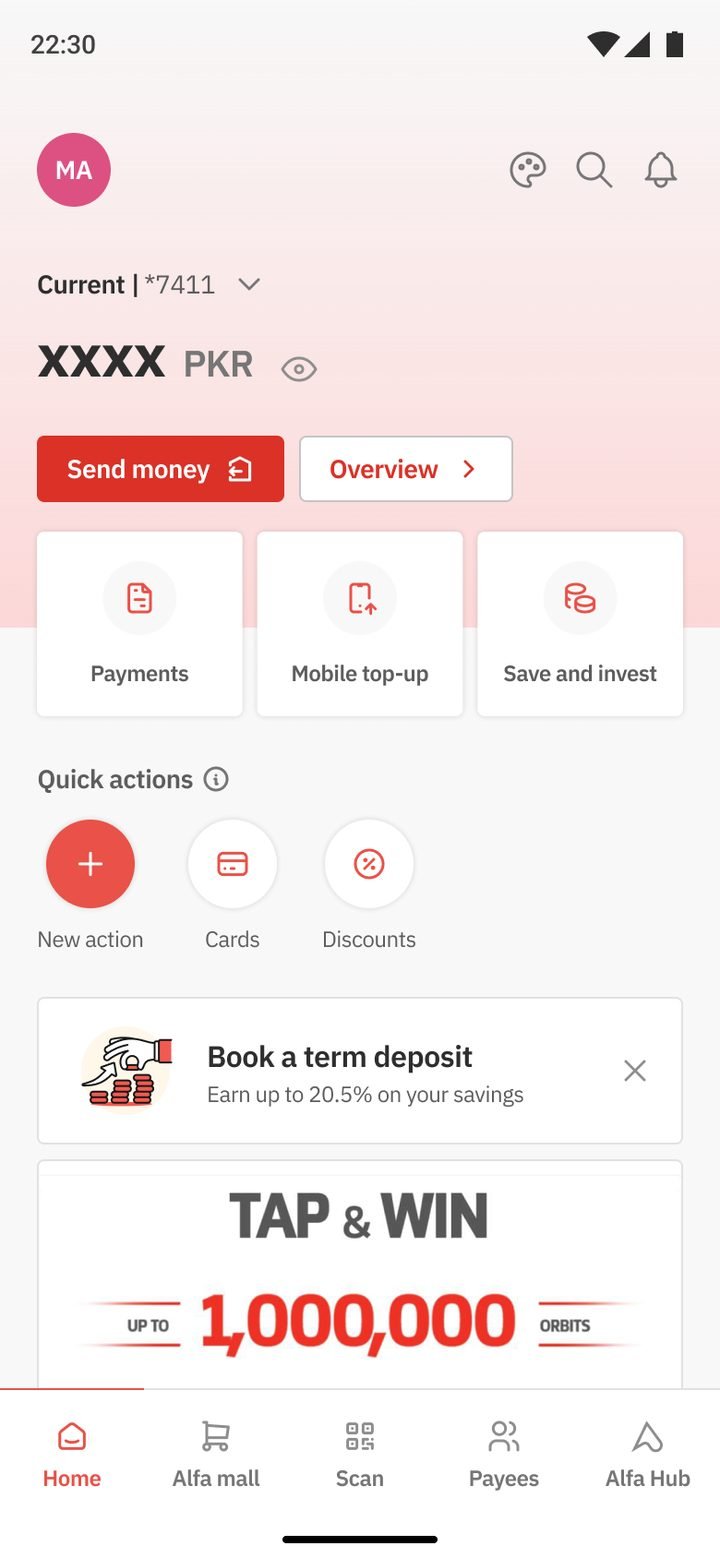
No activity yet.
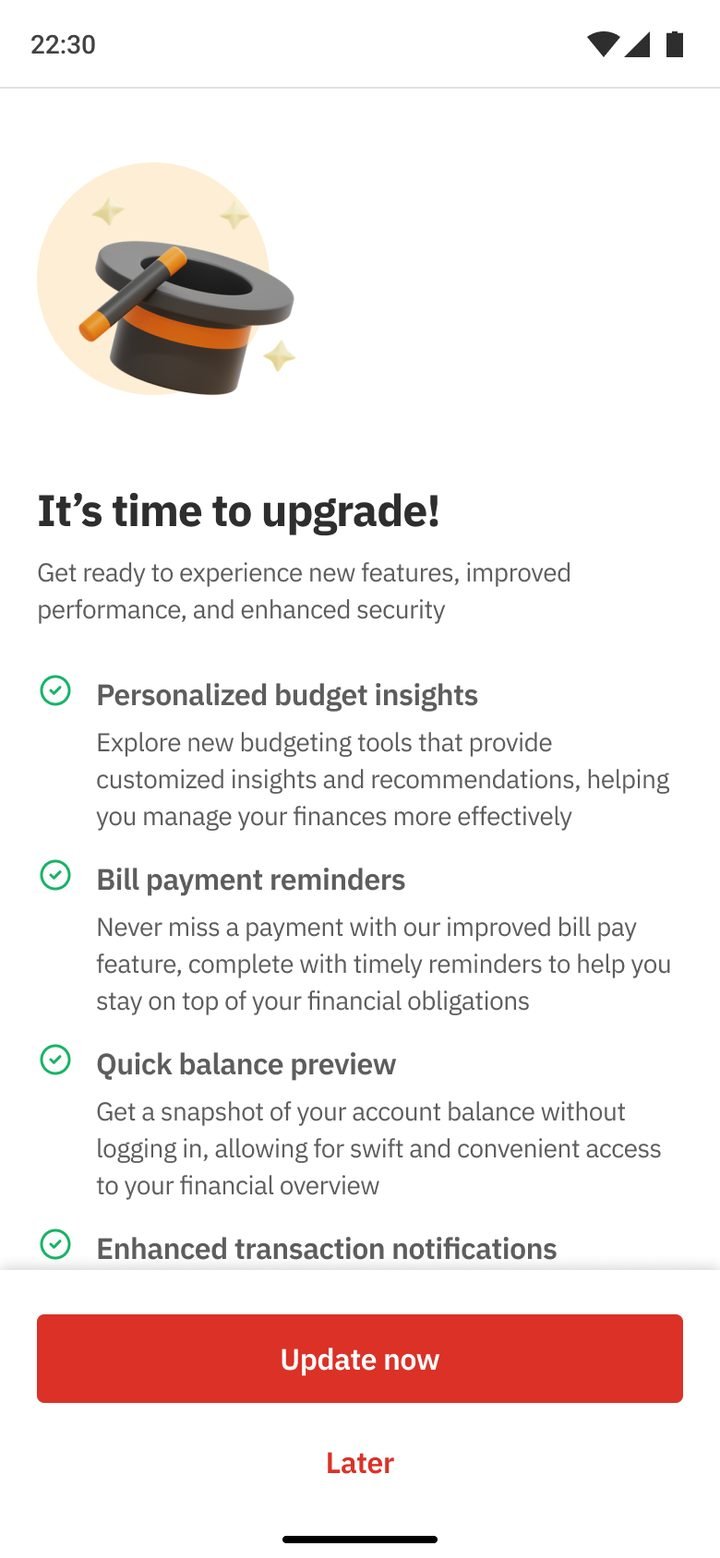
Explains what’s new.
← Drag to follow the flow →