One door, two paths
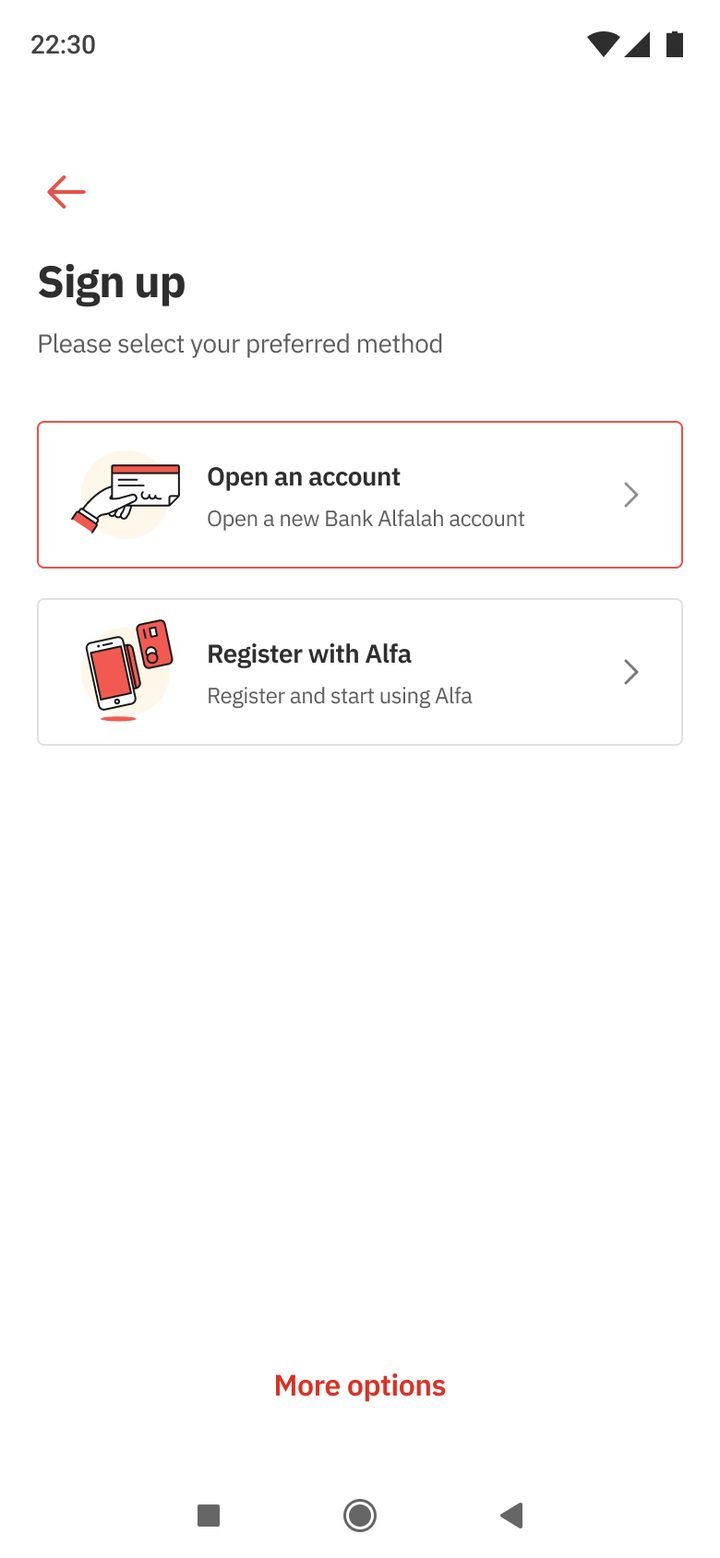
Sign up asks a single question: open a new account, or register an account you already have. Both paths share the same verification steps.
 Sarim Naeem
The audit found that opening an account and registering for the app were two separate journeys. The flagship joins them, using the biometric and CNIC verification we had already proven in Gen 2.
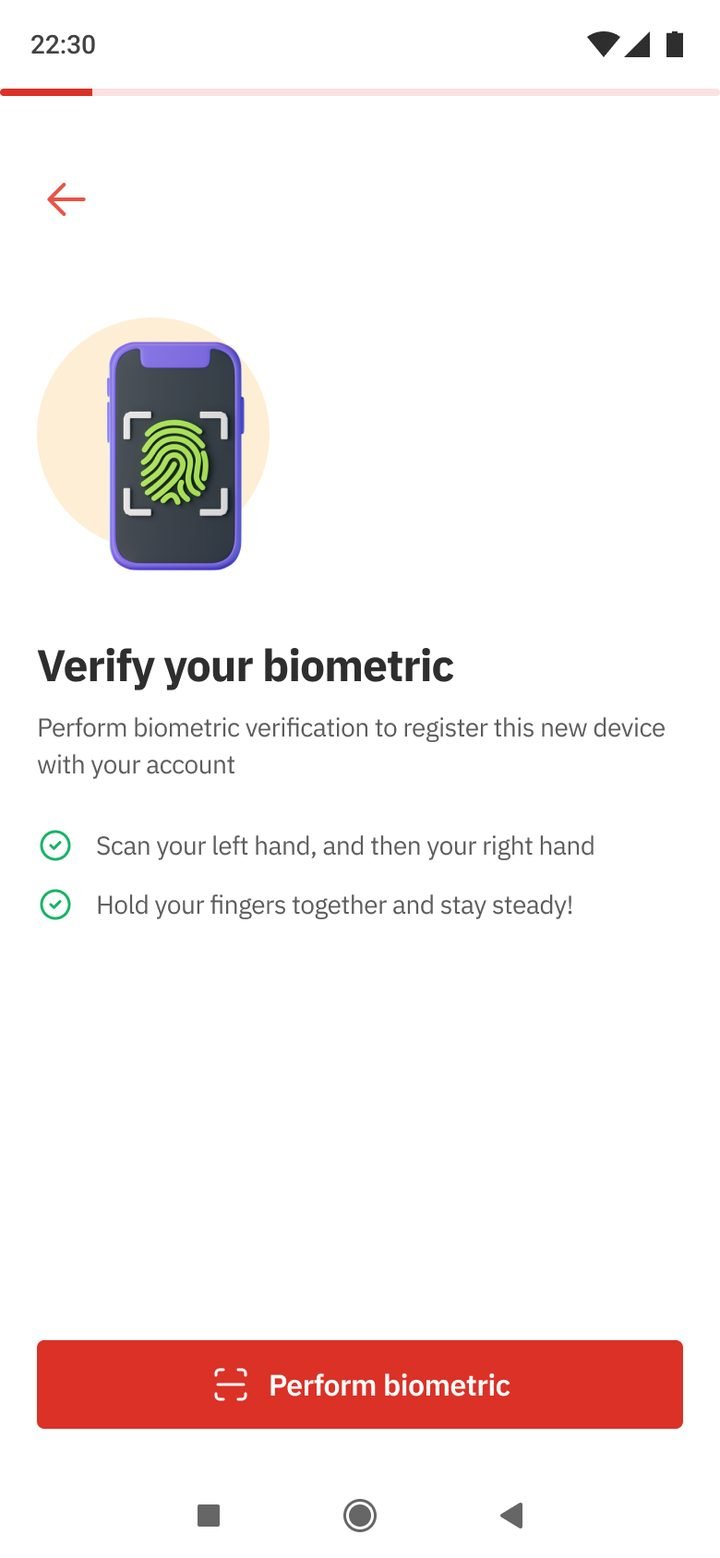
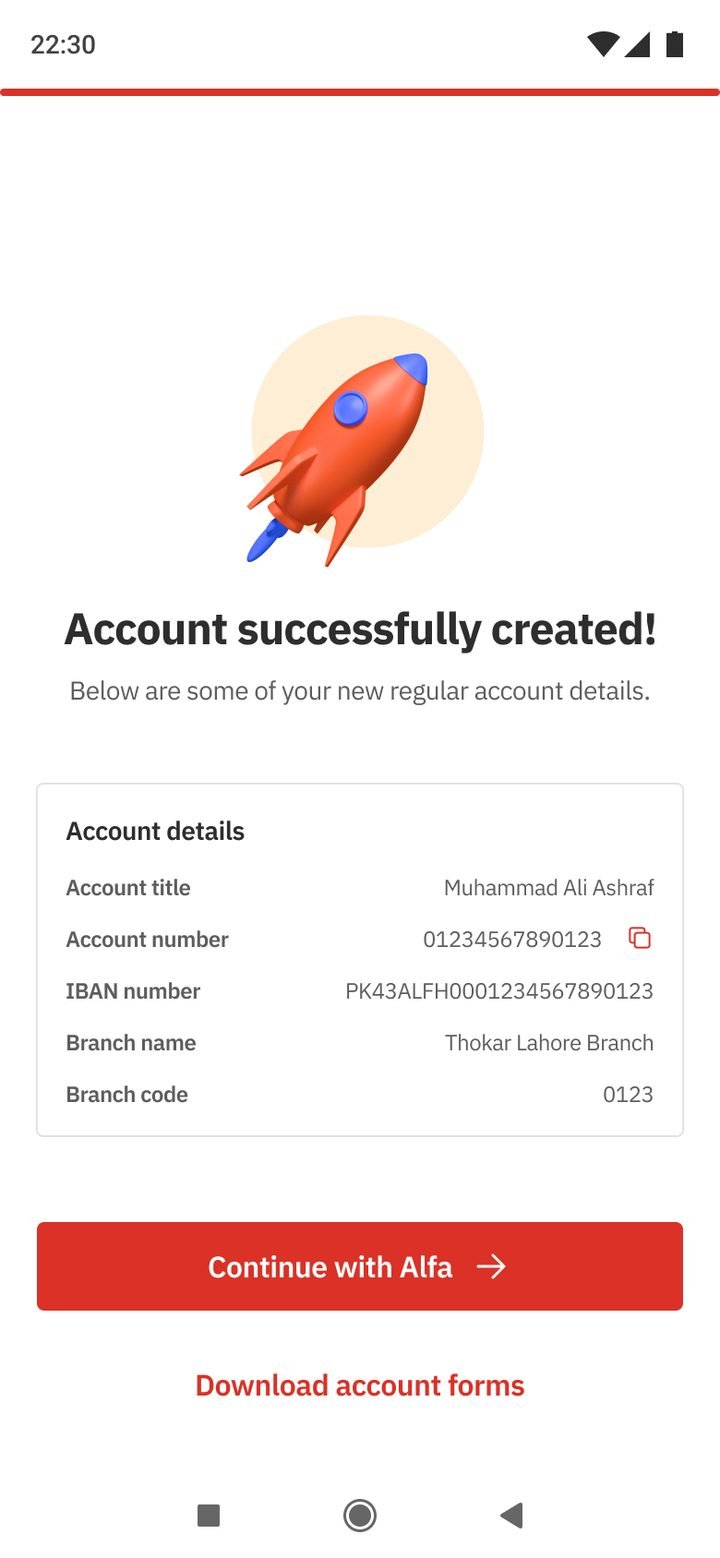
The external audit was blunt about onboarding. Opening an account digitally and registering for Alfa were separate journeys. A new customer could finish one, then start the other from scratch, with no way to see where their application stood.
We already had strong pieces from Gen 2: biometric verification with NADRA, a guided CNIC scan, and carefully designed failure states. Gen 3 joined them into one path.
Sign up asks a single question: open a new account, or register an account you already have. Both paths share the same verification steps.
Long forms are split into short sections with a counter (2/12, 5/7), and each section opens with a plain explanation of why the bank needs it.
CNIC scan and fingerprints are verified against NADRA once, then reused for both the account and the Alfa login. It’s the Gen 2 biometric flow, carried forward.
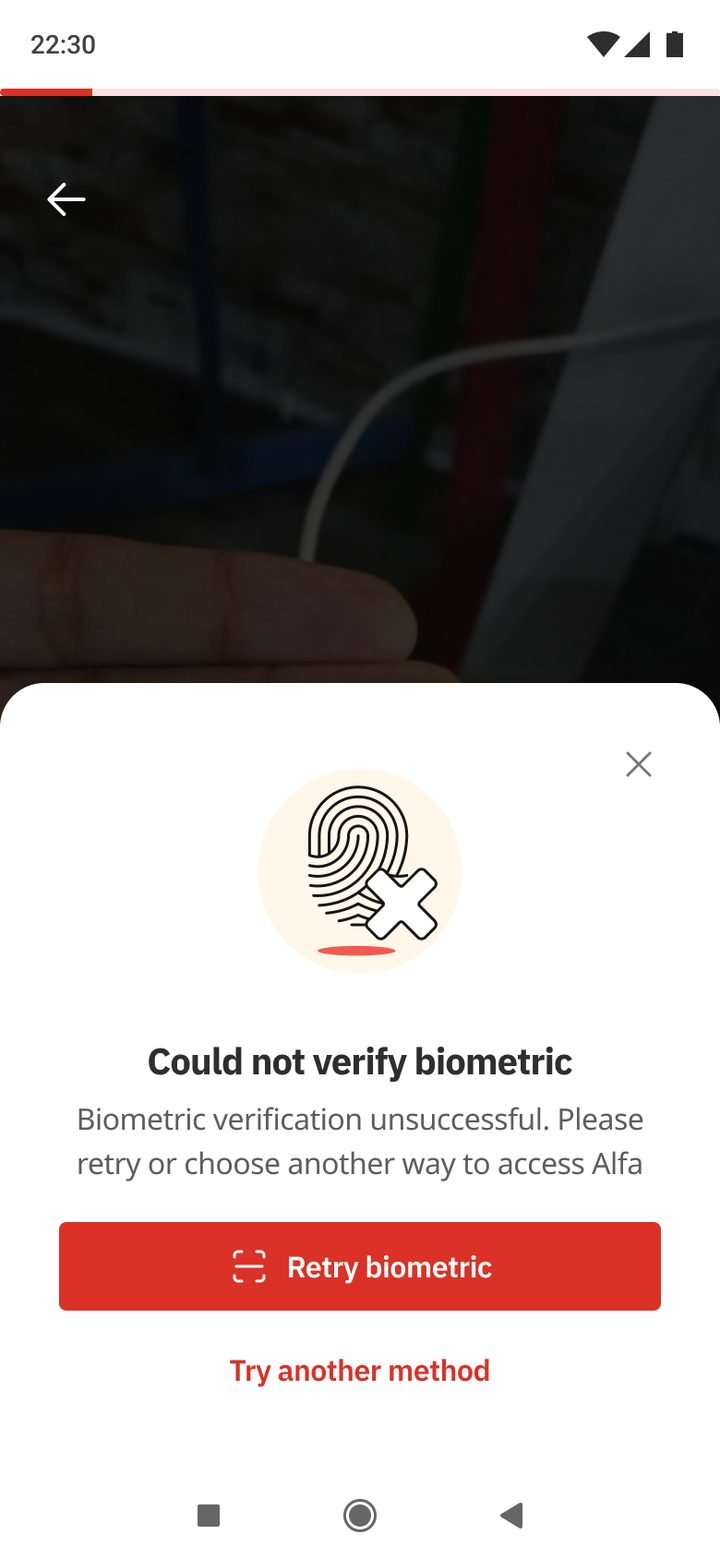
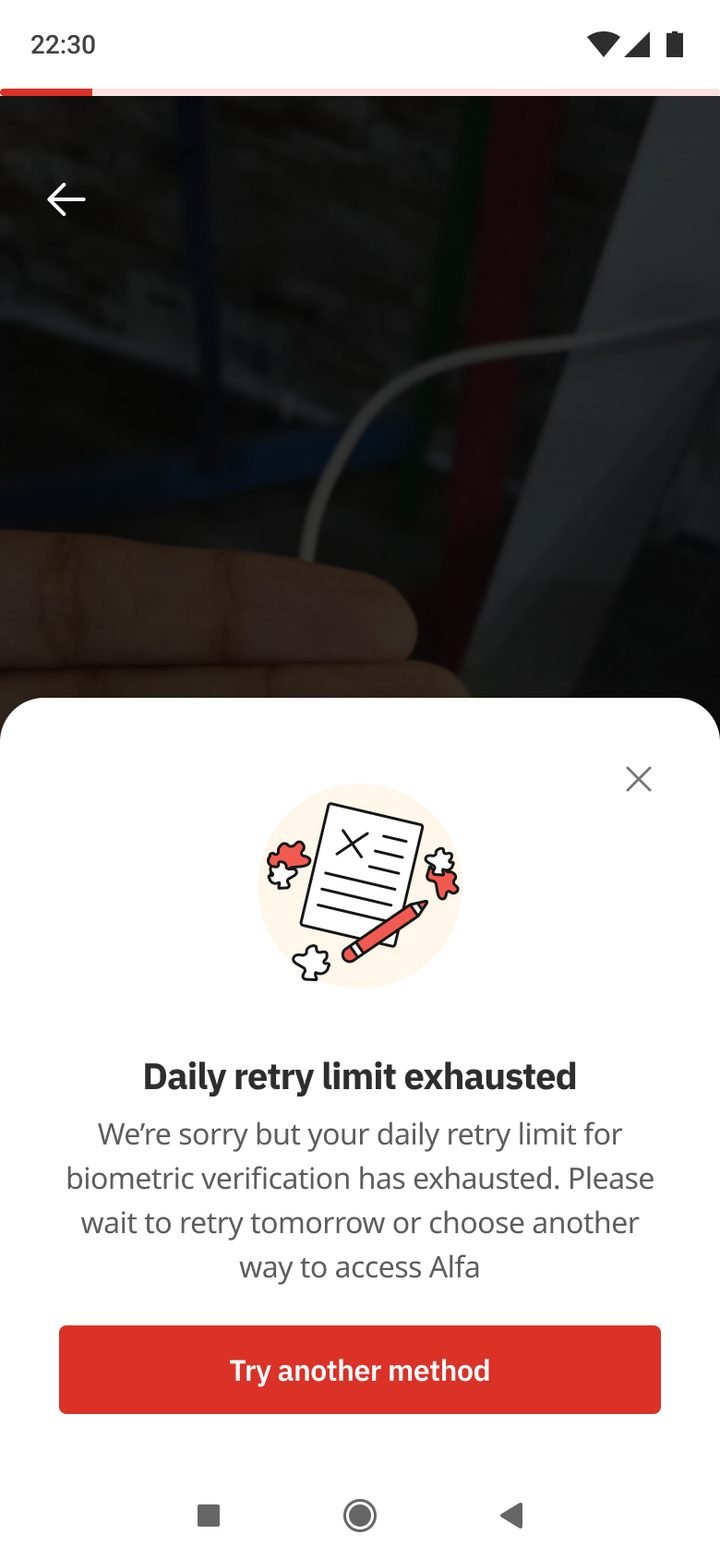
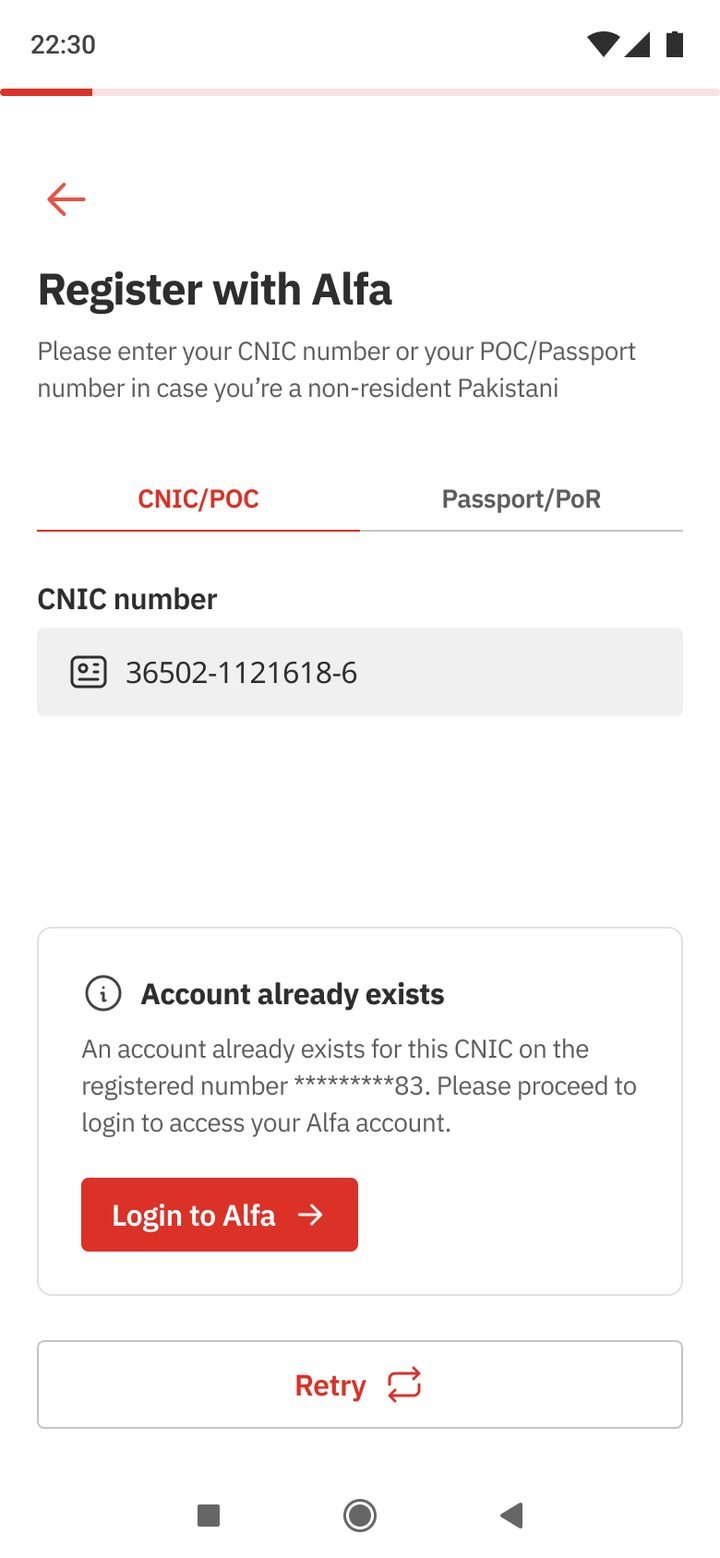
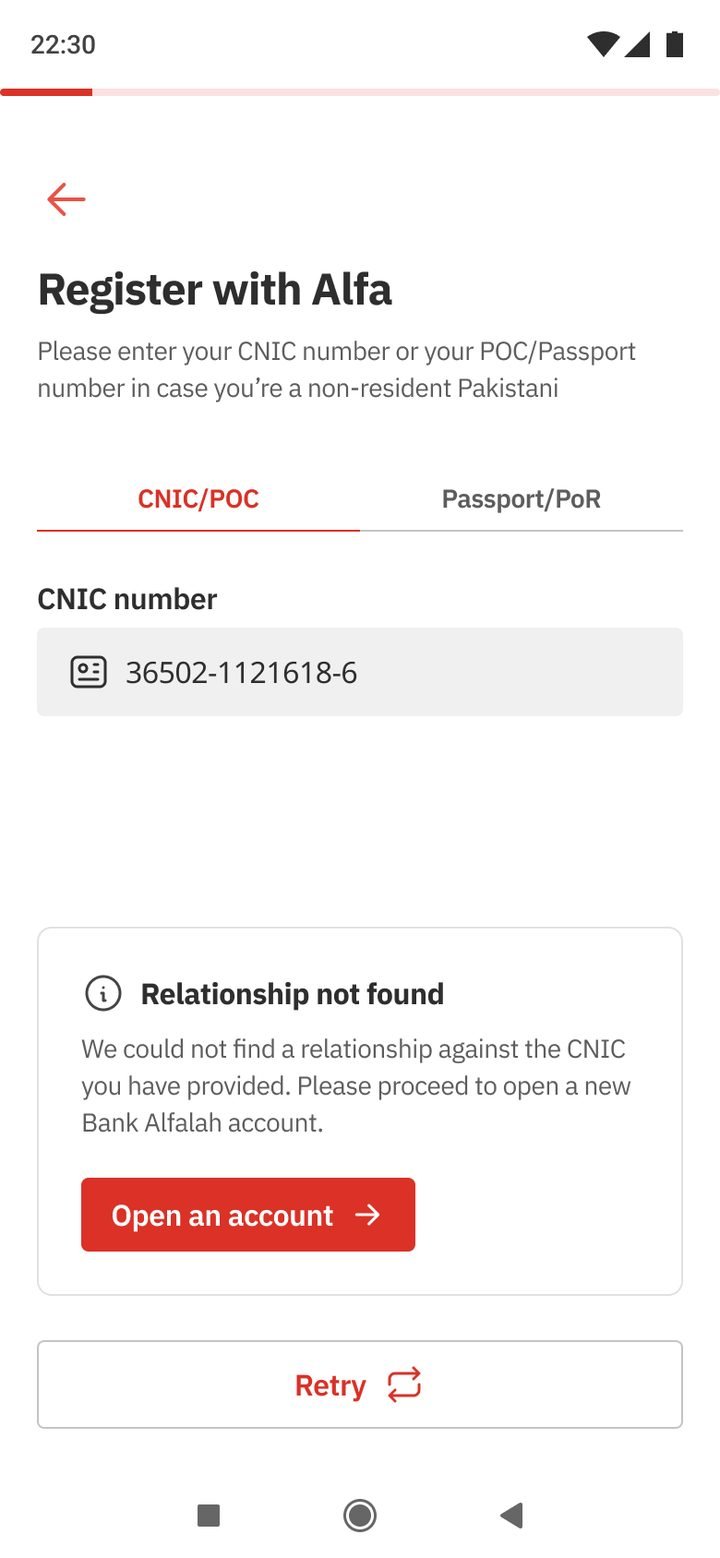
Fingerprint not matched, daily retry limit reached, an account that already exists, a relationship that can’t be found: each one says what happened and offers the next step.
Every answer is shown on one review screen with an edit link per section, so mistakes are fixed before they become branch visits.
The account-created screen leads straight into Alfa with your new account details, so the customer starts banking instead of waiting for a letter.
Drag or scroll sideways, and tap any screen to see it larger.
Open or register.
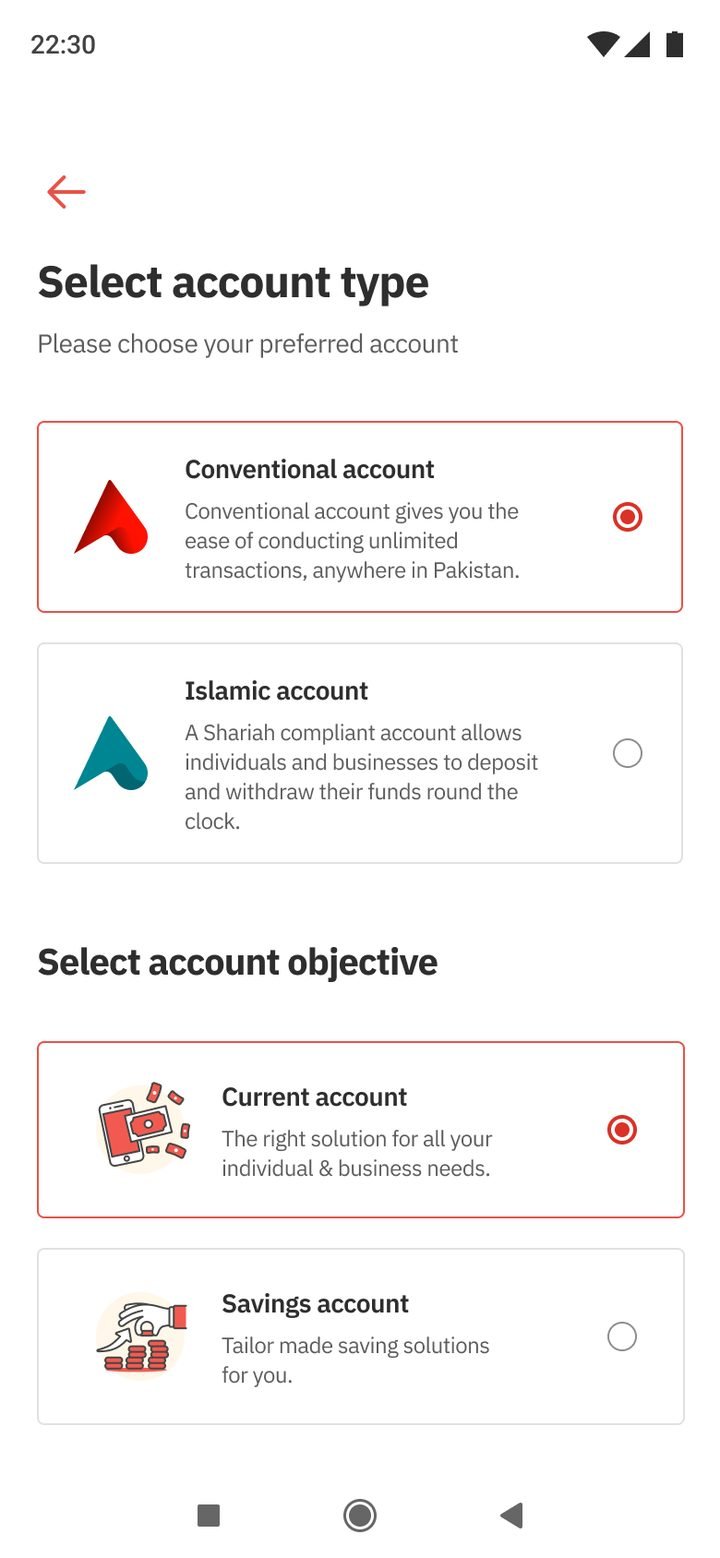
Conventional or Islamic.
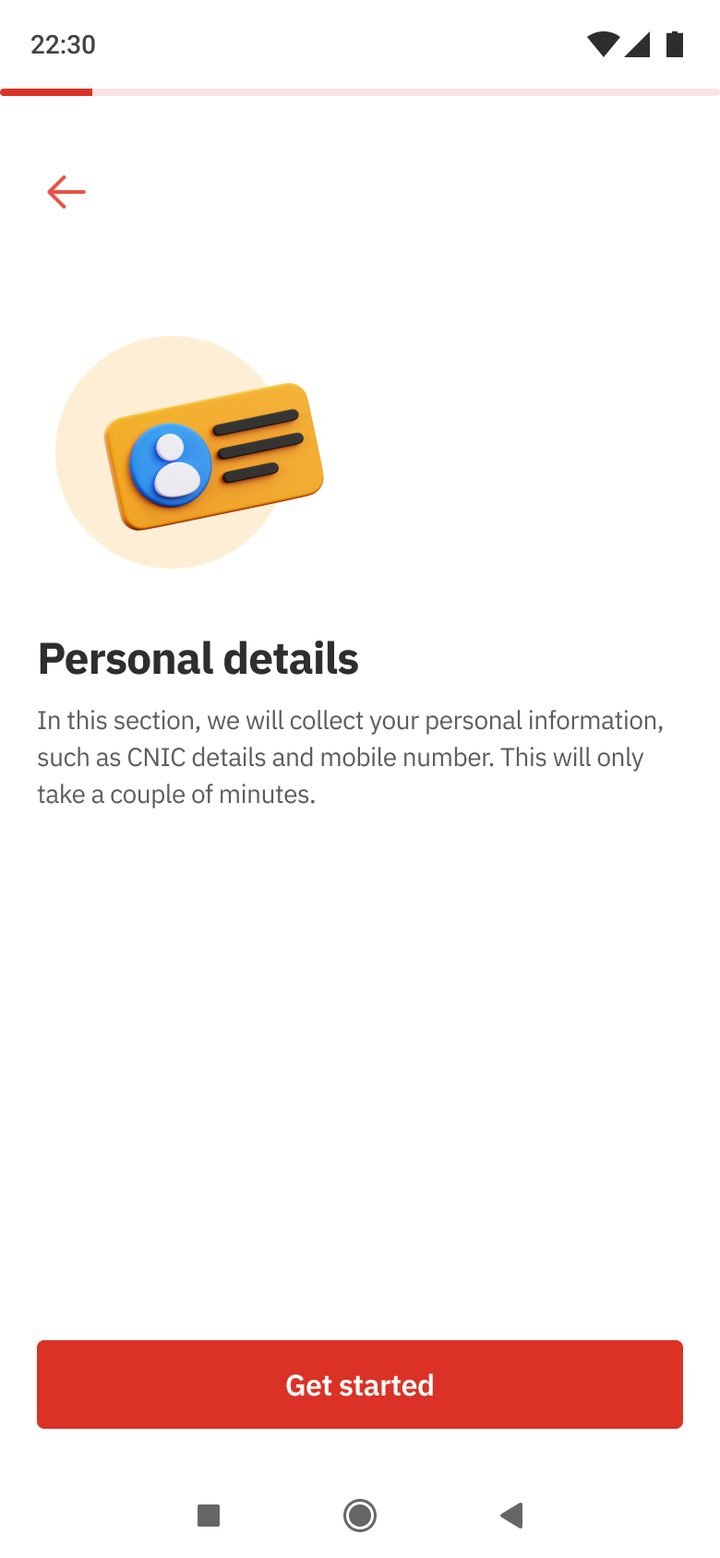
Why we ask, upfront.
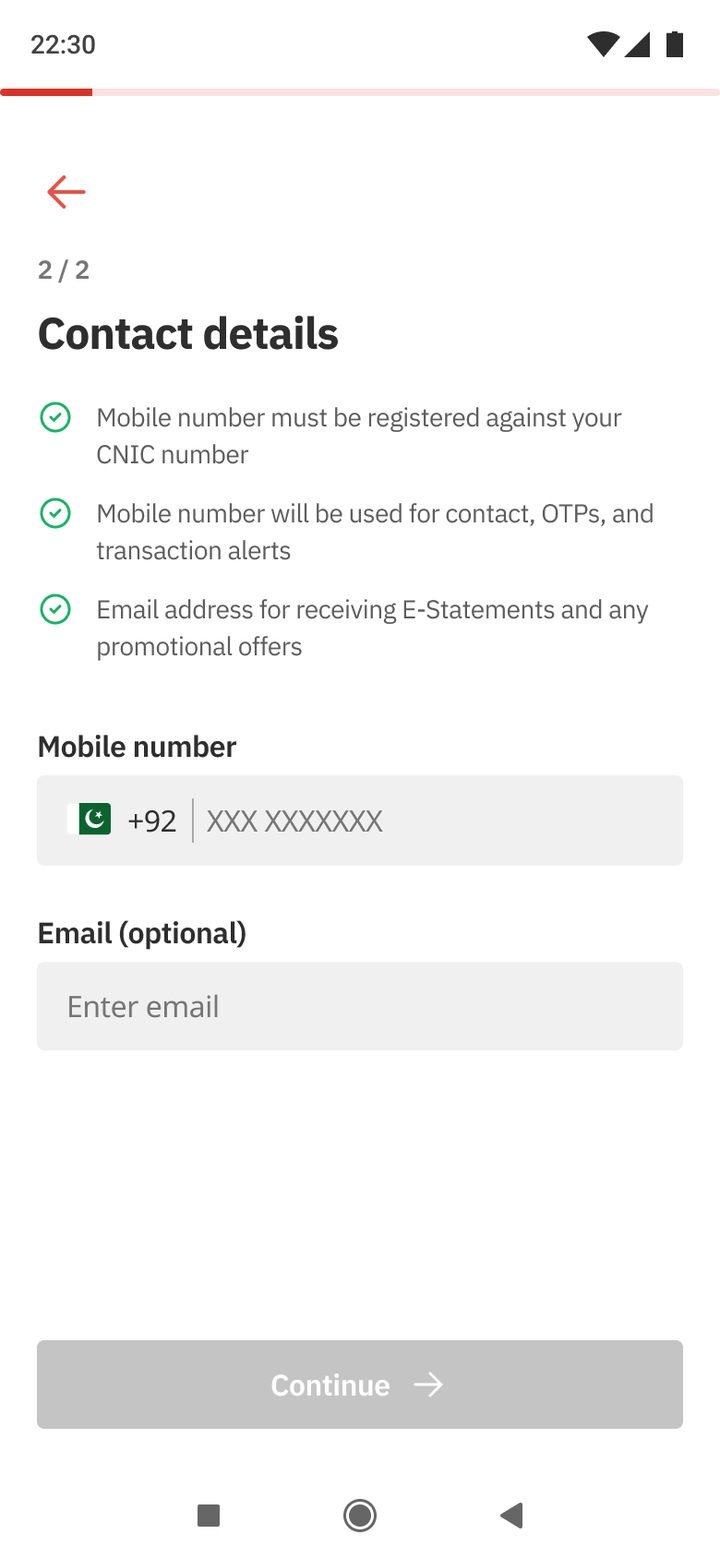
Mobile and email.
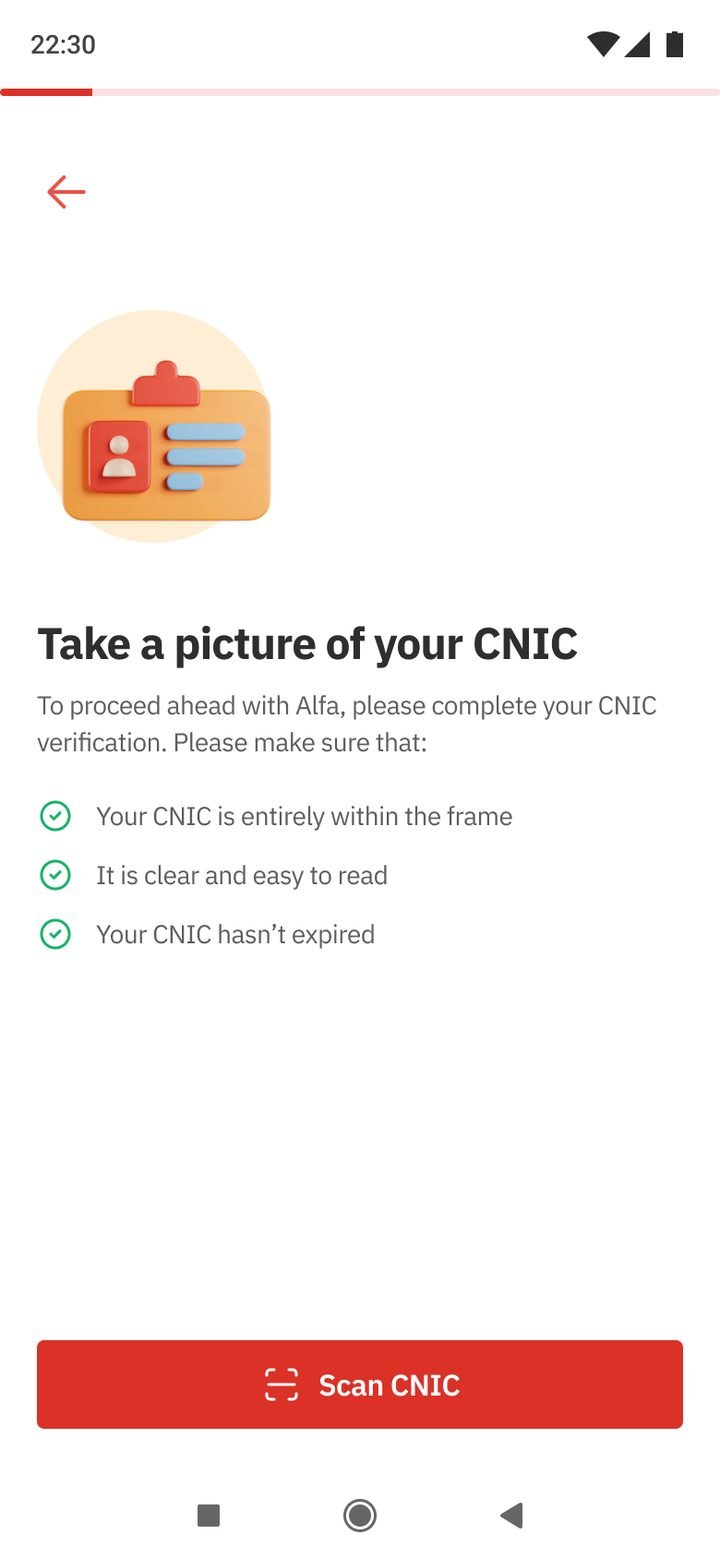
Clear rules first.
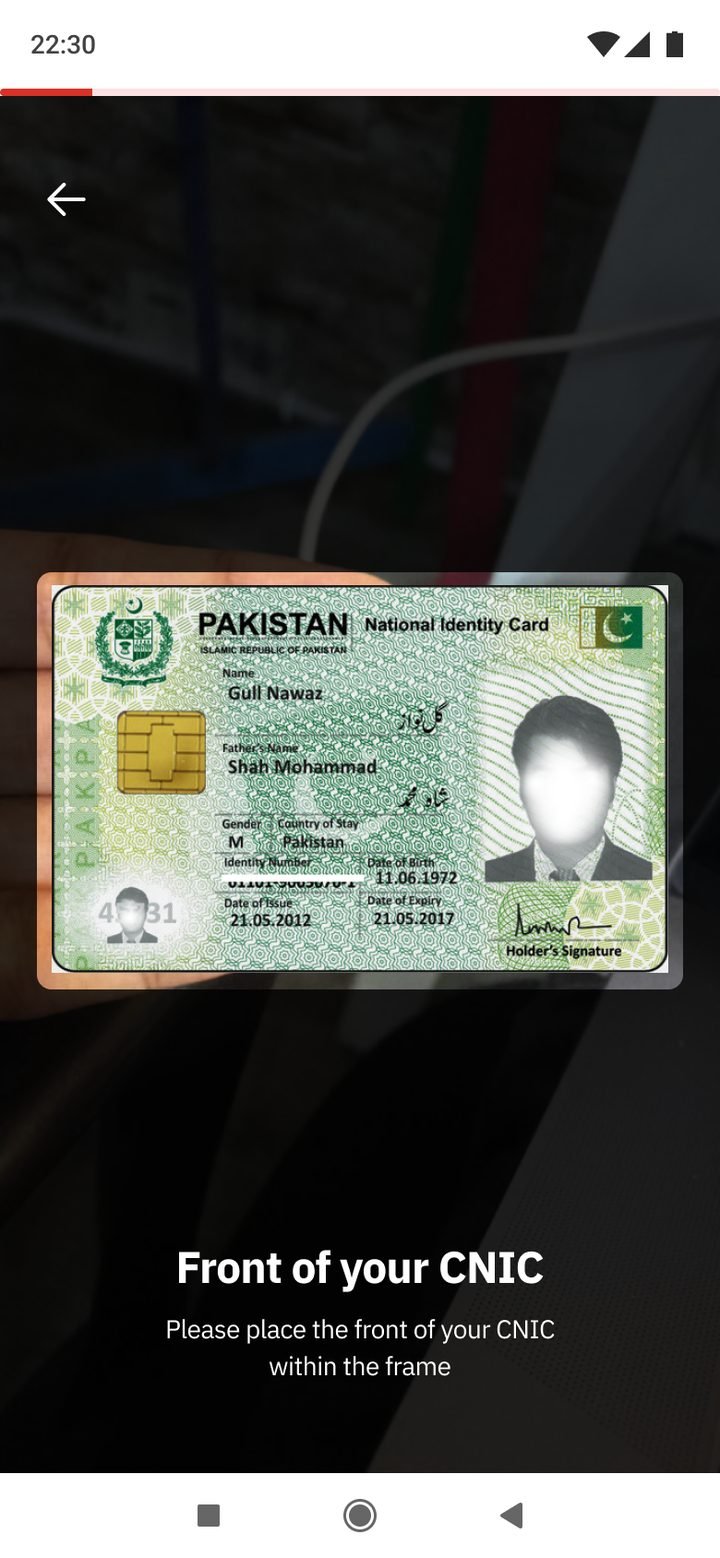
Guided framing.
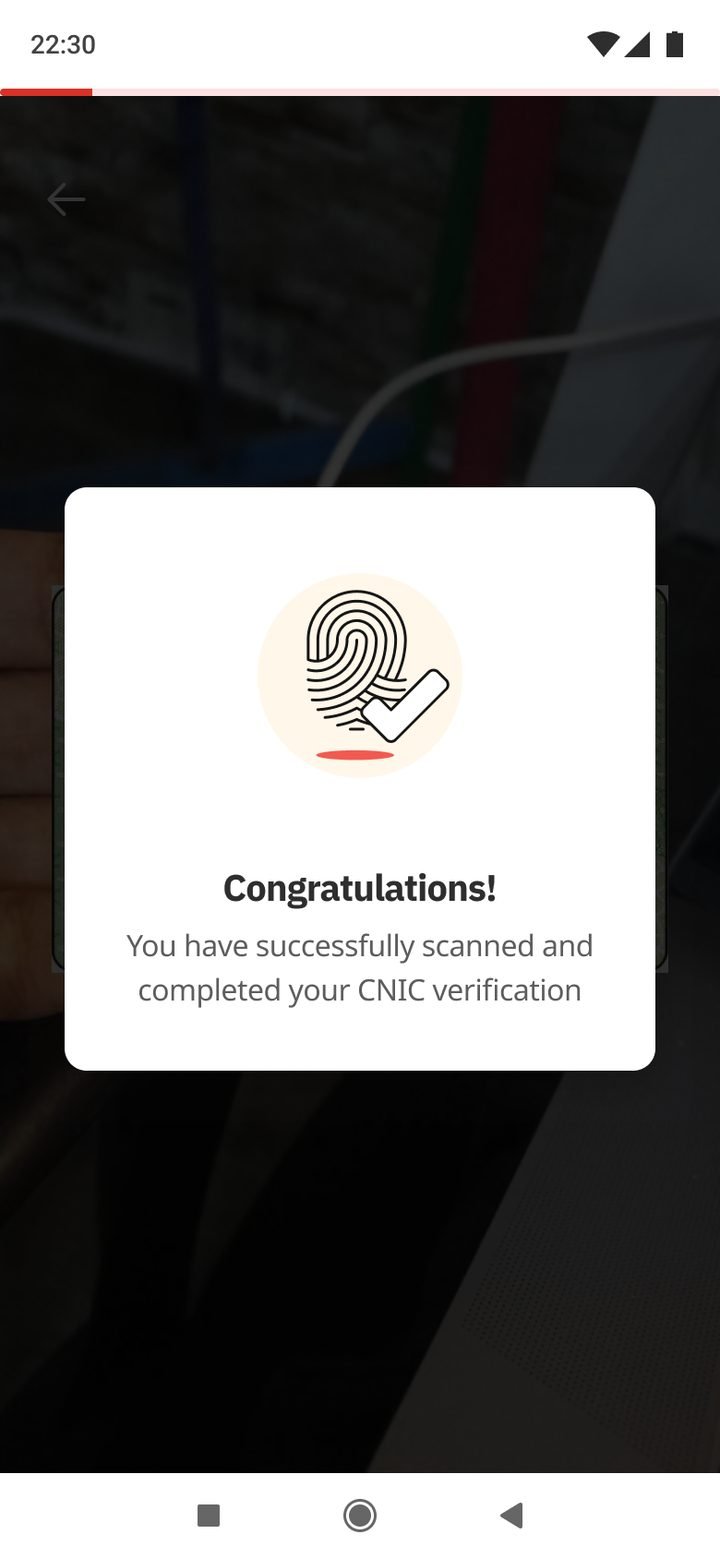
Instant feedback.
Fingerprints via NADRA.
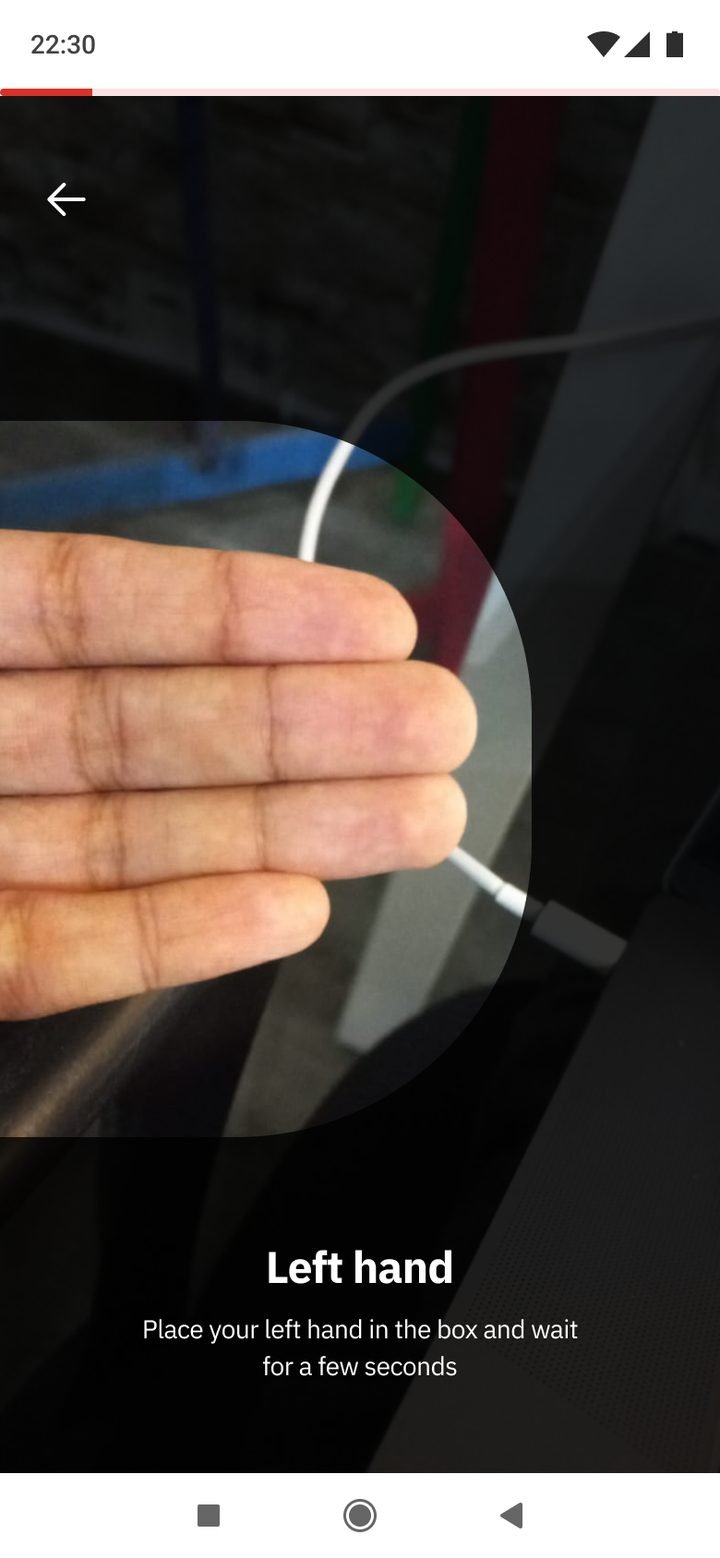
One hand at a time.
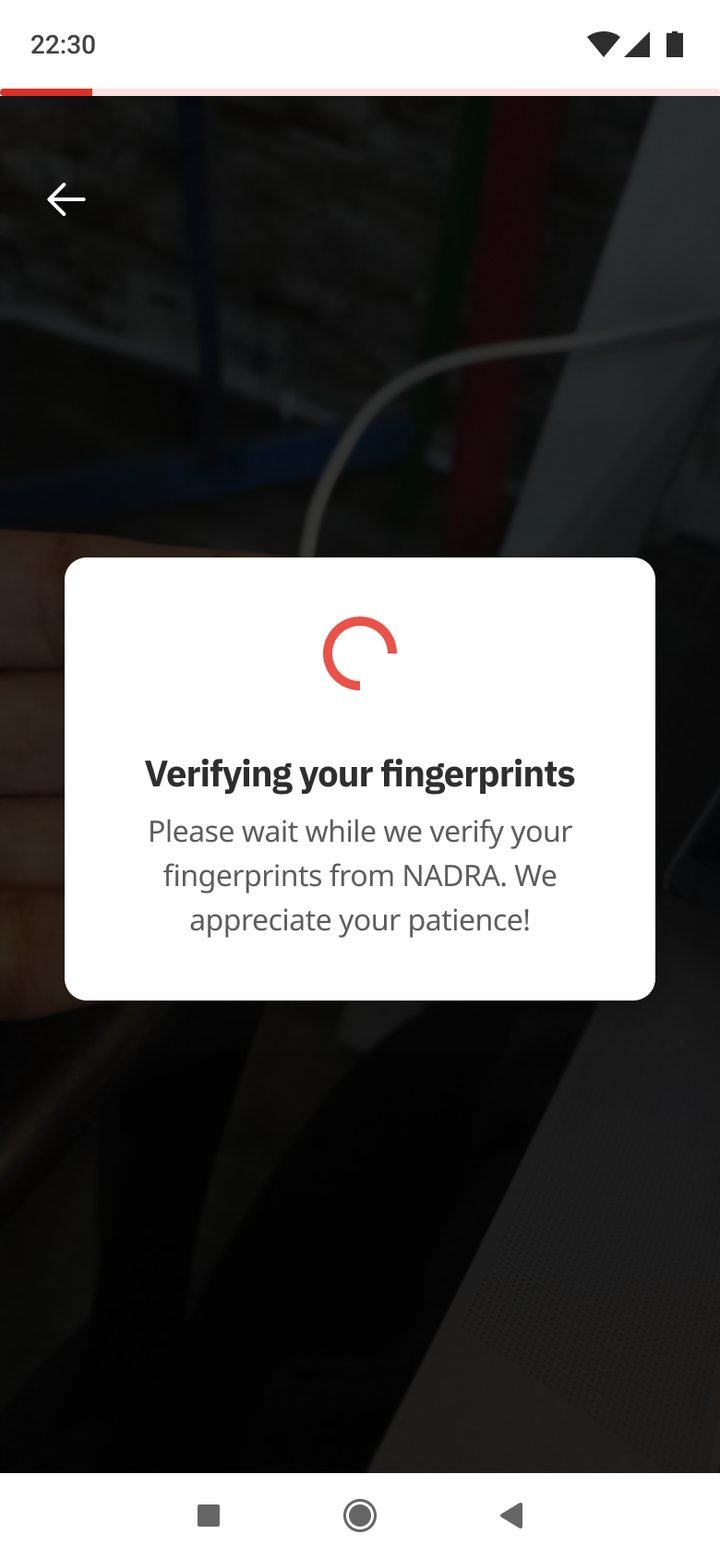
Patience, explained.
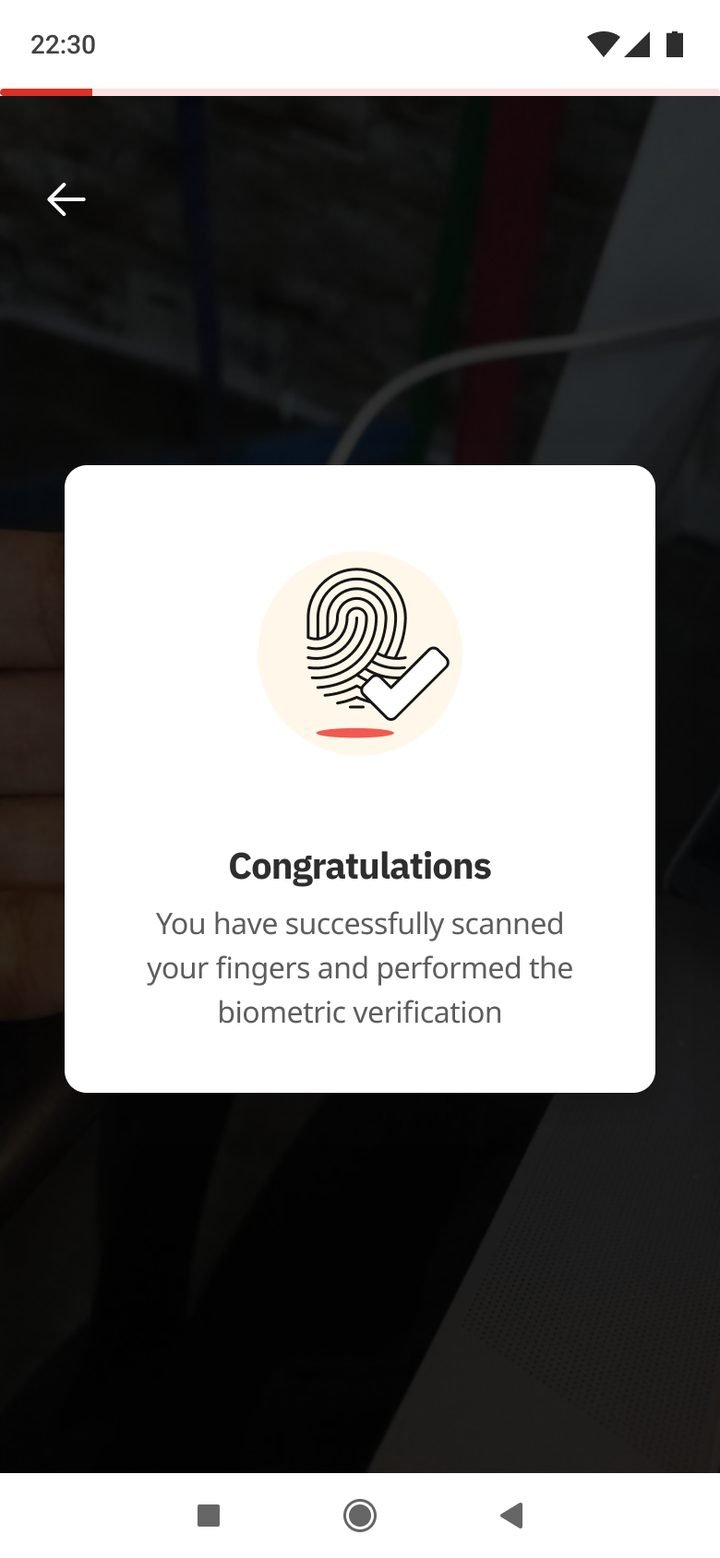
Ready to continue.
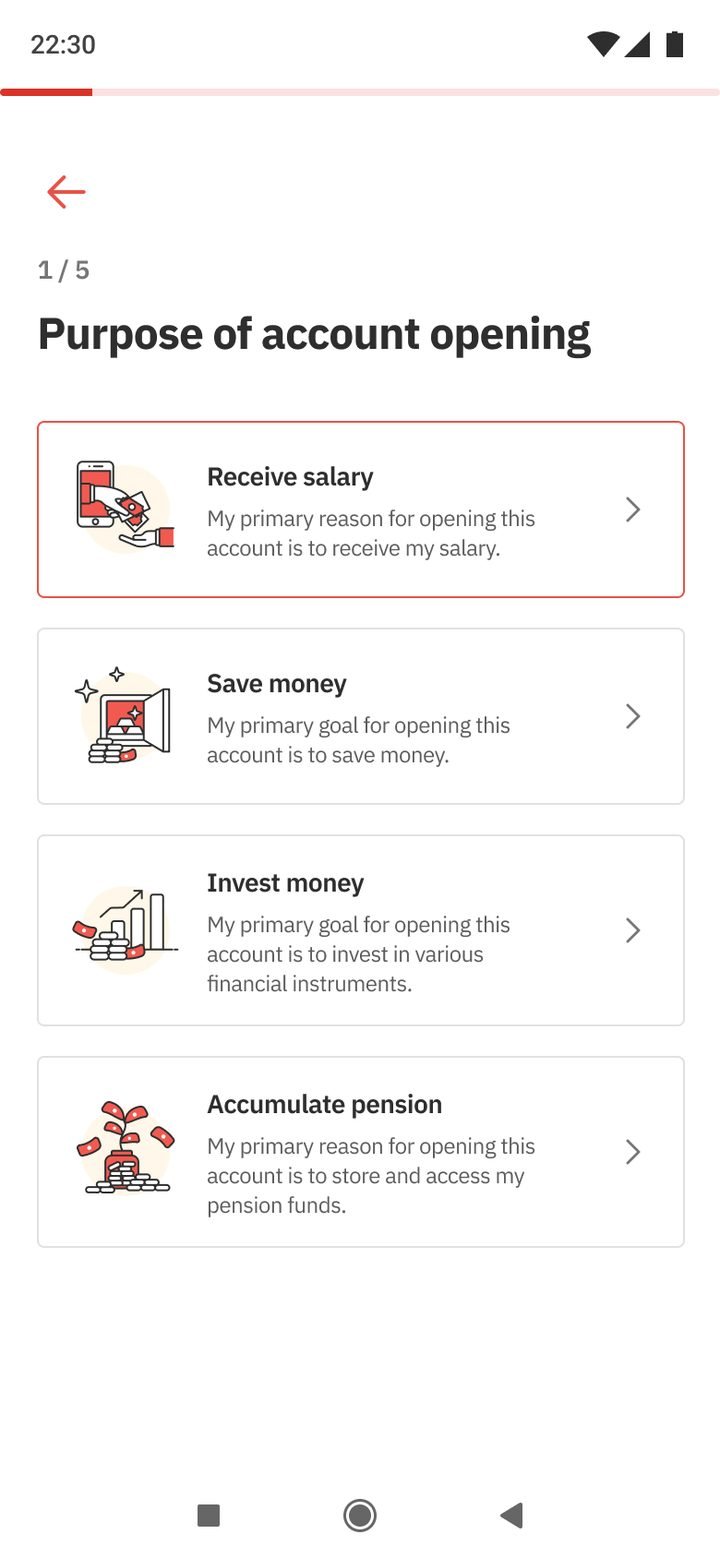
What it’s for.
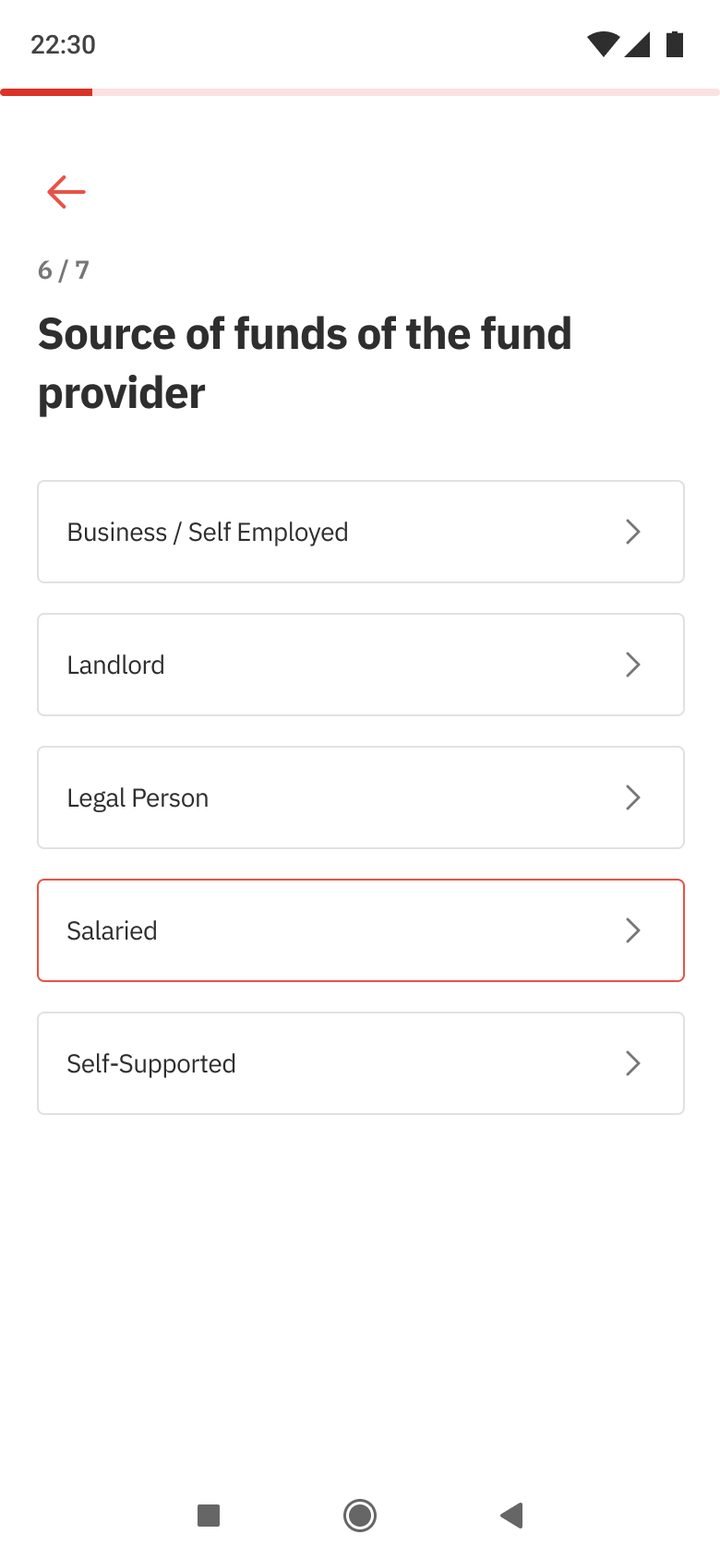
Simple choices.
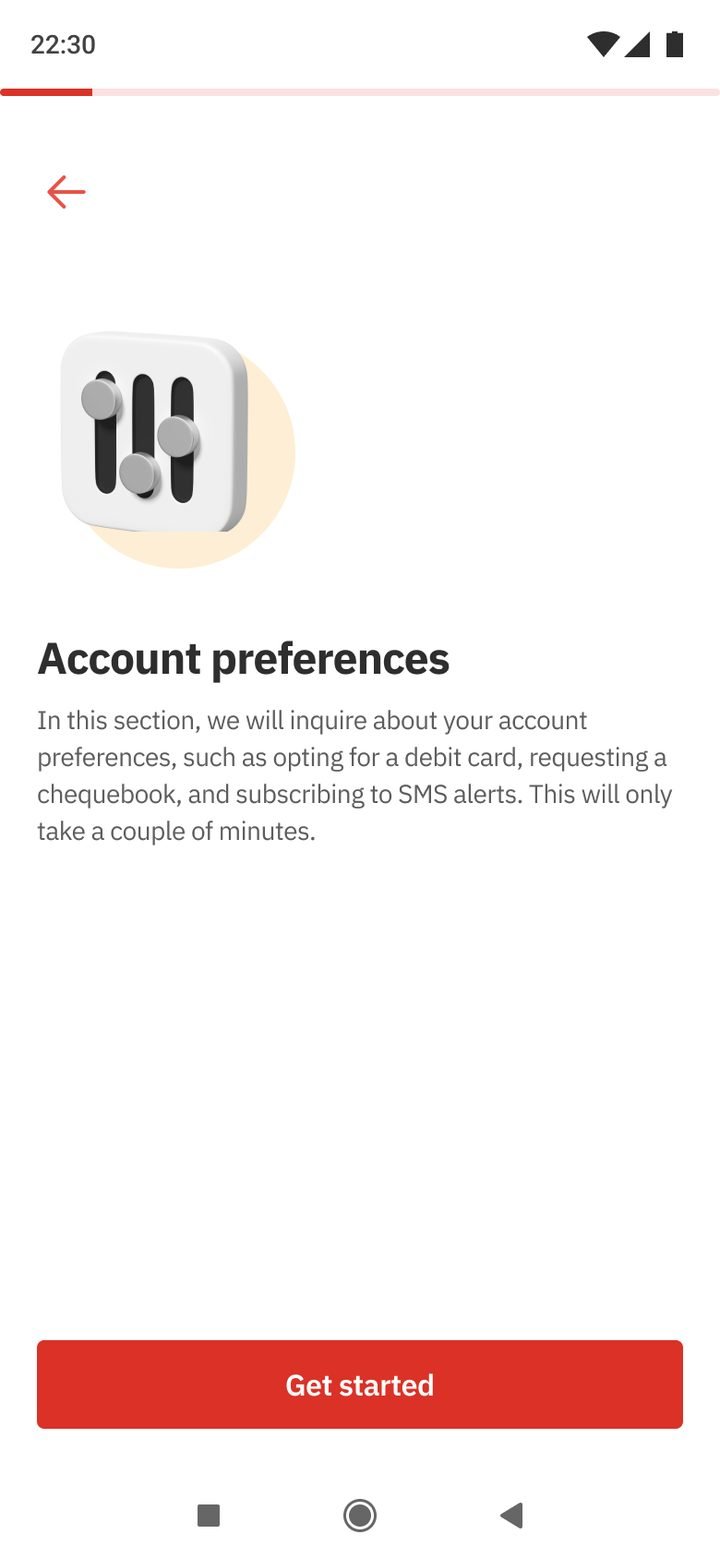
Card, cheque book, alerts.
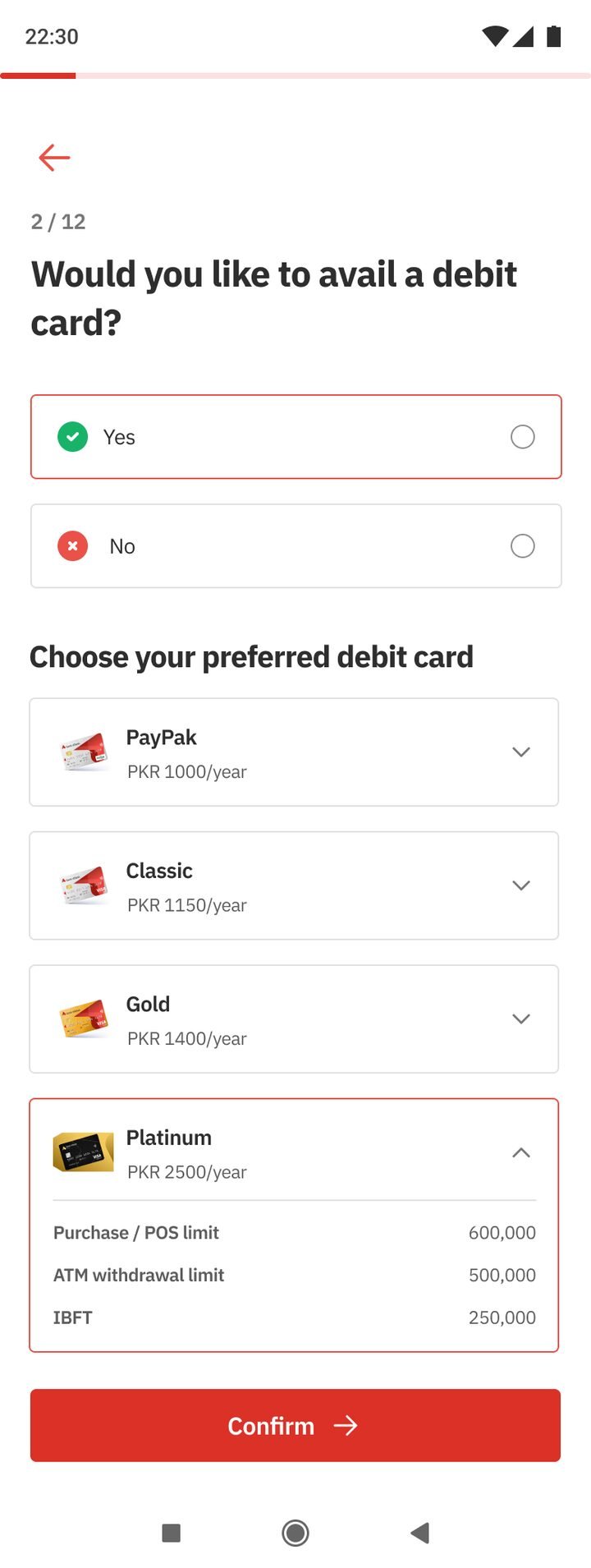
Fees shown upfront.
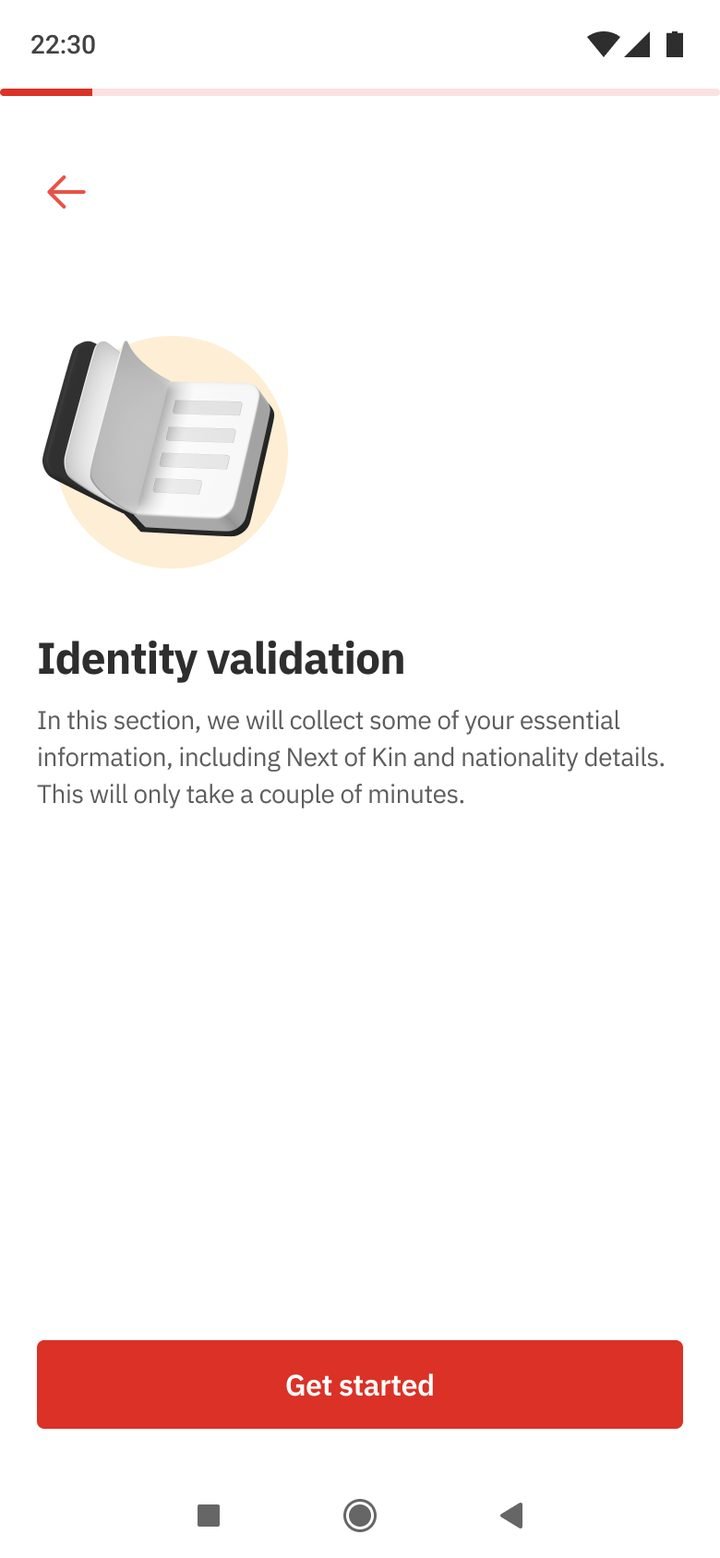
Explained in plain words.
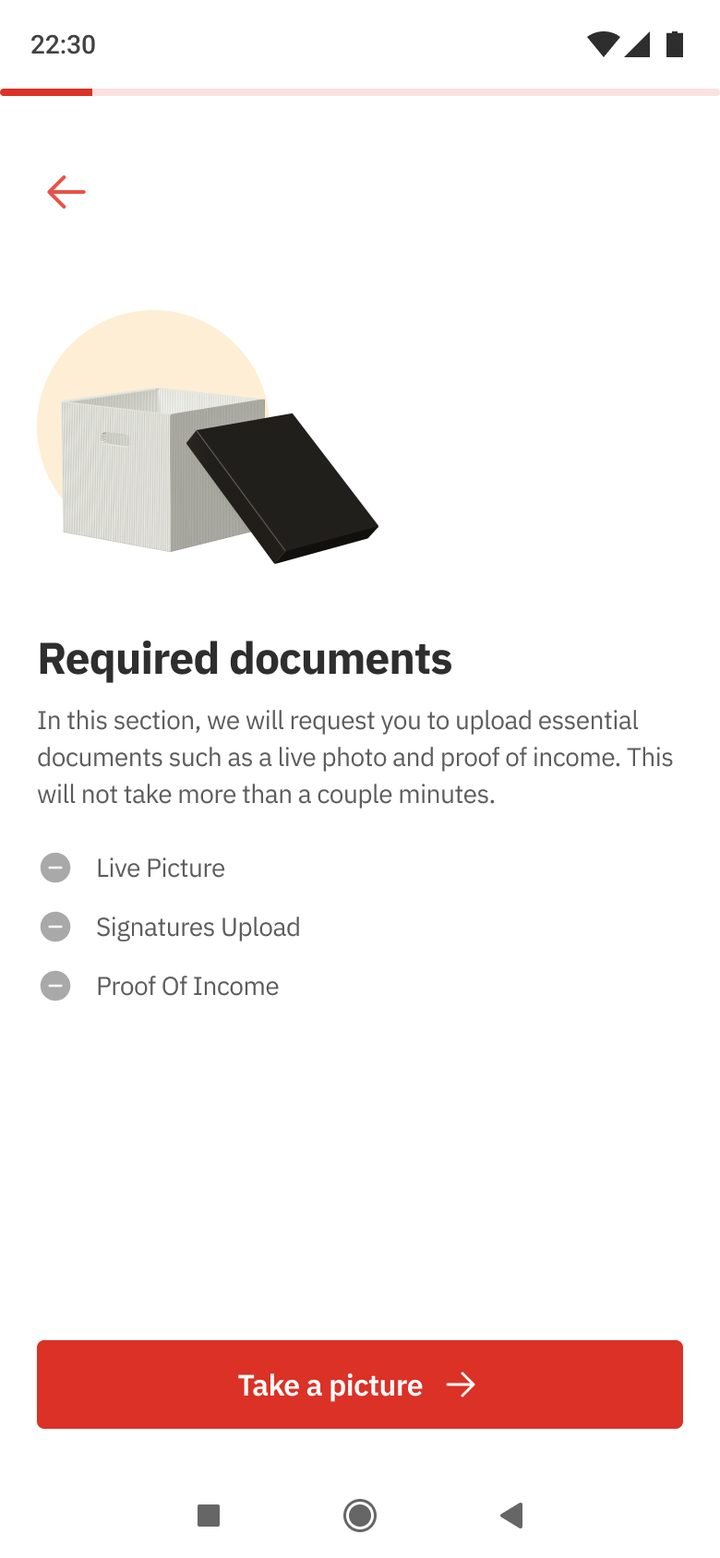
Photo, signature, income.
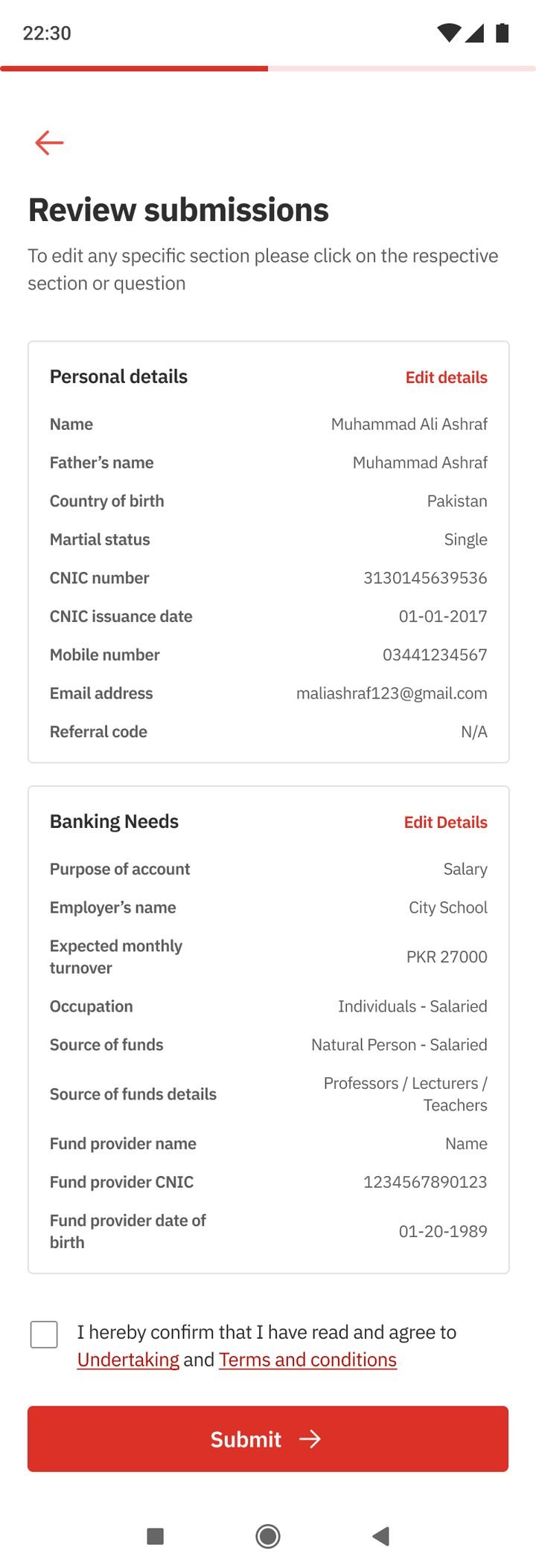
Edit any section.
Straight into Alfa.
← Drag to follow the flow →
The same verification, then credentials, a login PIN and the accounts to link.
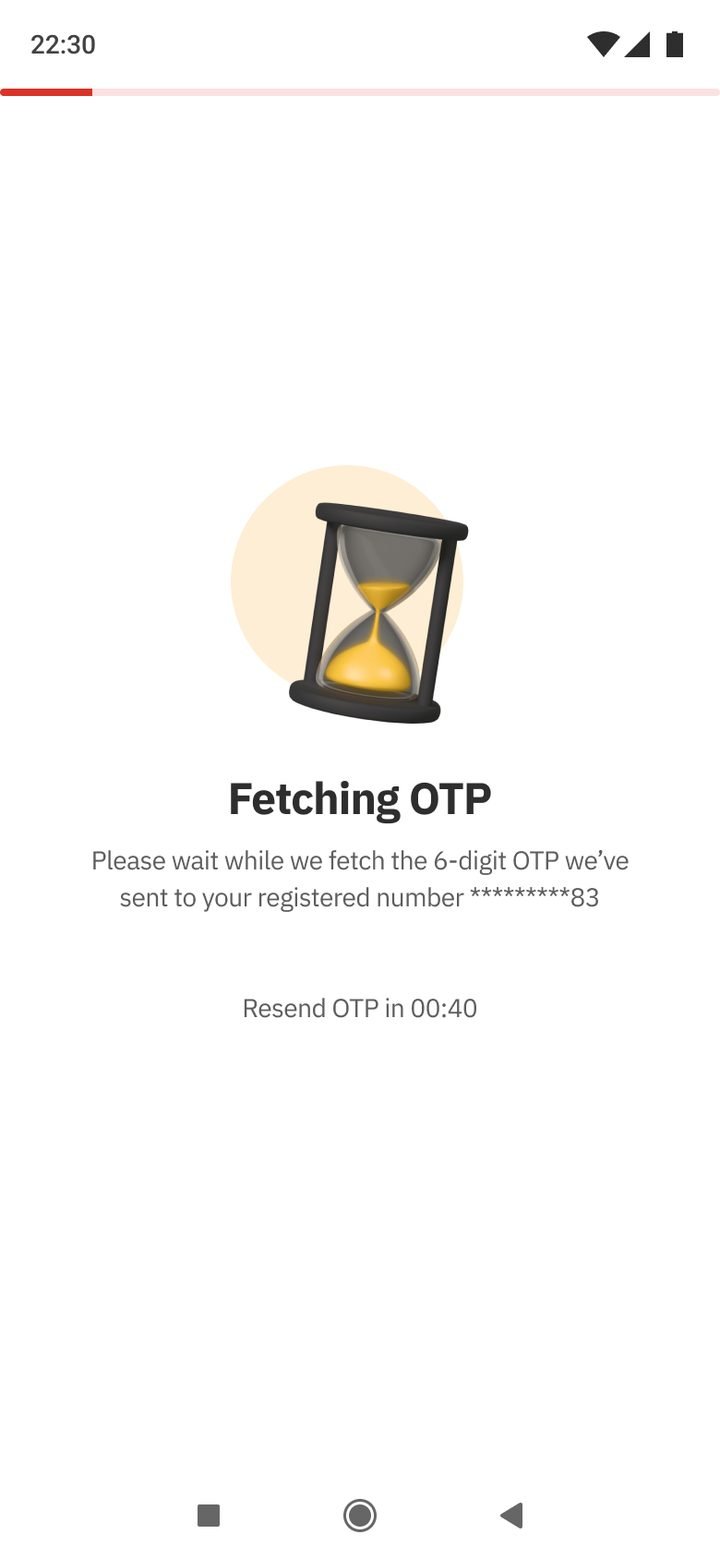
Code sent to the registered number.
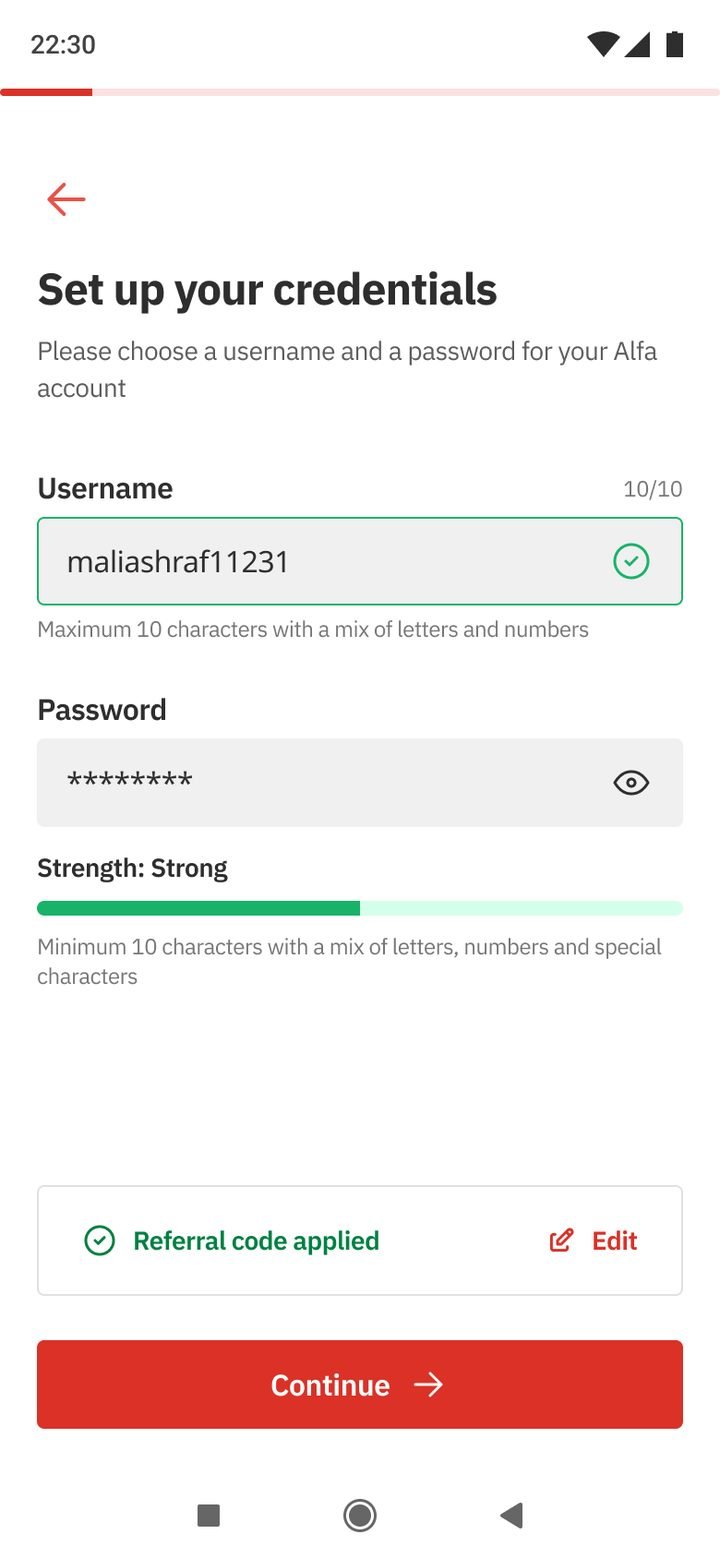
Live rules and strength.
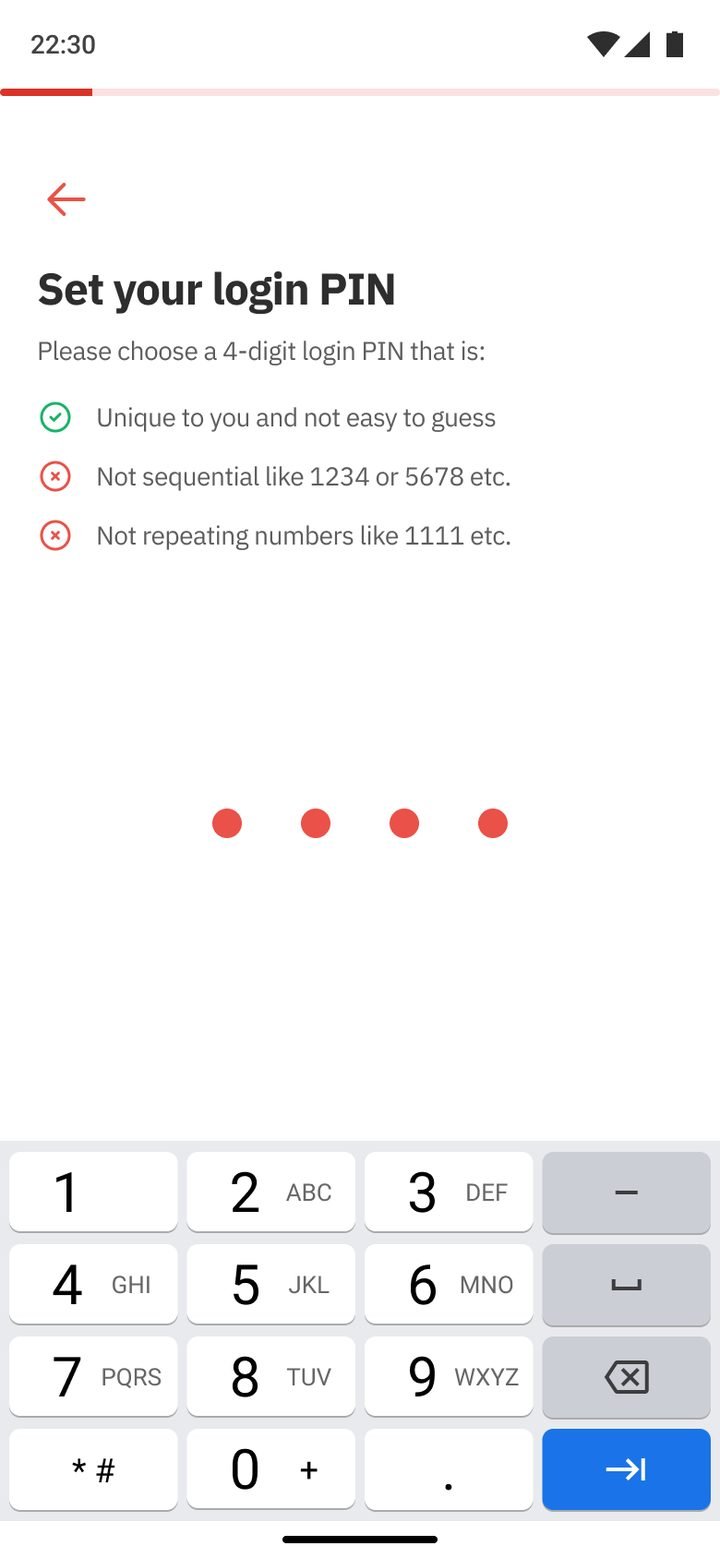
Rules before you type.
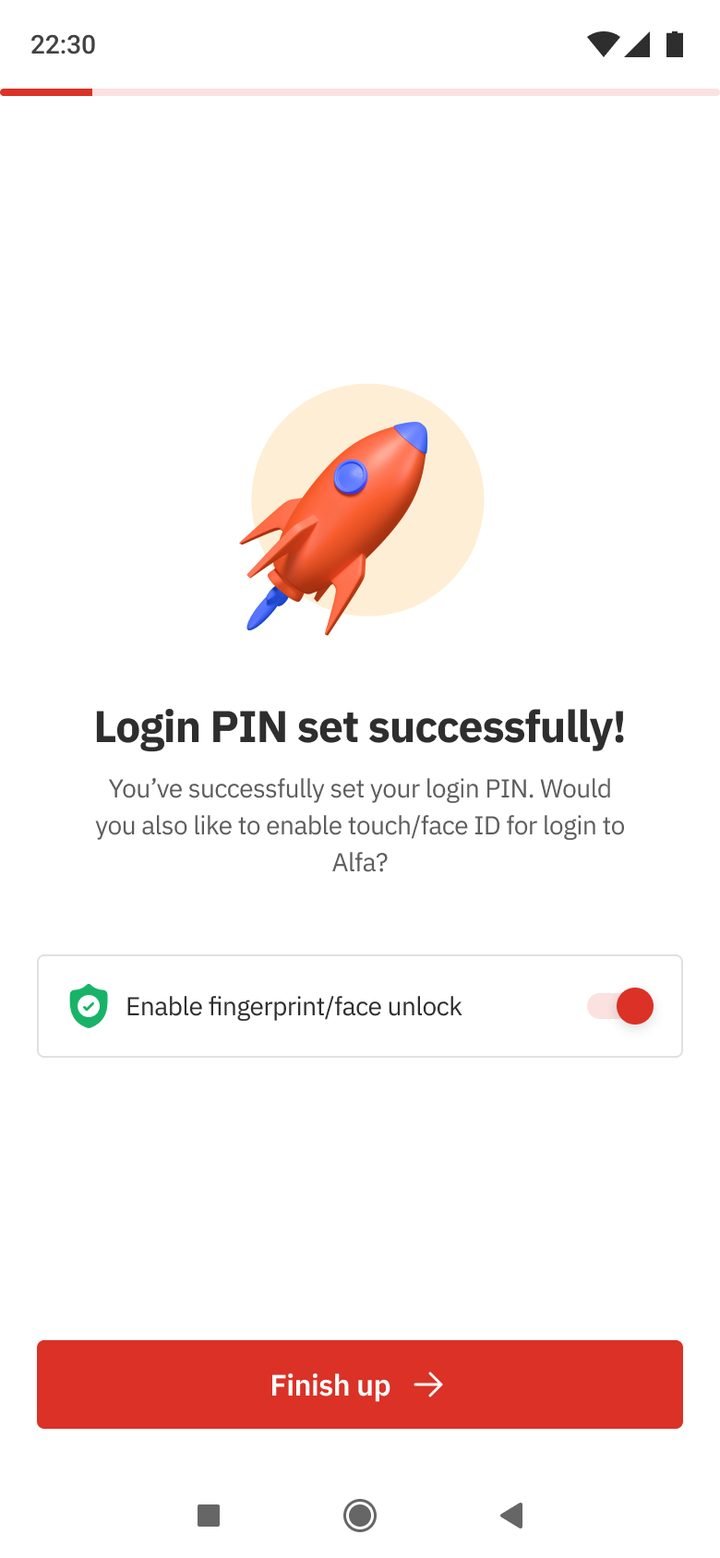
Offer fingerprint login.
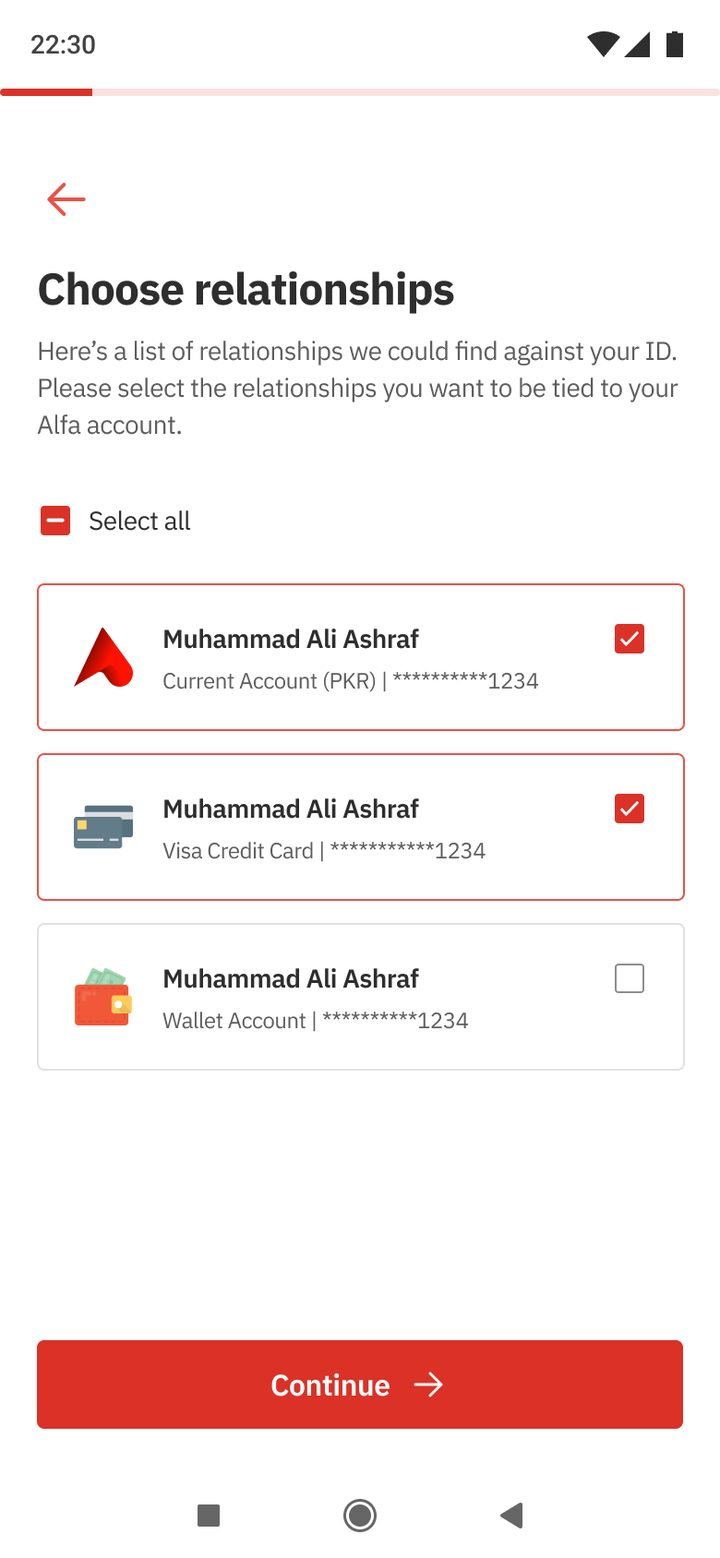
Choose what to see.
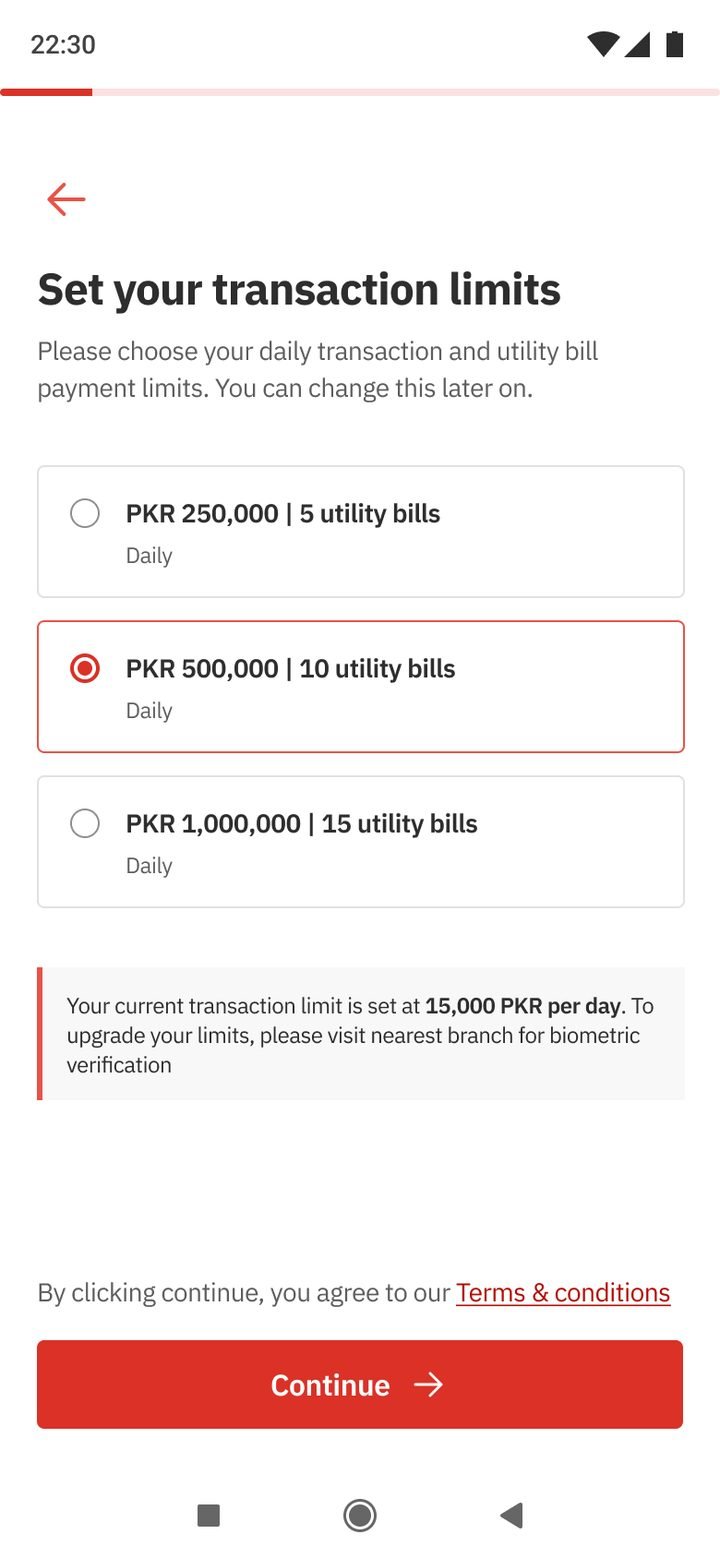
Set your own ceiling.
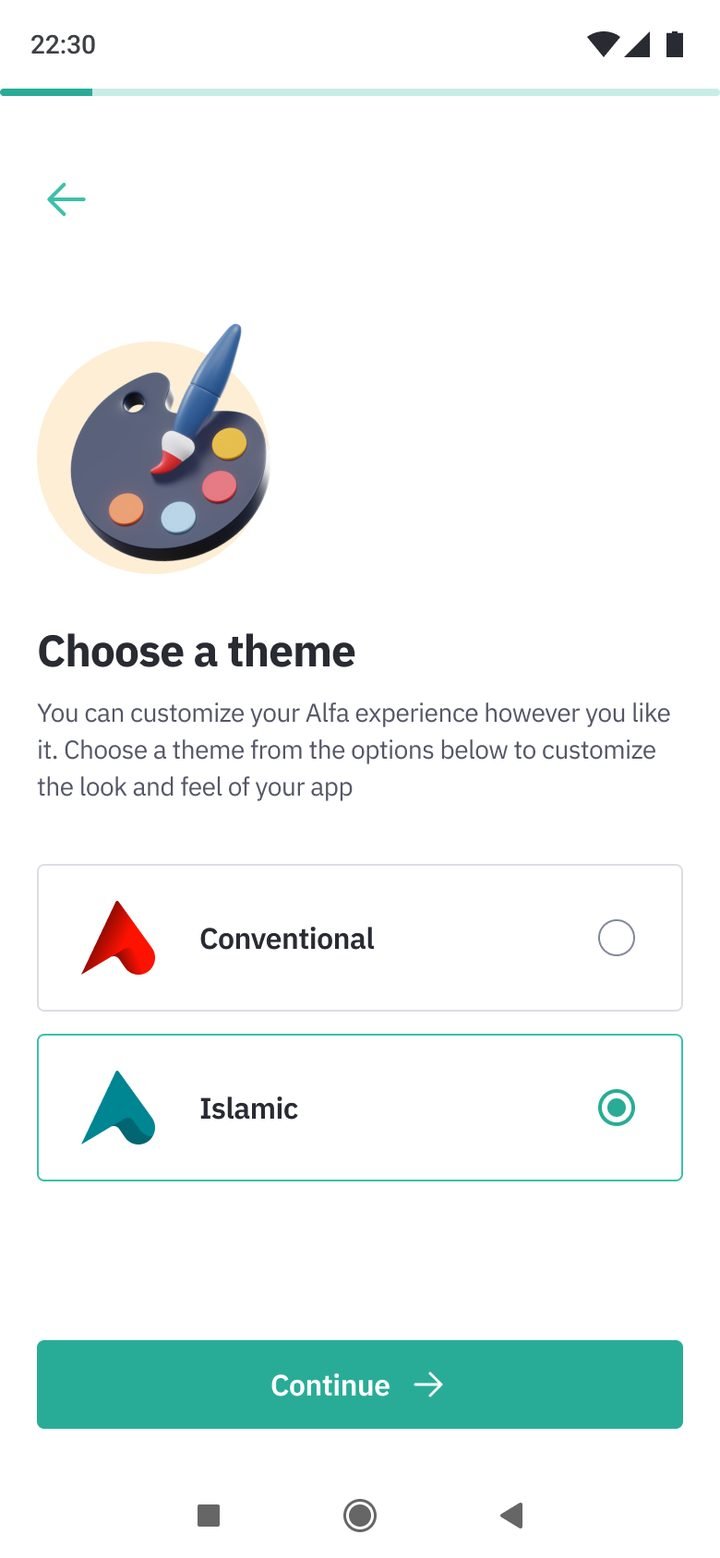
Conventional or Islamic.
← Drag to follow the flow →