Learning & speech challenges
Learning disabilities and language or speech disorders.
 Sarim Naeem
A parent–child learning app that helps children build Arabic language, listening and literacy skills — and gives parents clear, calm control over how screen time is spent.
Modern children face real developmental challenges — and most of their screen time does nothing about them.
At the same time, parents often struggle to monitor and engage their children effectively in meaningful educational activities. Blocking apps creates conflict; allowing them creates guilt. Neither builds skills.
Learning disabilities and language or speech disorders.
Attention drifts before meaning lands.
Literacy milestones arriving later than they should.
Hours spent scrolling instead of learning.
turn the screen time children already have into learning time — without turning parents into screen-time police?
The child wants fun. The parent wants control. The product only works if both get what they came for.
That tension shaped the whole architecture: a playful, low-reading experience for children, and a calm, data-first experience for parents — connected by a shared family account.
Children engage in activities such as vocabulary practice, listening to the Quran, storytelling, drawing and games.
Parents oversee and manage their children’s app usage, progress and screen time from one place.
Two personas kept every decision honest. If a feature didn’t help Ahmed learn or help Fatima trust the app, it didn’t make the cut.
Can I play now? I’ll do the word game first!
I don’t want to take the tablet away. I want to know it’s doing him good.
Every feature was scored on impact and urgency. Ten made the MVP. Two waited.
The MVP had one job: prove the core loop — a child learns, earns and plays; a parent sees it happen. Anything that didn’t serve that loop moved to “revisit later”, no matter how good it sounded in a meeting.
Included in the first release.
Revisit later.
Every screen was checked against three principles before it moved to high fidelity.
The first and third are for Ahmed. The second is for Fatima. Where they conflicted, the rule was simple: children get simplicity, parents get depth — never the other way round.
Bright colours, large icons and simple navigation that makes the app appealing — even before a child can read every word.
See the child app →Clear, intuitive dashboards and robust settings for seamless child management — depth without clutter.
See the parent tools →Rewards, points and progress trackers that make learning the thing a child wants to do next.
Try the mechanic →Login, family setup and screen-time controls — designed for a busy parent who wants answers in seconds, not another app to manage.
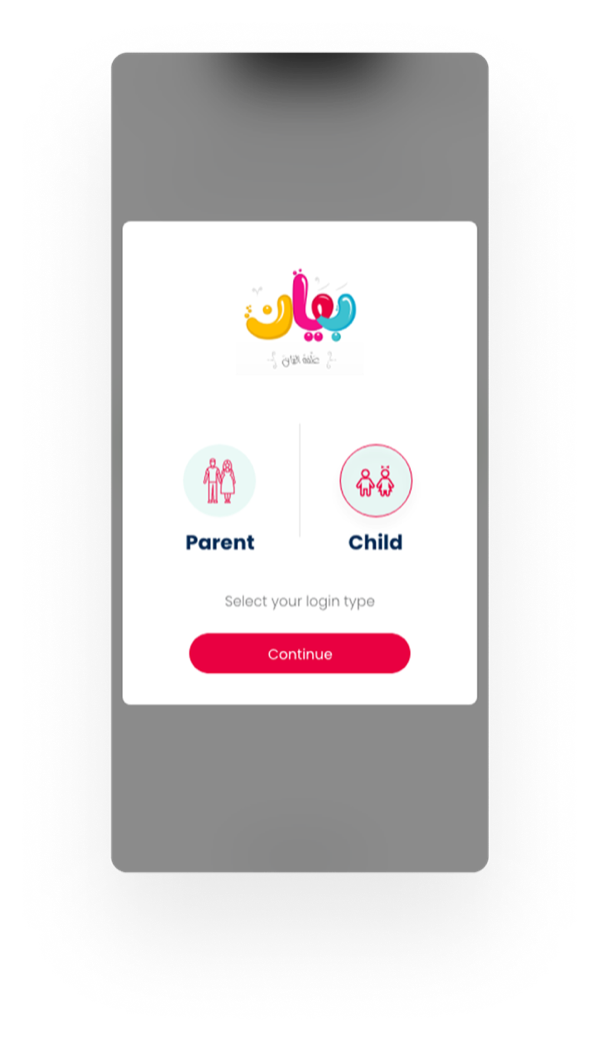
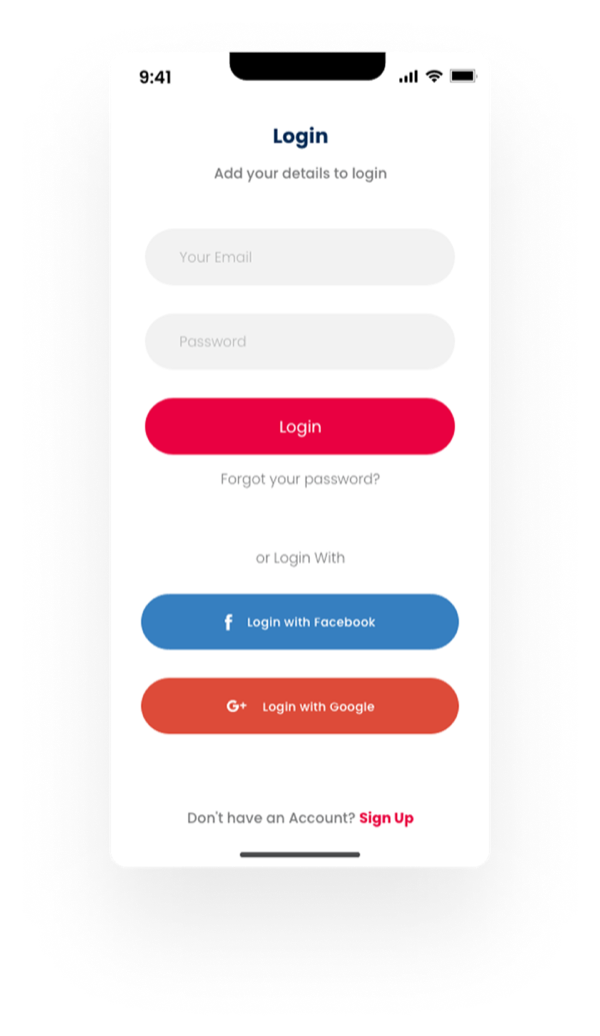
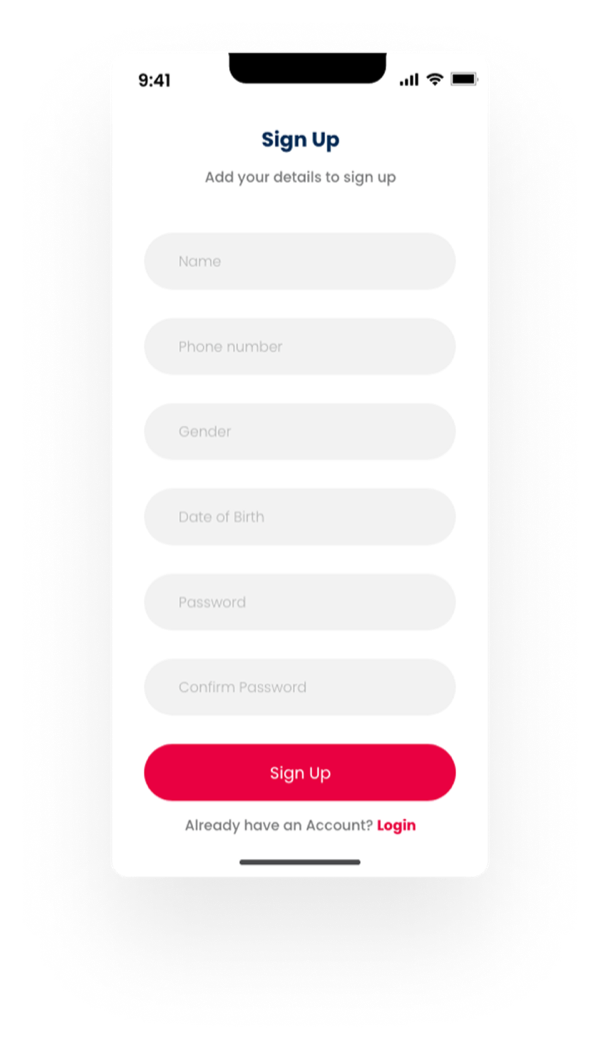
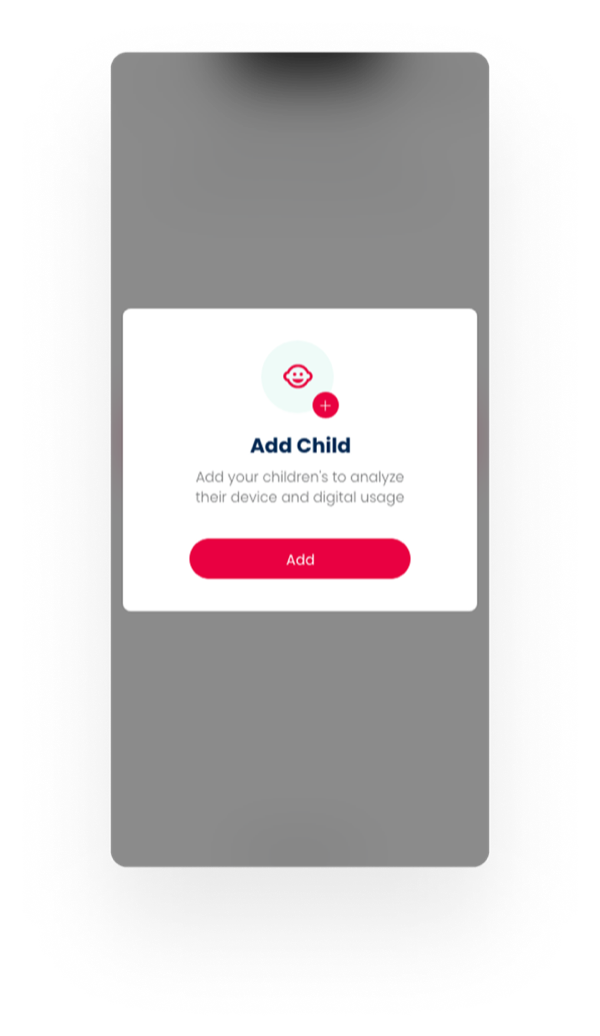
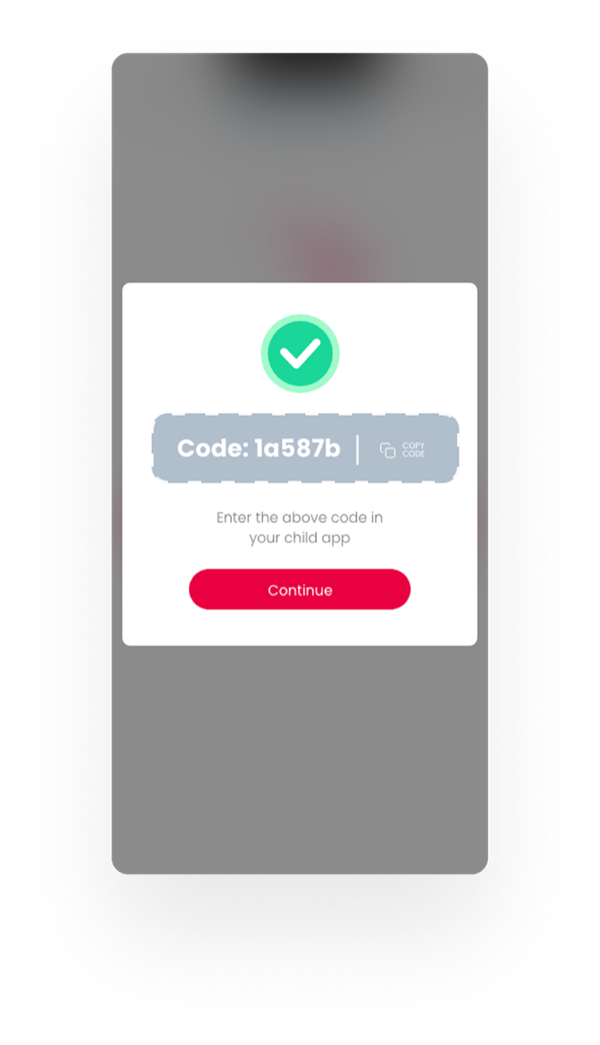
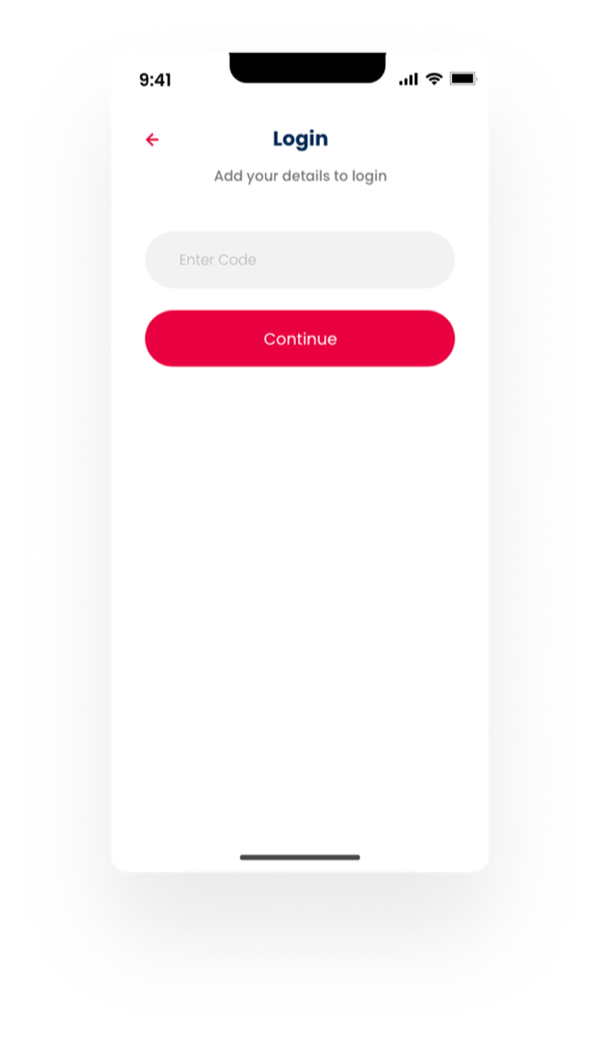
A parent creates a child profile and gets a short code. The child enters it once to link their app — no credentials for a seven-year-old to remember.
Design choice — remove typing where it adds nothing.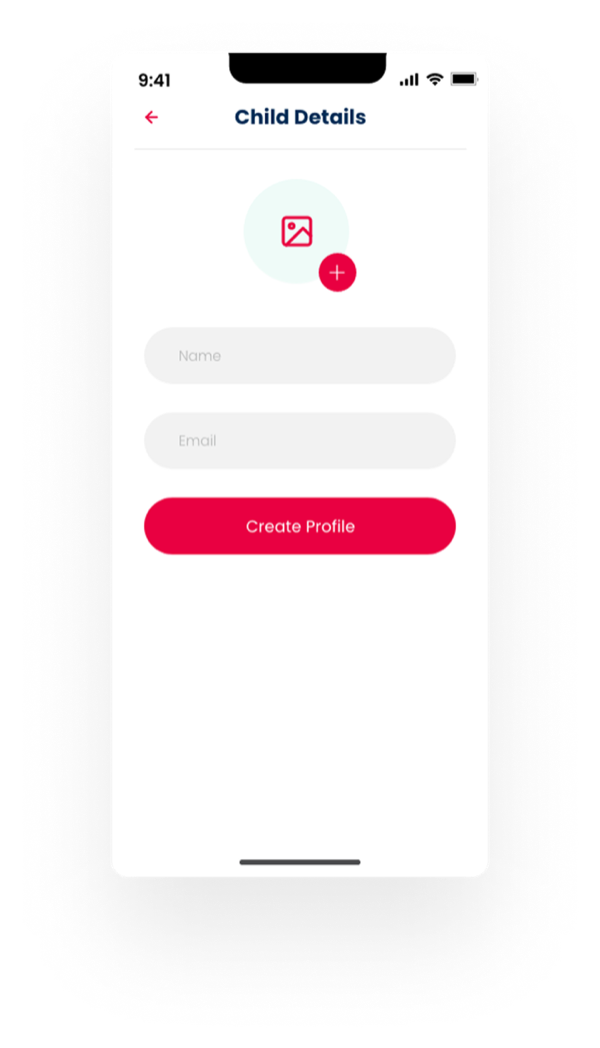
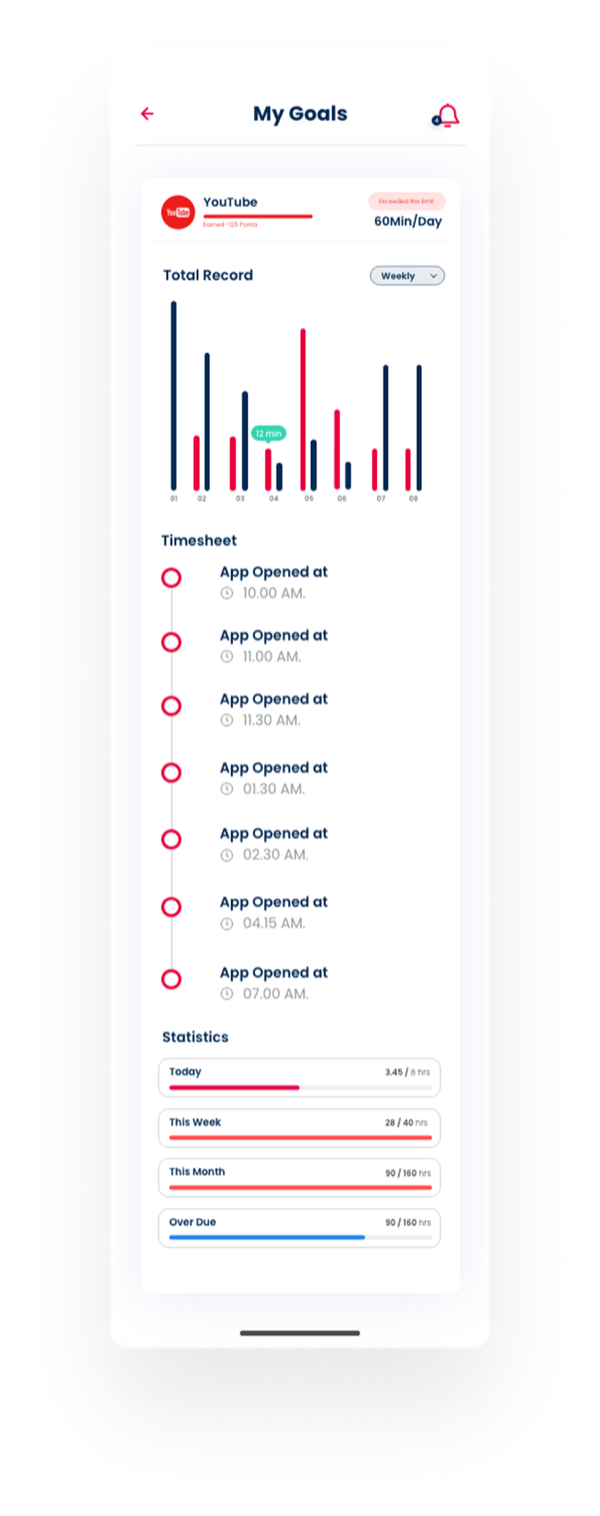
Daily and weekly limits for each app sit in one list, with progress bars that show what’s left. One tap opens the detail: usage records, a timesheet of when apps were opened, and today / week / month statistics.
Design choice — the answer first, the detail one tap away.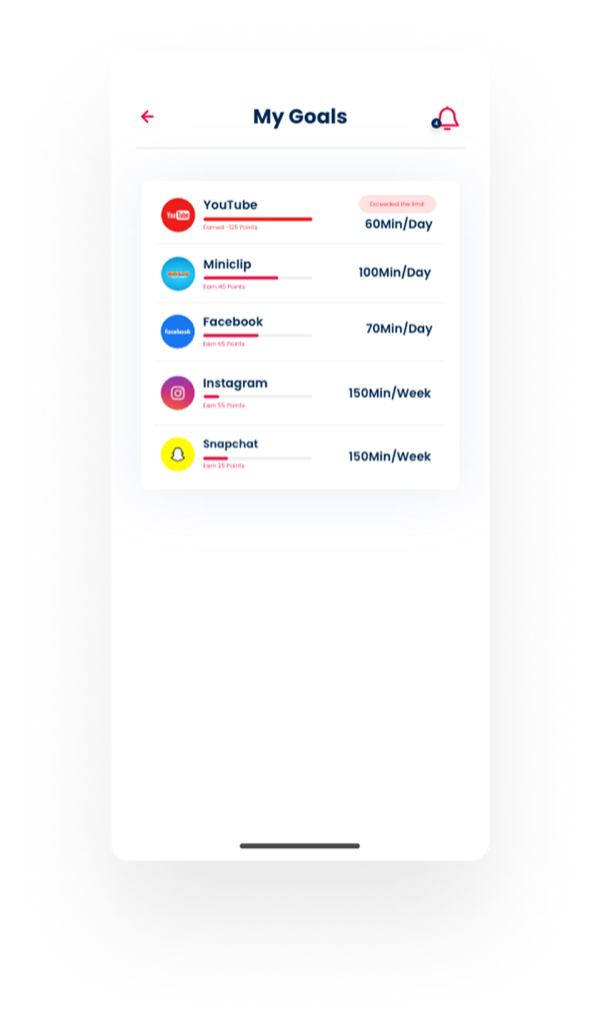
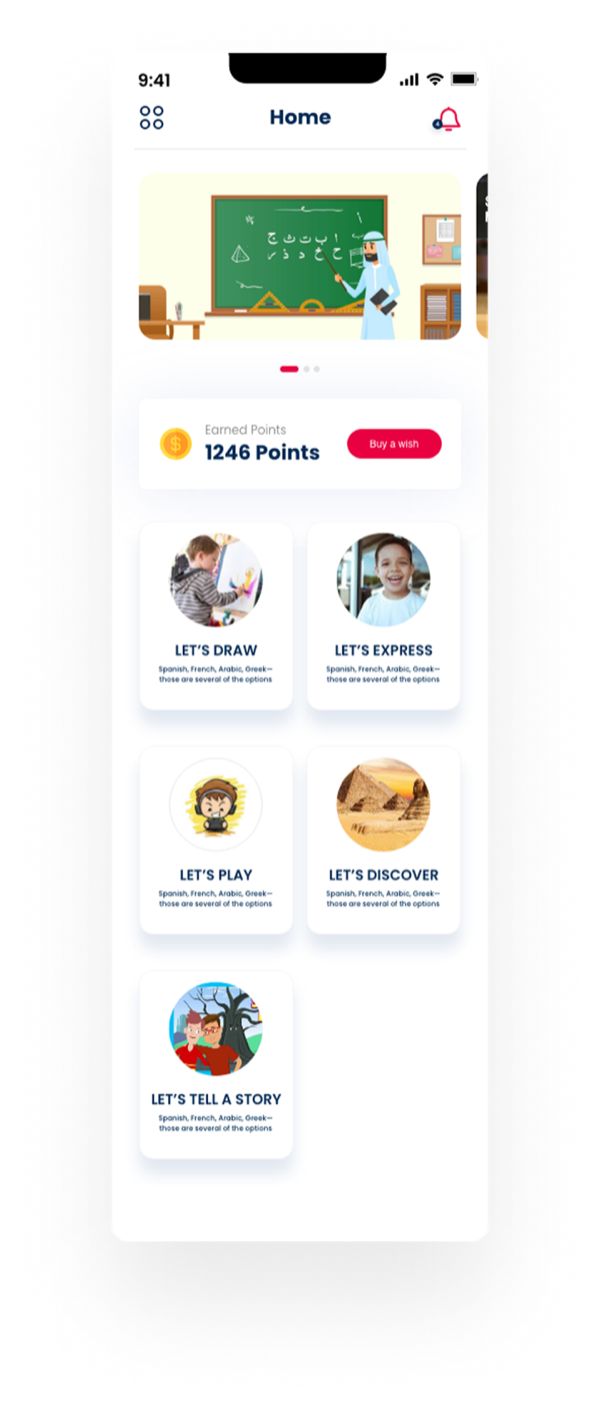
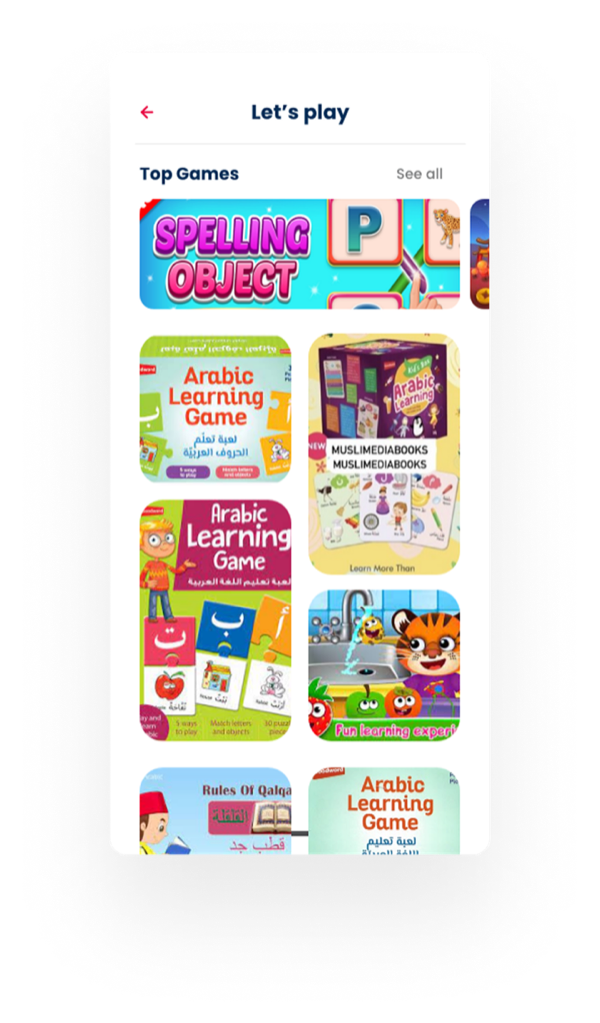
Big, picture-led cards so a seven-year-old never needs instructions — and a points system that turns learning into the path to the things they already love.
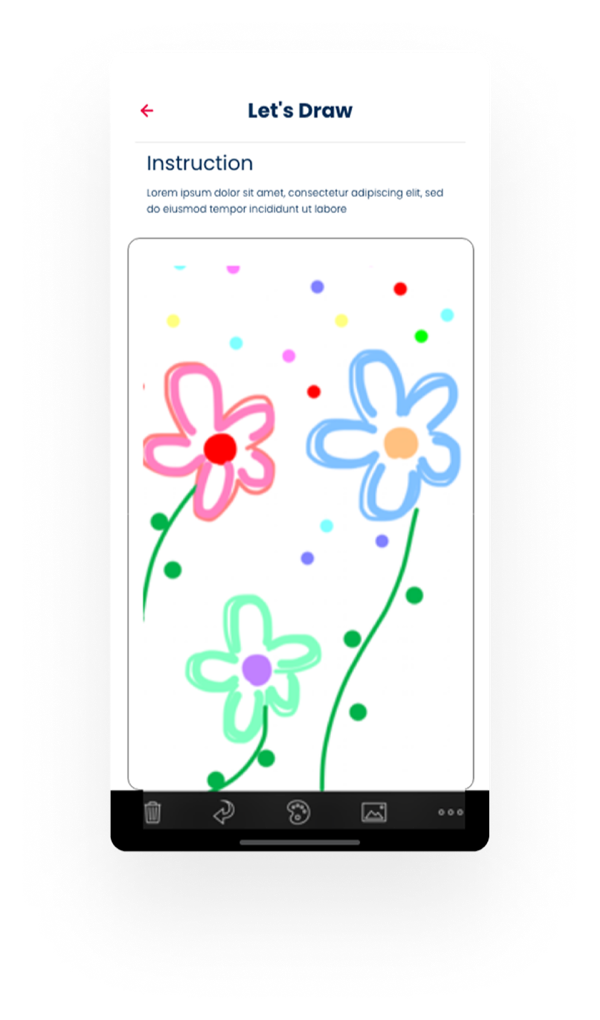
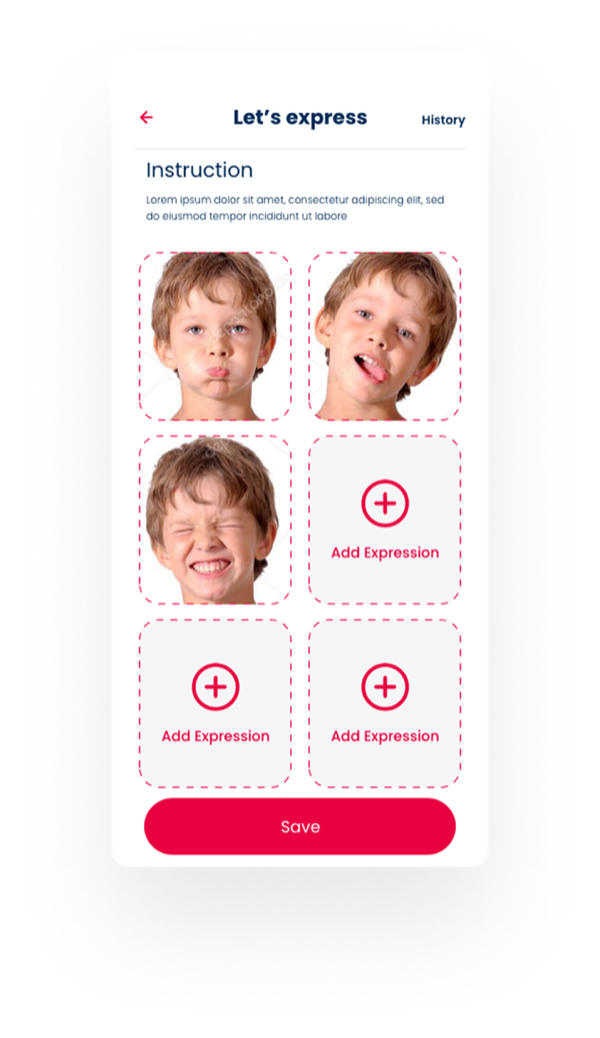
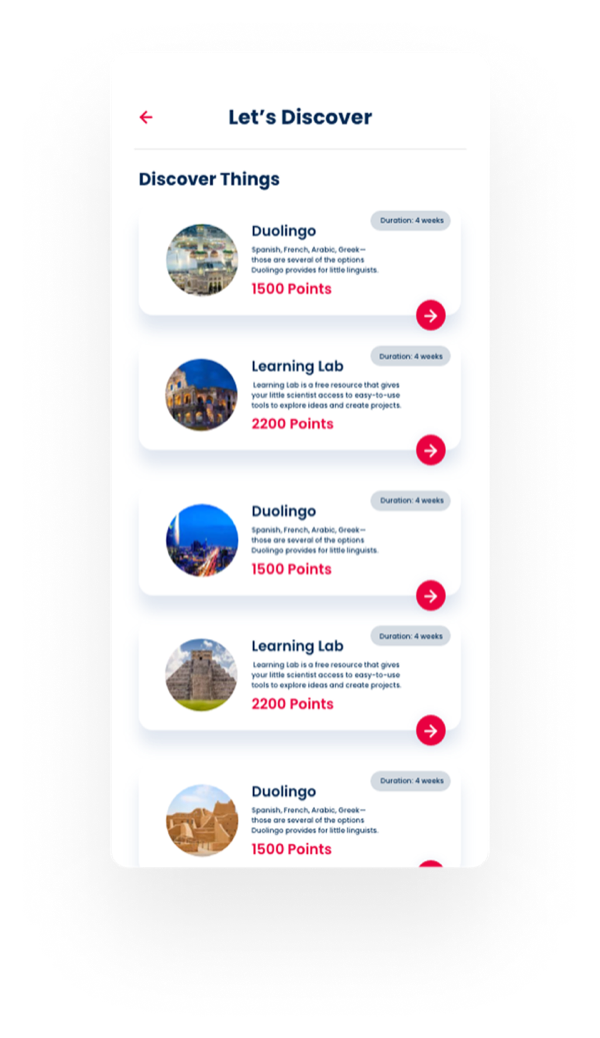
Let’s Draw, Let’s Express, Let’s Play, Let’s Discover and Let’s Tell a Story — each a large, photo-led card, with earned points always in view below the header.
Design choice — navigation a pre-reader can use.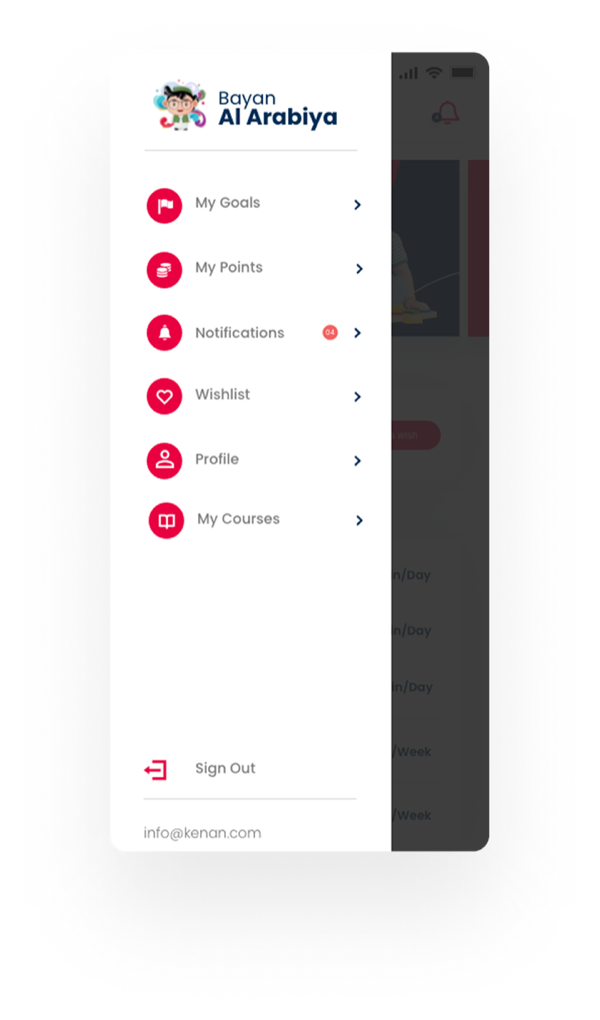
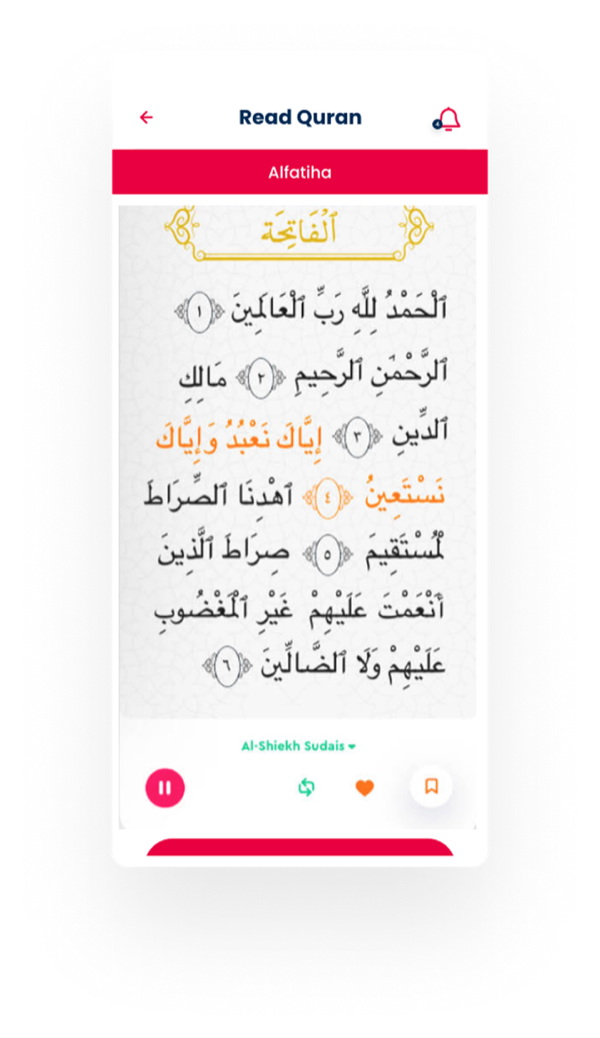
Before a child opens a distracting app, Bayan asks one short question — a math problem, a Quran recitation, or guessing the meaning of a word. Answer it, earn points, unlock the time.
It reframes the parent’s “no” into the child’s “not yet” — the limit is still there, but now it’s a game Ahmed can win.
Design choice — make the rule feel like a challenge, not a punishment.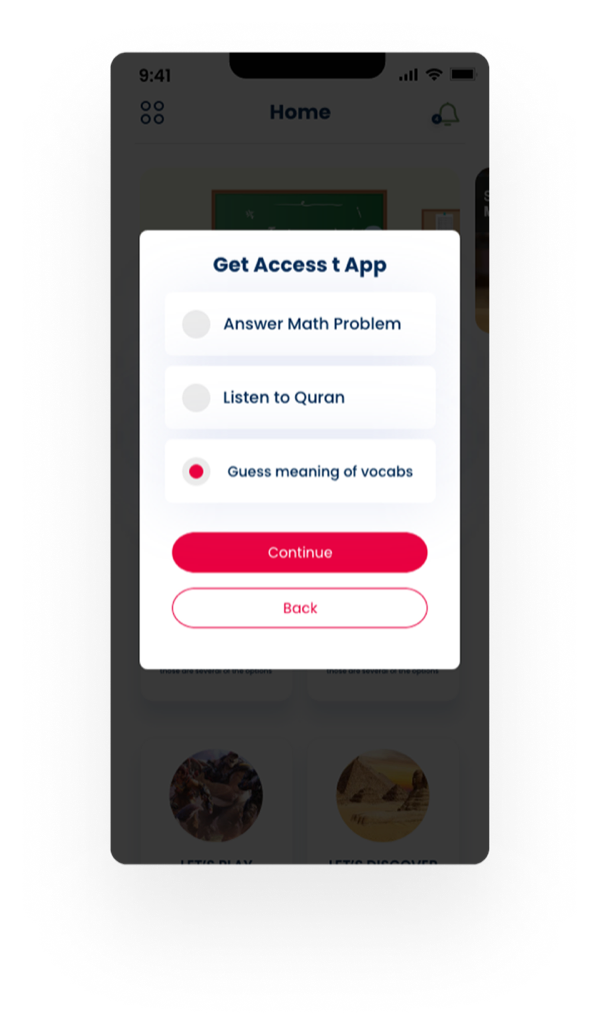
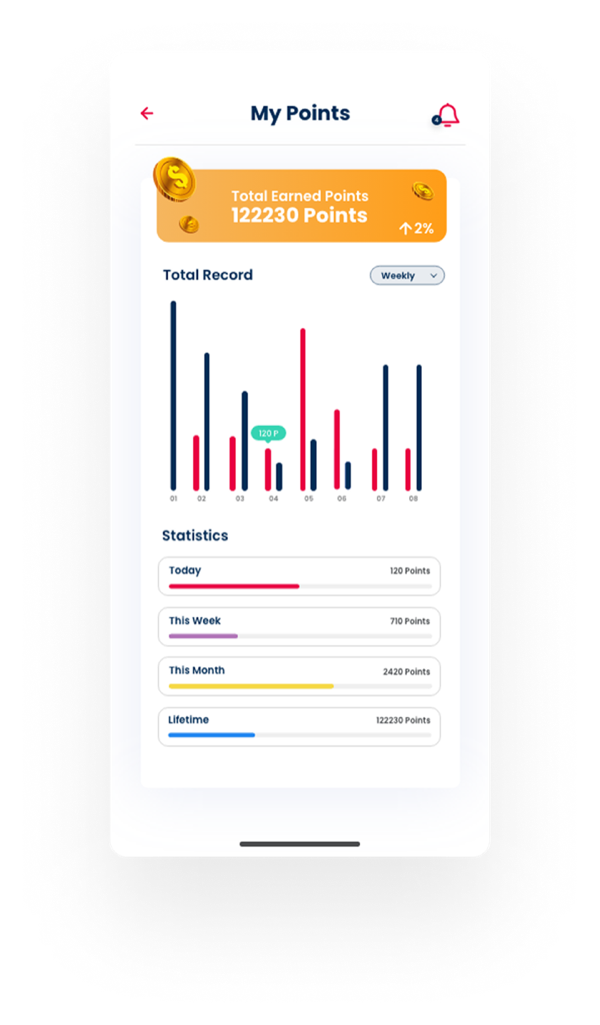
Three wireframes carried the most risk, so they were defined first — each with a clear job before any colour was added.
Became: per-app limits with progress bars, and a detail view with records, timesheet and statistics.
Became: instruction up top, a full canvas, and a simple tool bar a child can reach with one thumb.
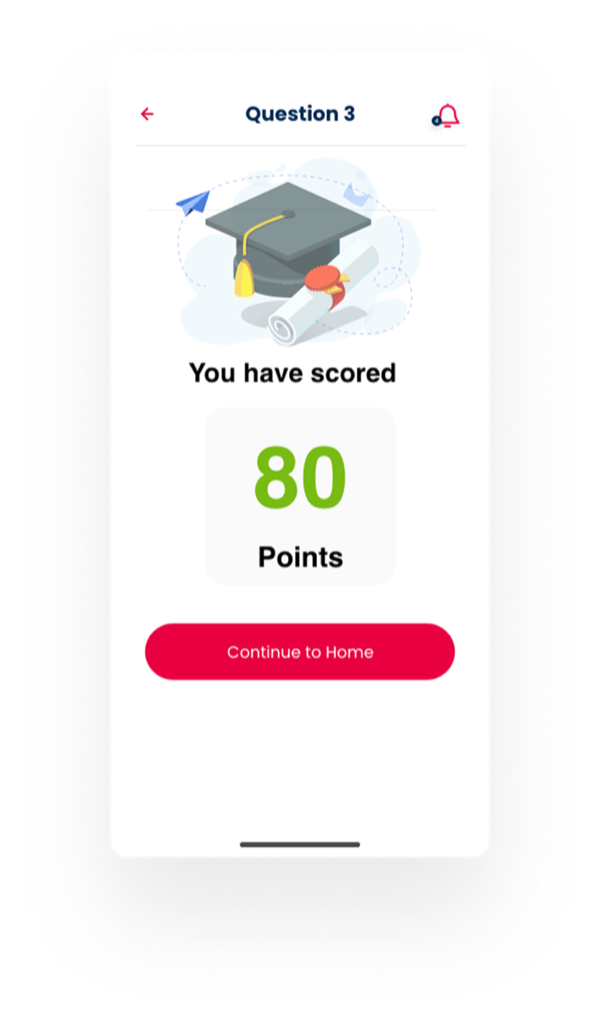
Became: a one-field code login, big tappable answers, and an instant score to celebrate every attempt.
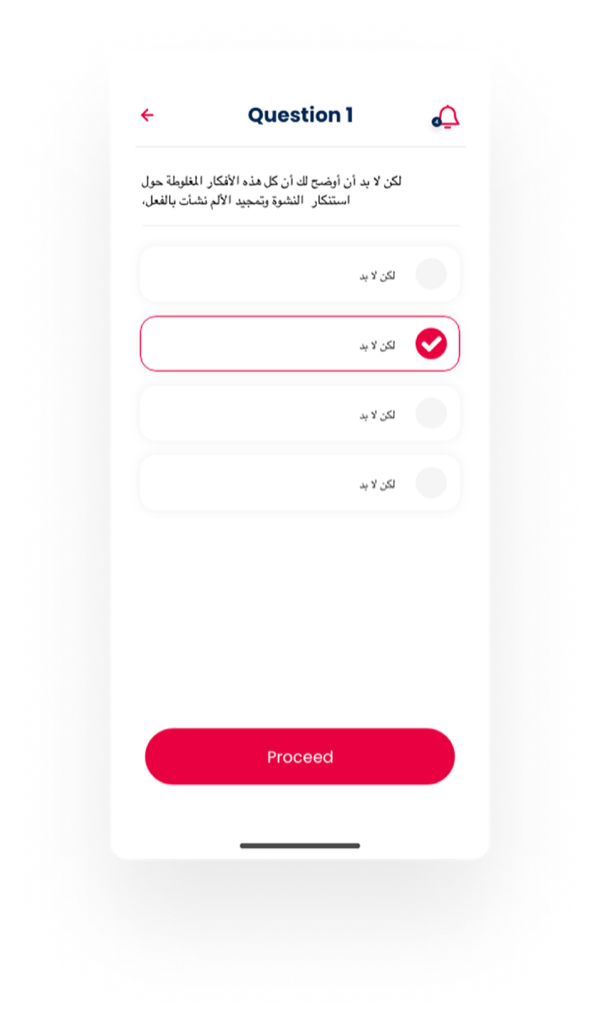
Quran verses and Arabic questions read right-to-left, so they needed more than a text-direction switch. Content hierarchy, alignment and even arrows follow the reader — while the product keeps one consistent identity.
Numbers show where the eye lands first — and they move with the reader.
Switch the language and watch what moves: the greeting anchors to the reader’s starting edge, chevrons and the primary arrow point the way the reader travels, and numbers switch to Arabic-Indic digits. Each one is a decision, not a flip.
Advanced analytics and social sharing were valuable ideas, but neither was needed to prove the core loop. Once the MVP shows that children learn and parents trust it, these become the natural next layer — alongside adapting content to each child’s level and behaviour.
The best rules don’t feel like rules. They feel like a game you want to win.
Screen time isn’t the enemy.Bayan Al Arabia · Sarim Naeem
Meaningless screen time is.